


A living room with a bright window behind the couch is one of the toughest shots in real estate photography. Expose for the room and the window blows out into a white blob. Expose for the view outside and the room goes dark.
AI HDR real estate photo editing exists to fix exactly this problem.
This article looks at how AI HDR editing handles the lighting scenarios agents run into most: bright windows, dark interiors, harsh shadows, and rooms with light coming from three directions at once.
Why Lighting Trips Up So Many Listing Photos
A camera sensor can only capture so much range between the brightest and darkest parts of a scene. A room with a sunlit window has a much wider range than the sensor can hold in one shot. That gap is the whole reason HDR exists in real estate photography.
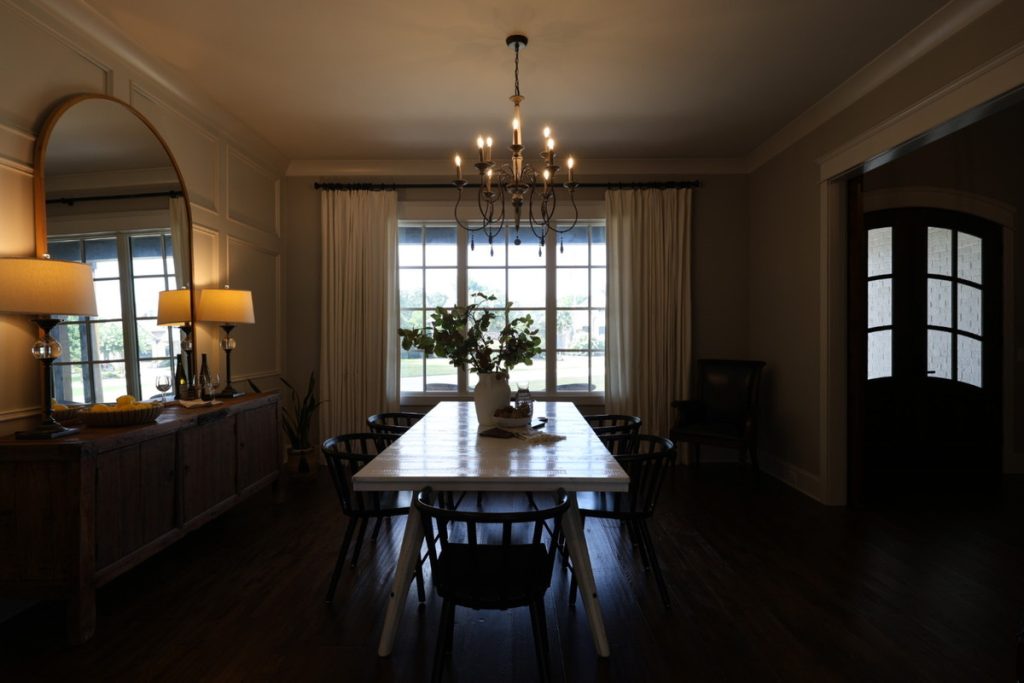
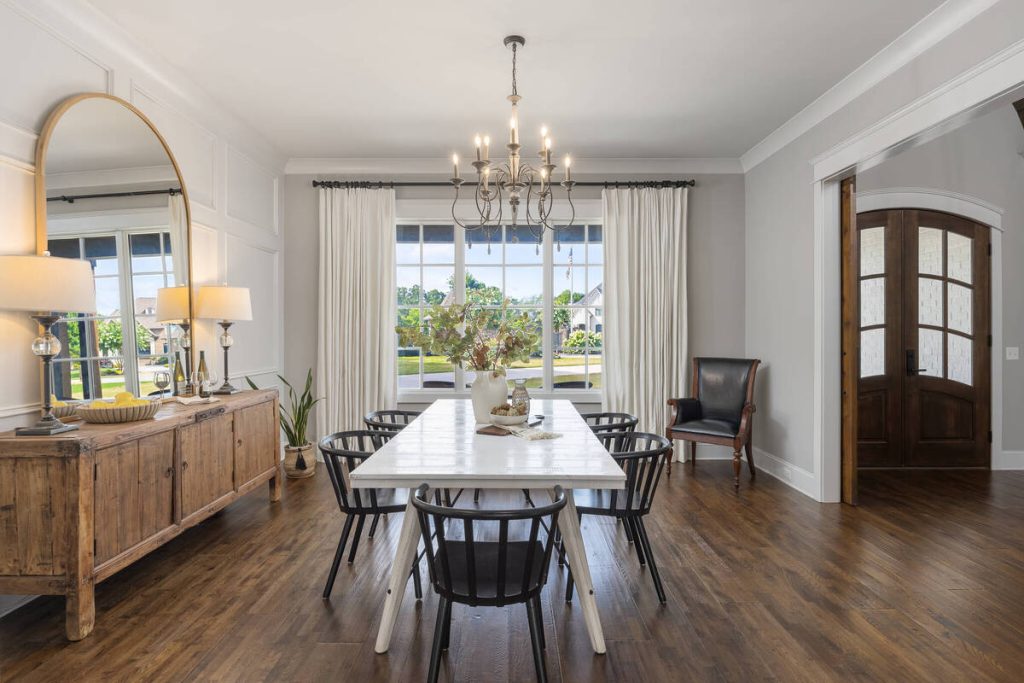
This matters more than it might seem. Among sellers’ agents, 88% said photos were “much more” or “more” important to their clients, according to NAR’s 2025 Profile of Home Buyers and Sellers.1 Listings with professional photography also sold in 89 days on average, versus 123 days for listings without it, per data compiled by The Close.2
A blown-out window or a murky, underexposed room undercuts all of that. Buyers scroll past a bad photo before they read a single word of the listing description.
How AI HDR Real Estate Photo Editing Works
HDR editing starts with bracketed exposures: the same shot taken at different exposure levels, usually one that captures the room and one or two that capture the window and the view outside. A photographer or AI-powered tool then blends those exposures into a single, balanced image.
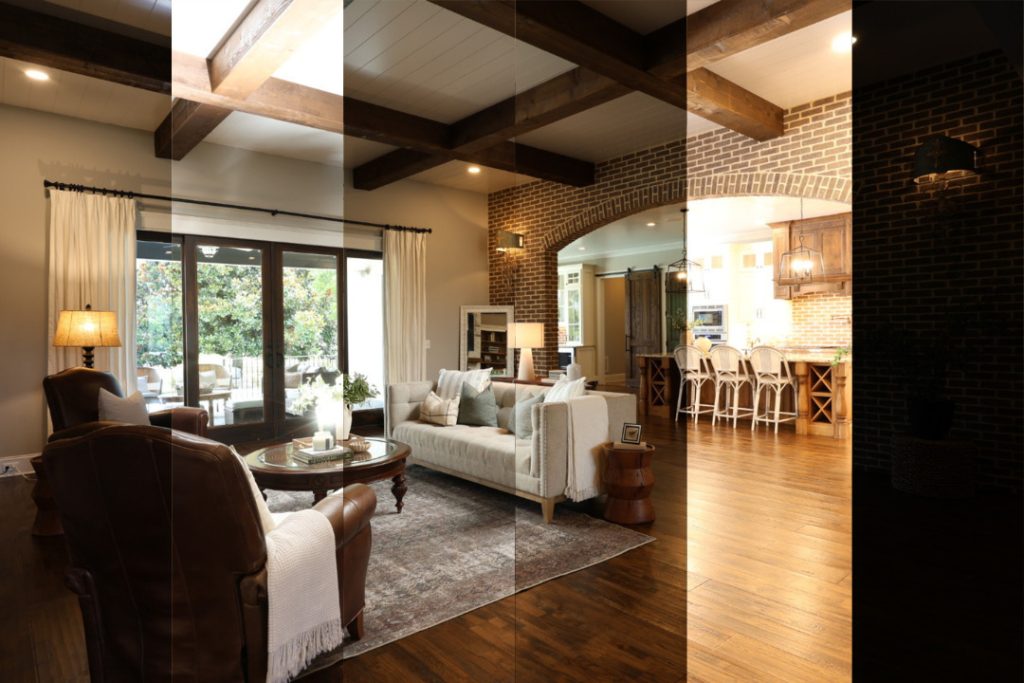
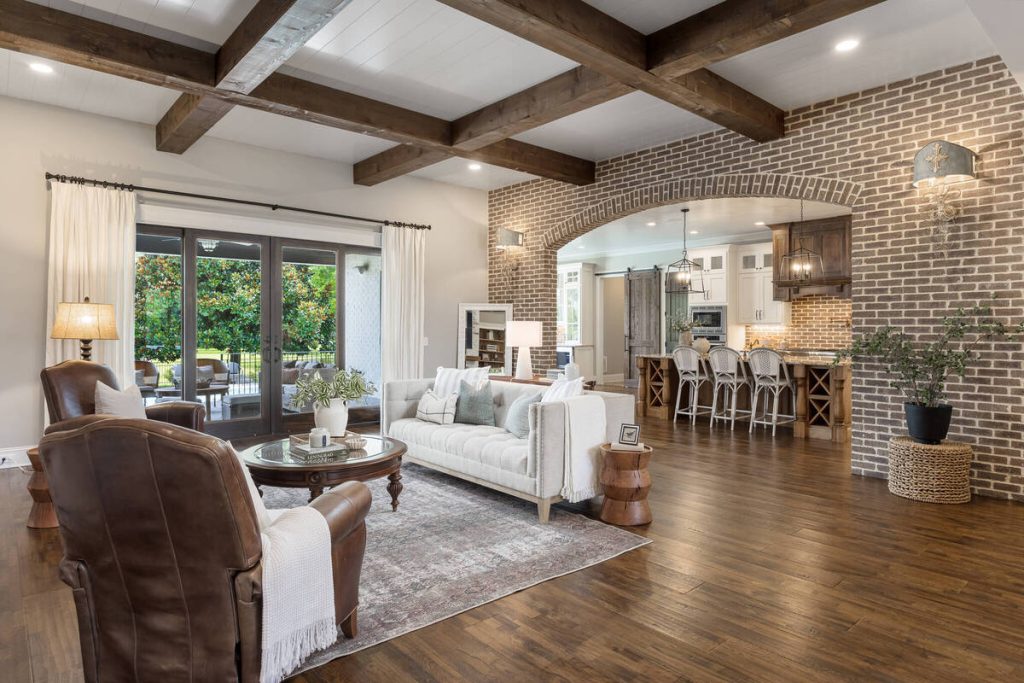
The manual version of this in Photoshop takes a few minutes per photo. Multiply that by 30-plus images on a standard listing and editors lose real time to blending alone. AI HDR tools cut that down substantially. AI-based HDR processing can take exposure blending from 10 to 20 minutes per shot down to seconds, which is a big part of why AI editing has become standard for high-volume photo teams.
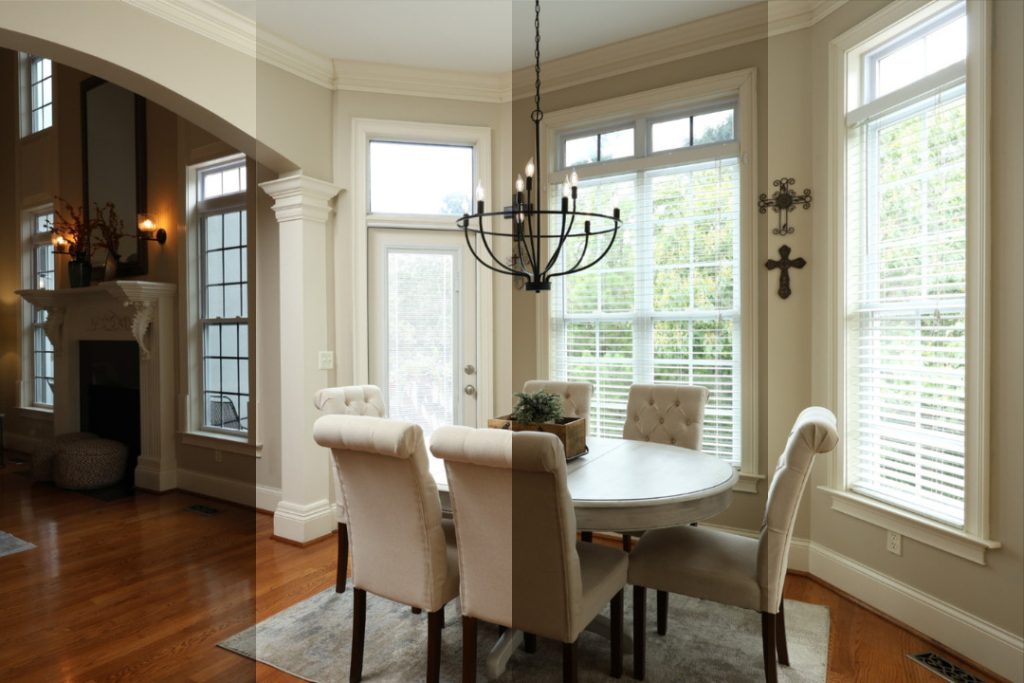
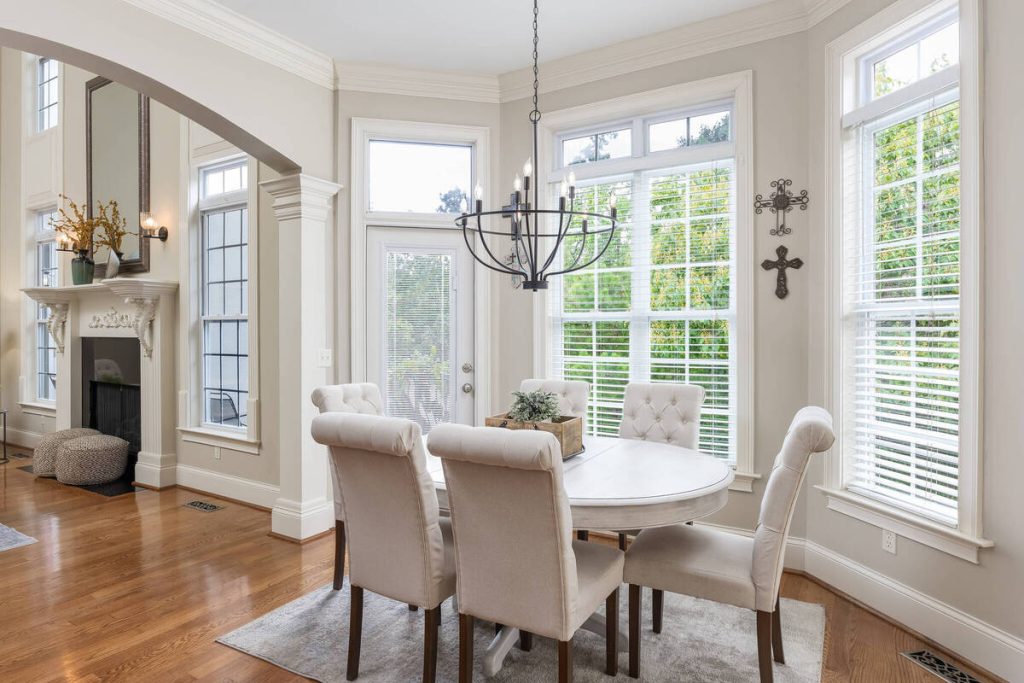
The AI model is trained on large sets of bracketed real estate photos, so it recognizes the pattern: room detail from one exposure, window and sky detail from another, then a blend that keeps both readable without looking artificial.
More Clicks. More Showings.
Get Market-Ready Listing Photos Fast
Transform your listing photos in seconds and attract more buyers from the first click.

Can AI HDR Handle These Tricky Lighting Scenarios?
Here’s how AI HDR performs against the lighting problems that come up most often on listings.
Bright windows and blown-out skies
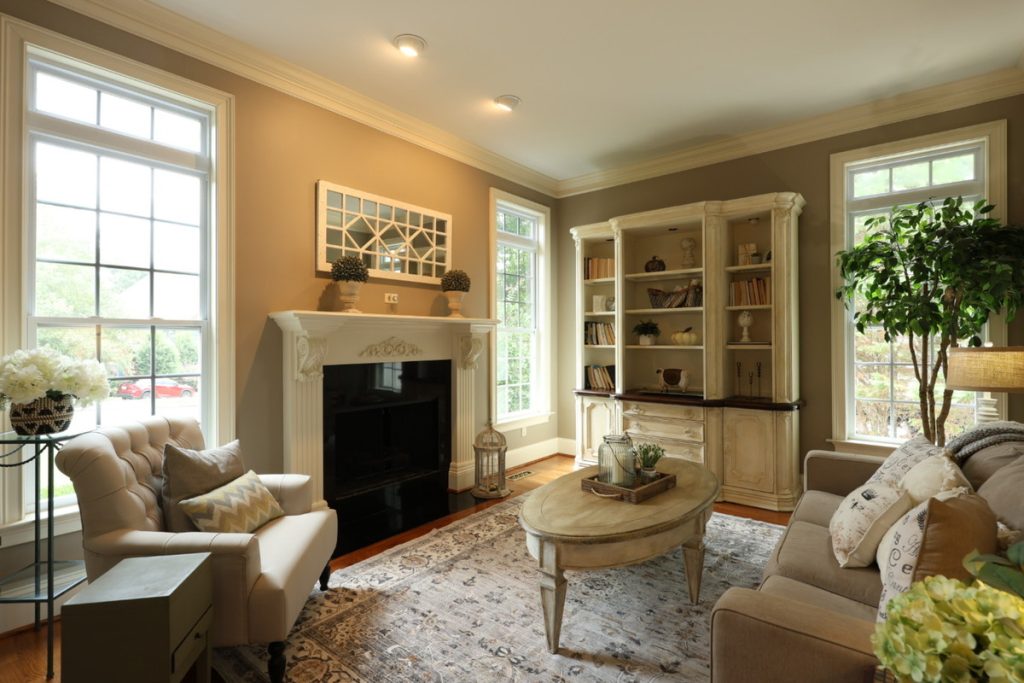
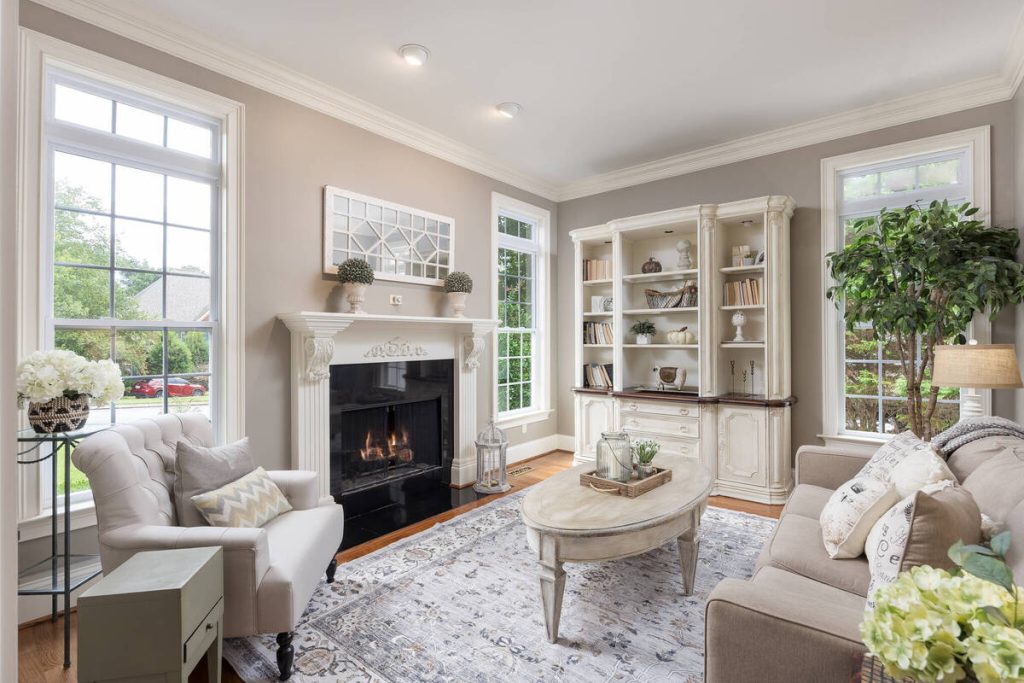
Yes, this is the scenario AI HDR handles best. The model pulls detail from the darker bracketed exposure and blends it into the window area, a technique often called the “window pull.” Done well, you get a room that reads naturally and a window that shows sky, trees, or a yard instead of a flat white rectangle.
Dark, underexposed interiors
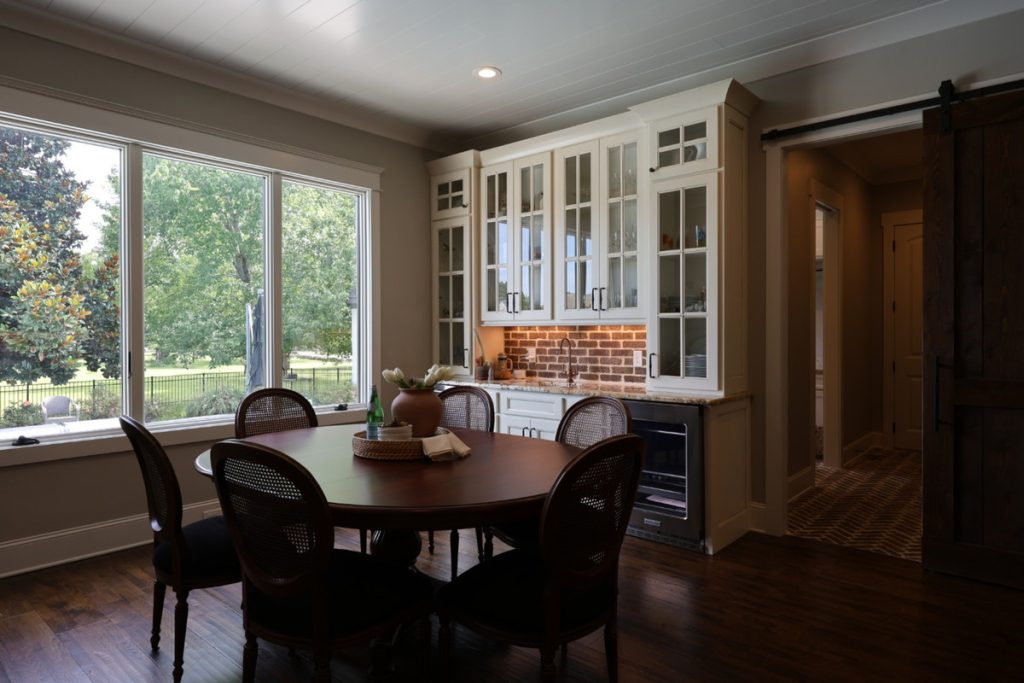
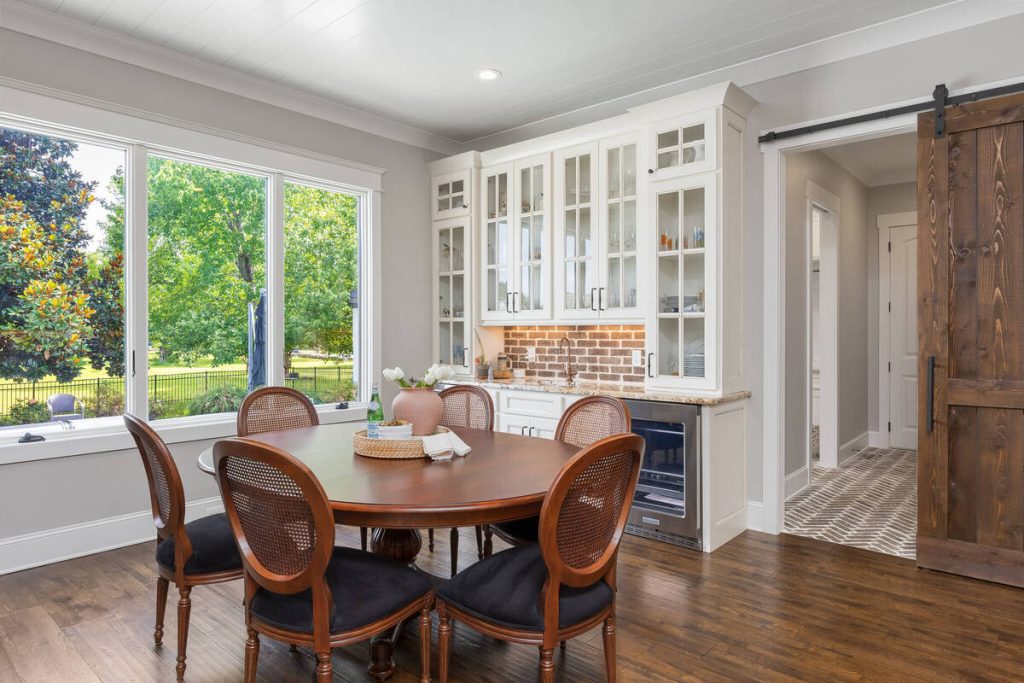
Also a strong case for AI HDR. Interior rooms with limited natural light, especially ones with dark flooring or wood tones, tend to photograph murky in a single exposure. Blending in a brighter bracketed shot recovers shadow detail without pushing exposure so far that the image looks washed out.
Harsh shadows and hot spots
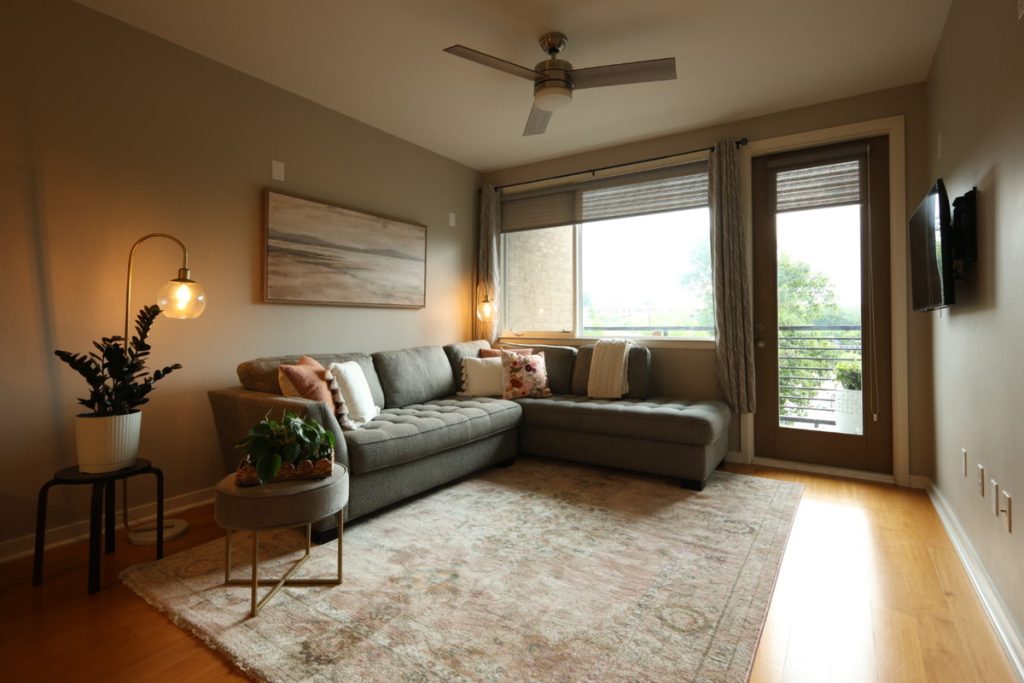
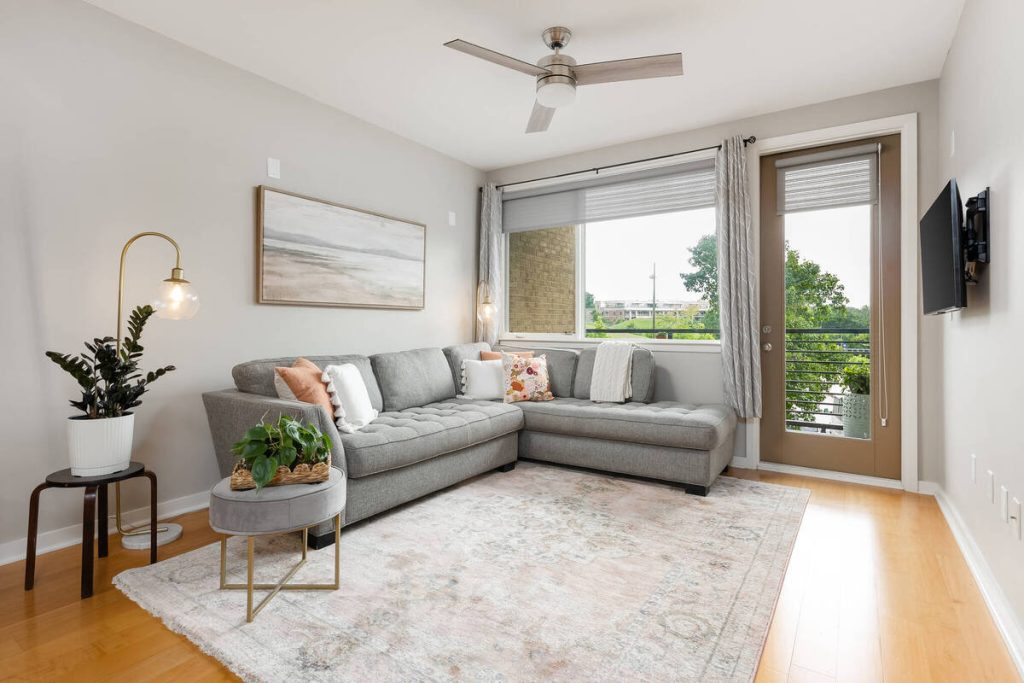
This one is more mixed. AI HDR softens hard shadows cast by direct sun through a window or a bright overhead fixture, but a single bracket set won’t always fully resolve a hot spot directly under a light source. Photographers sometimes still need a light flag or a slightly different camera angle before AI editing can finish the job.
Mixed or uneven lighting across a room
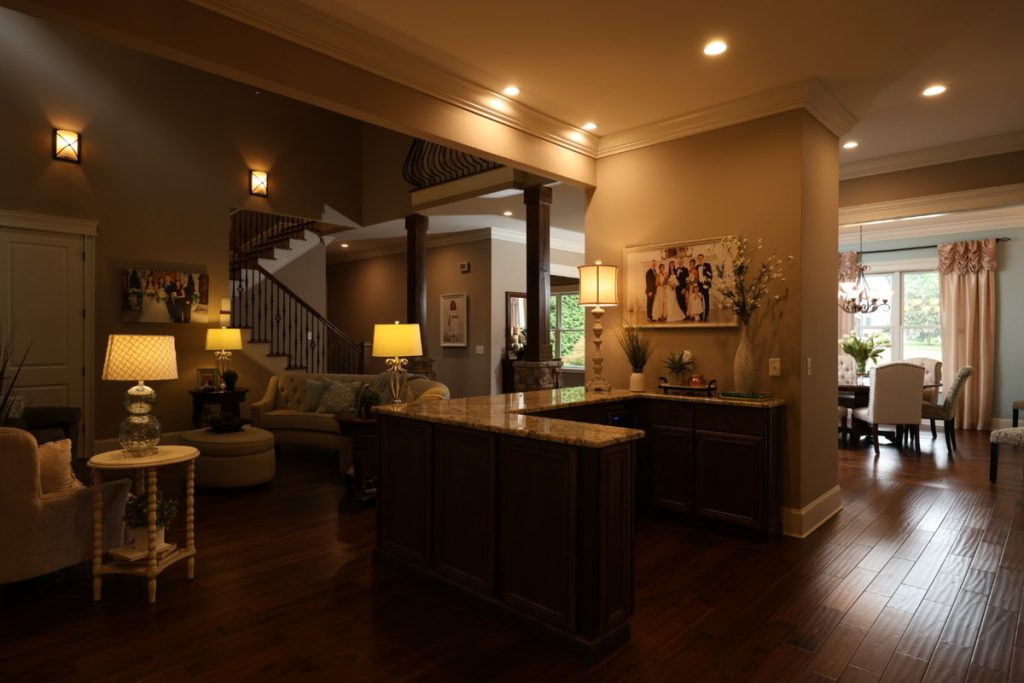
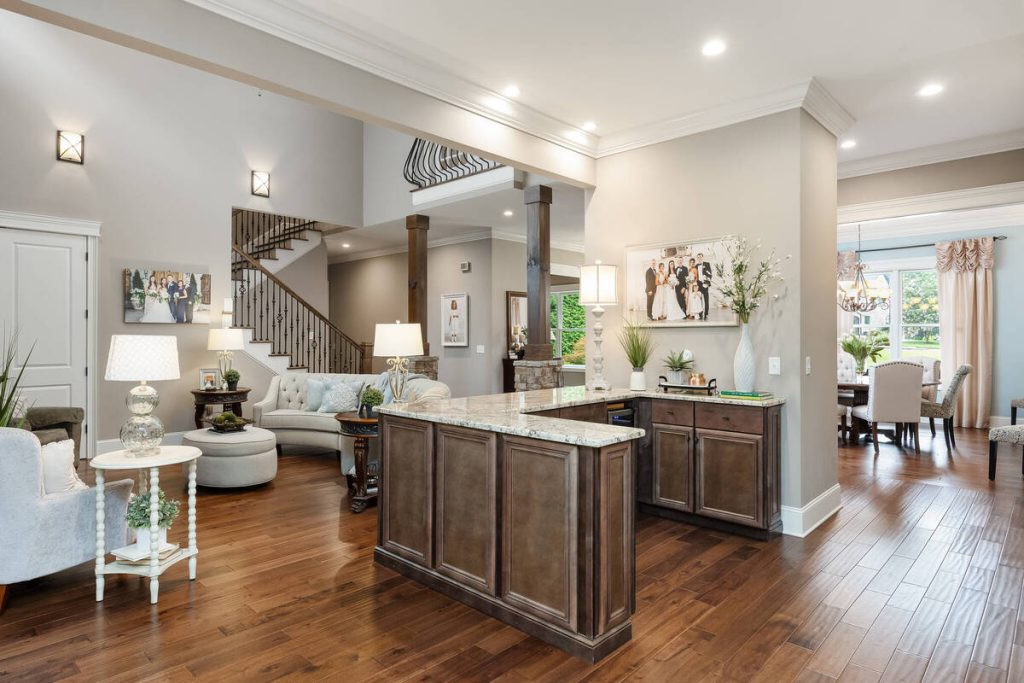
Also mixed. A room lit by a warm lamp on one side and cool daylight on the other creates a color balance problem, not just an exposure problem. AI HDR editing handles the exposure blending well, but color casts from mixed light sources are one of the areas where results can come out slightly flat or need manual correction.
Getting Better Results from AI HDR Editing
A few habits improve what AI HDR editing has to work with, whether you’re shooting the listing yourself or briefing a photographer:
- Shoot on a tripod so bracketed exposures line up cleanly during the blend.
- Use at least 3 bracketed exposures for normal rooms, and 5 or more for rooms with very bright windows or mixed light.
- Shoot in RAW format, since it holds more recoverable detail than JPEG.
- Turn on interior lights before shooting, even during the day, to reduce color casts and even out the room.
- Keep the camera level to avoid distorted lines that editing can’t fully correct.
How AgentUp Handles Tricky Lighting for Agents
AgentUp’s AI photo editing is built around exactly this kind of listing: bright windows, dim interiors, and mixed light sources that would otherwise mean hours of manual retouching.
Upload a bracketed set or even a single exposure, and the AI-powered workflow returns market-ready listing images with balanced light, corrected color, and a natural window pull, without the per-photo editing time.
More Clicks. More Showings.
Get Market-Ready Listing Photos Fast
Transform your listing photos in seconds and attract more buyers from the first click.
For agents building out a full listing presentation, that same editing turnaround pairs with AgentUp’s virtual staging and single property websites, so photos, staged rooms, and a dedicated listing site can go live together instead of on separate timelines.
If you want to see how it handles a specific problem listing, upload a few photos with tricky lighting to AgentUp’s photo editing tool and compare the results against your usual edit.
References: