


Every listing depends on photos, and every photo depends on the editor behind it, from turnaround time to how consistent your images look from one property to the next.
Pick the wrong one, and it shows up in every set you post.
This checklist breaks down what actually matters before you choose a real estate photo editor.
What Does an AI Real Estate Photo Editor Actually Do?
An AI real estate photo editor fixes color, exposure, and lighting automatically, then adds edits like sky replacement, object removal, and virtual staging. Most tools blend multiple exposures into one HDR image, so a bright window and a dim room both come out balanced.
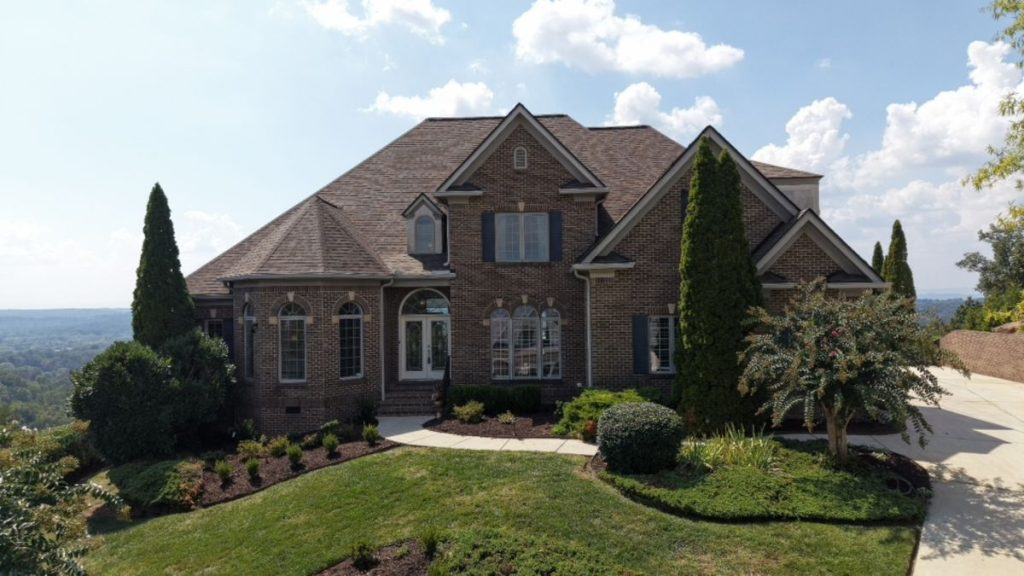
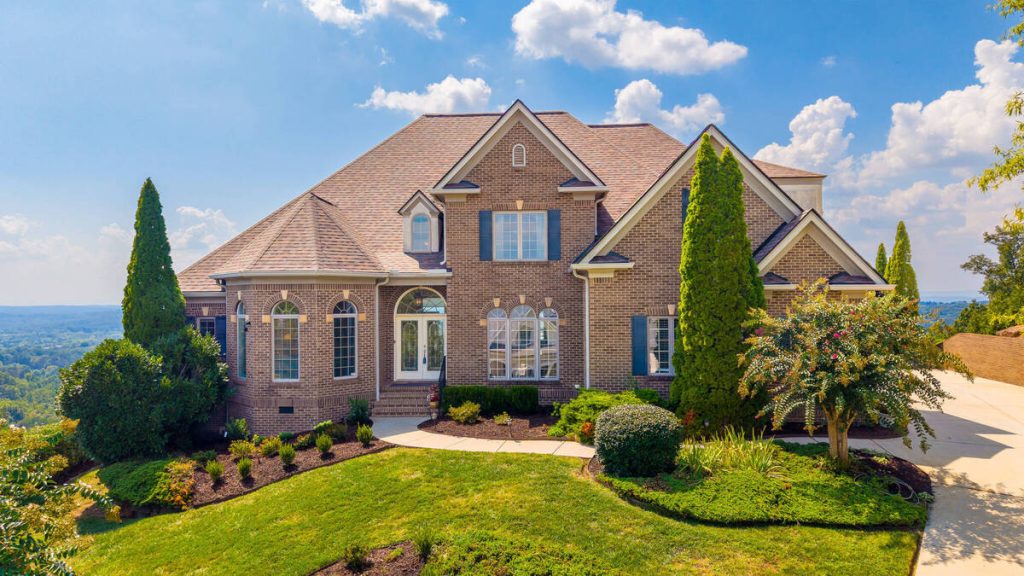
Some platforms stop at automated editing. Others add optional human review, so a person checks the AI’s output before it’s delivered.
Why the Editor You Pick Affects More Than the Photos
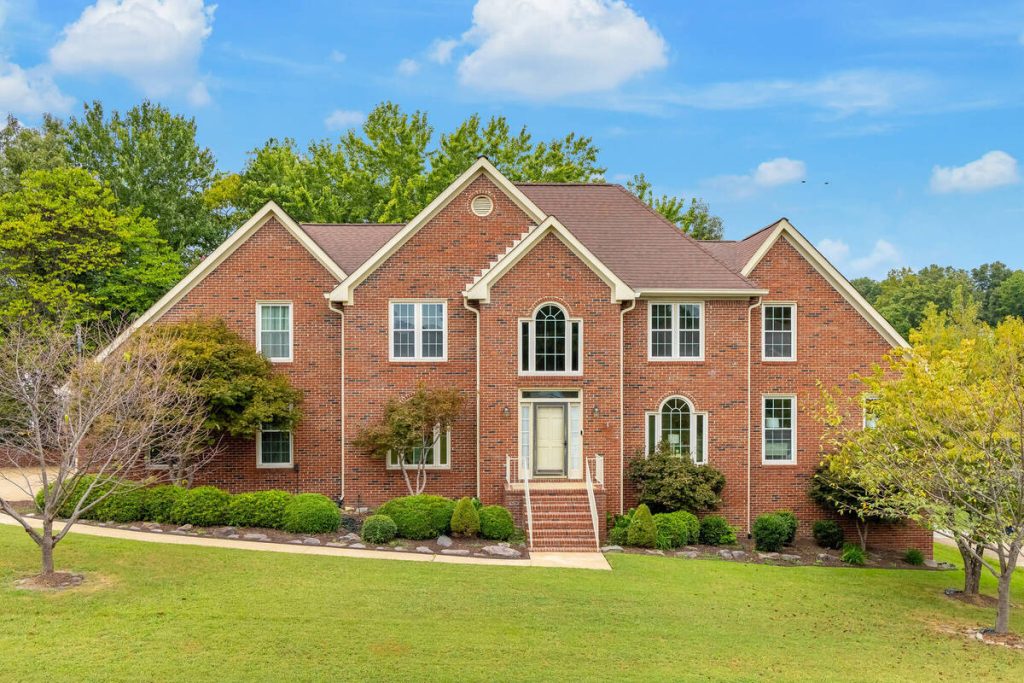
Buyers see your photos before they read a single word of the description. Homes with professional photography get 61% more views than listings without it, per a Wall Street Journal analysis, and pro-quality images close for up to $116,076 more.1
Staging carries similar weight. NAR’s 2025 profile of home staging found 29% of agents saw staged listings sell for 1% to 10% more, and 49% saw a faster sale.2 A related NAR report found a third of buyers’ agents said clients were more willing to walk through a home they’d seen staged online.3
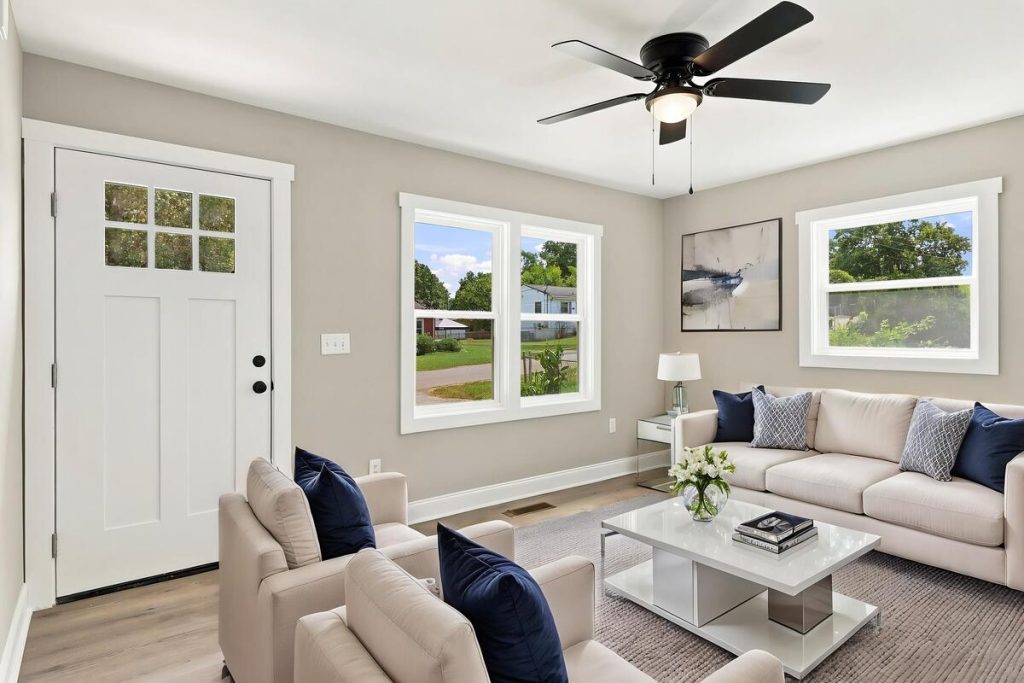
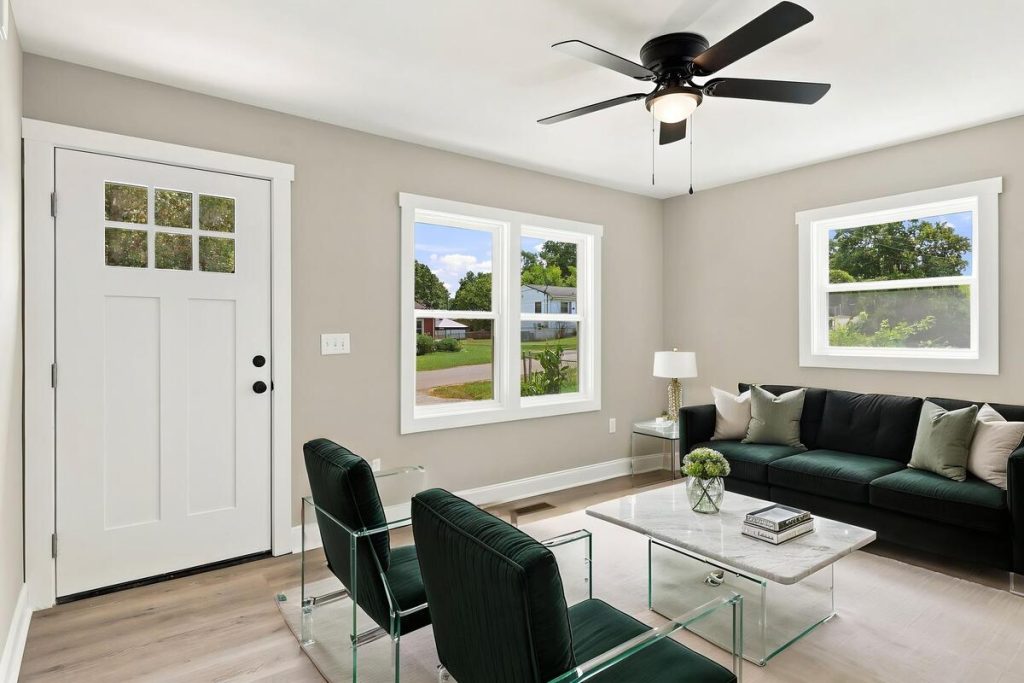
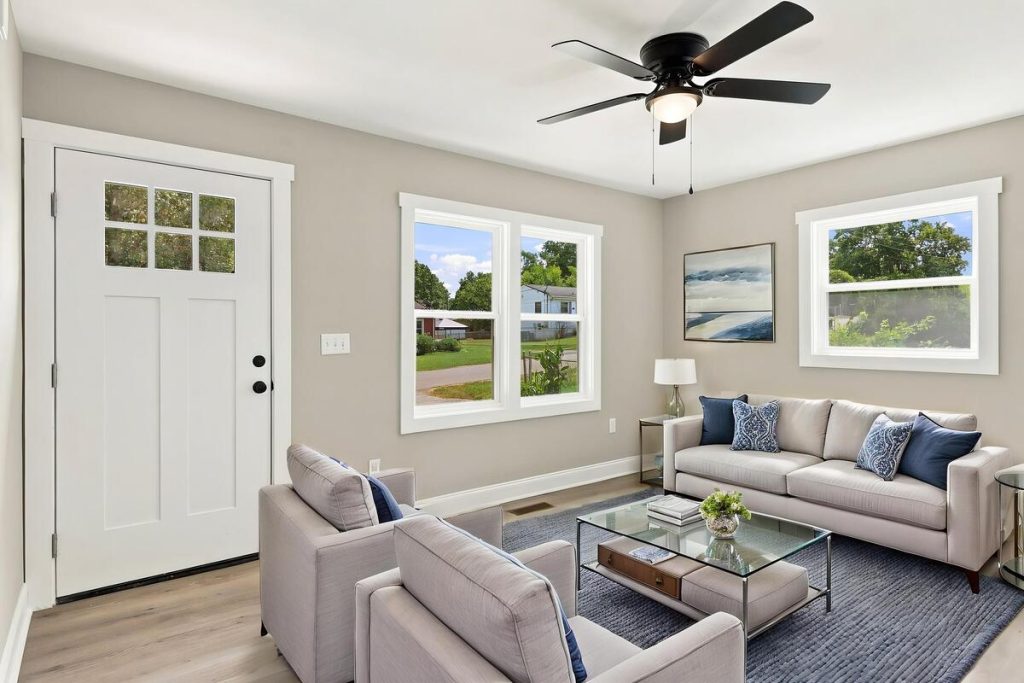
AI adoption isn’t niche anymore, either. Fewer than 2% of brokerages have no plans to adopt AI in 2026, and photo editing is one of the most common starting points.4
More Clicks. More Showings.
Get Market-Ready Listing Photos Fast
Transform your listing photos in seconds and attract more buyers from the first click.

The Buyer’s Checklist: 9 Things to Look For
1. Turnaround Time
Turnaround affects how fast you can list. A two- or three-day wait means delaying your listing or publishing without your best photos, so look for same-day turnaround and a mobile option for quick edits between showings.
2. Editing Quality and Consistency
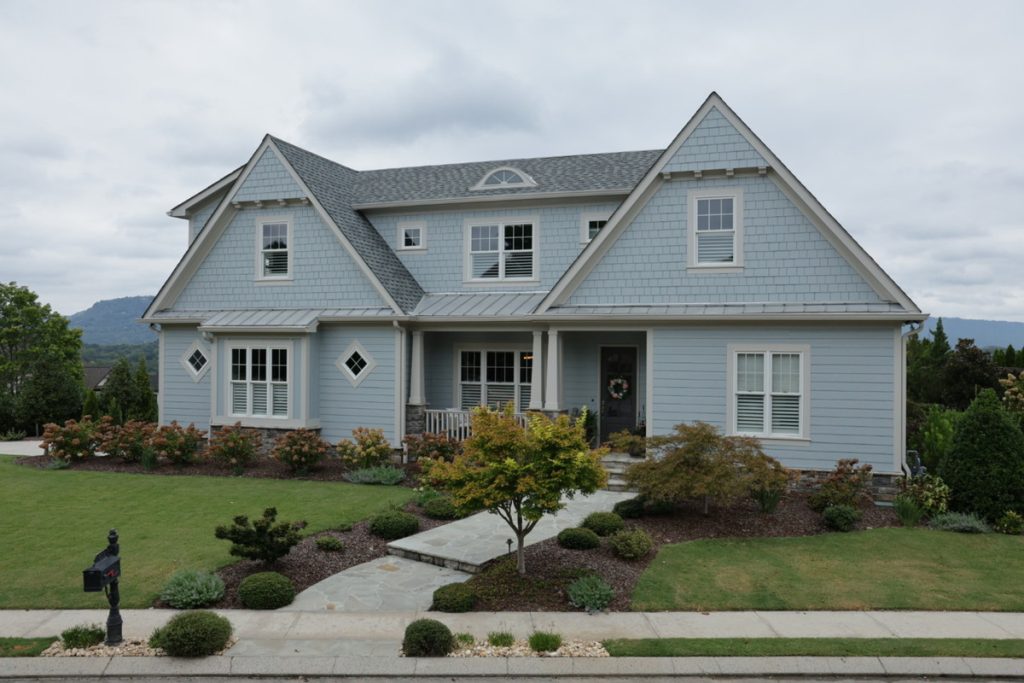
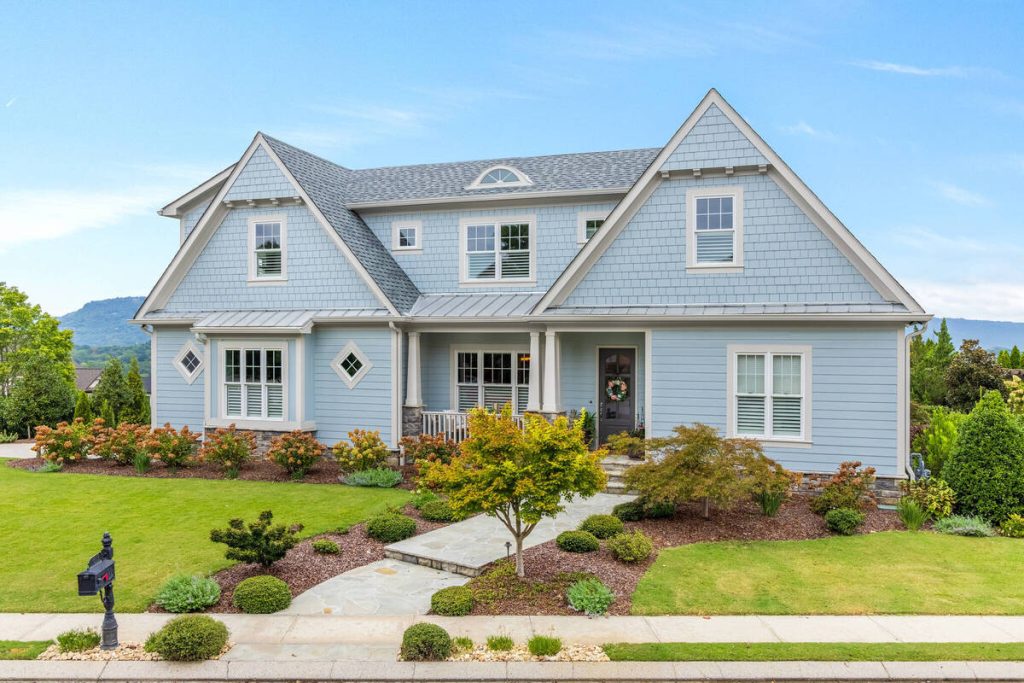
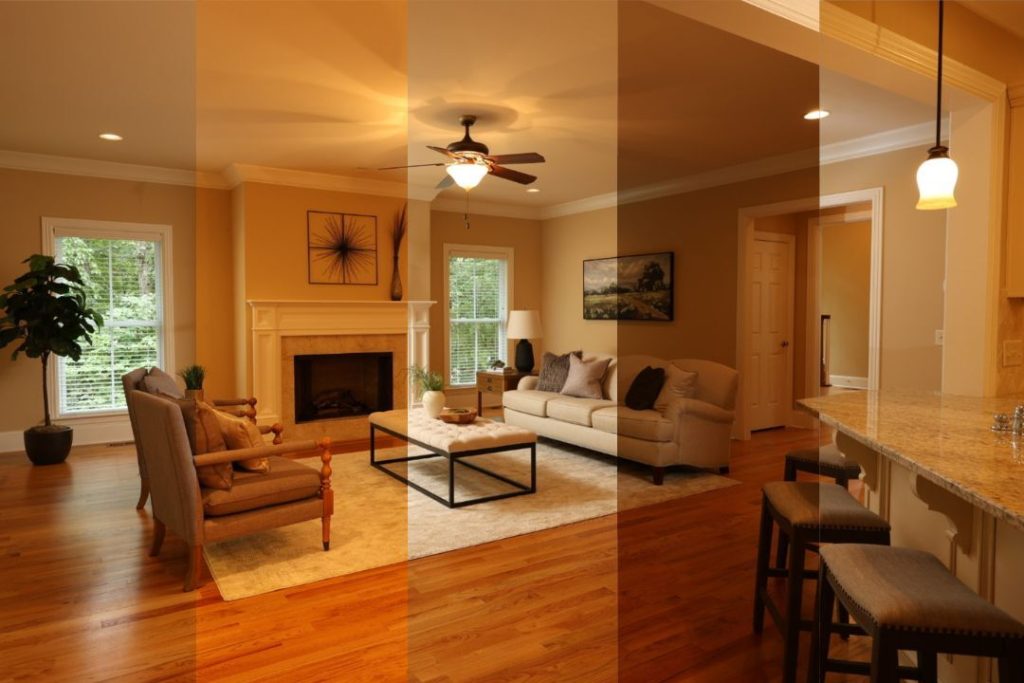
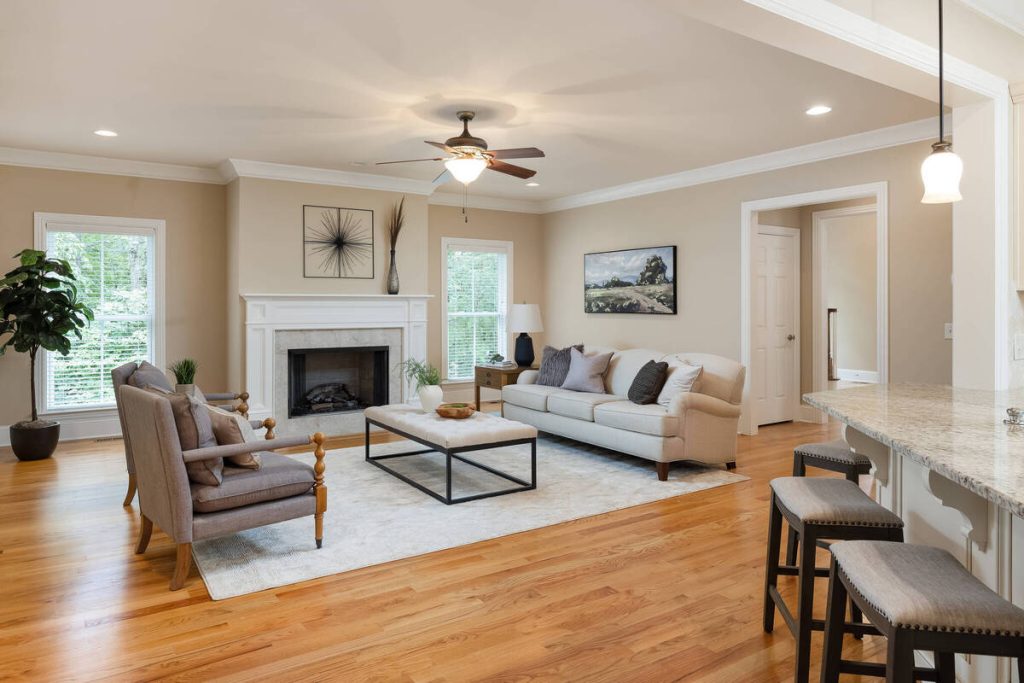
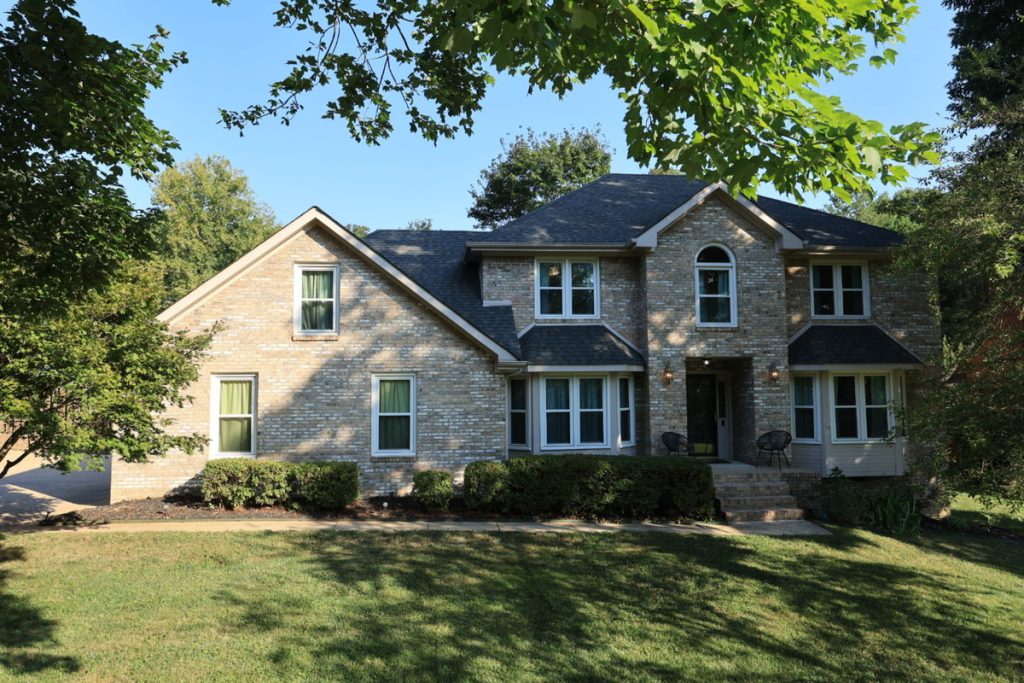
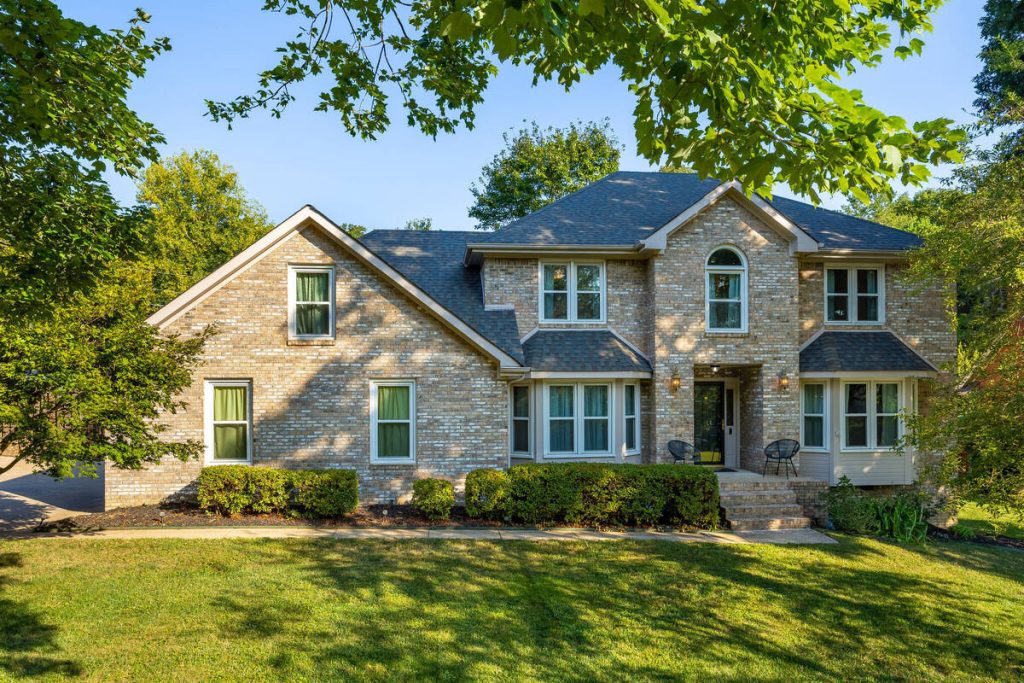
Quality comes down to how well the tool blends HDR exposures and corrects color across an entire set. Inconsistent editing, one photo warm, the next cool, makes a listing look unpolished. Ask for samples from listings like yours before you commit.
3. Pricing Structure
AI photo editors charge per image or by subscription. Per-image pricing works for occasional listings; a monthly plan is usually more affordable at higher volume. Check whether object removal and staging are billed separately.

4. Object Removal and Cleanup
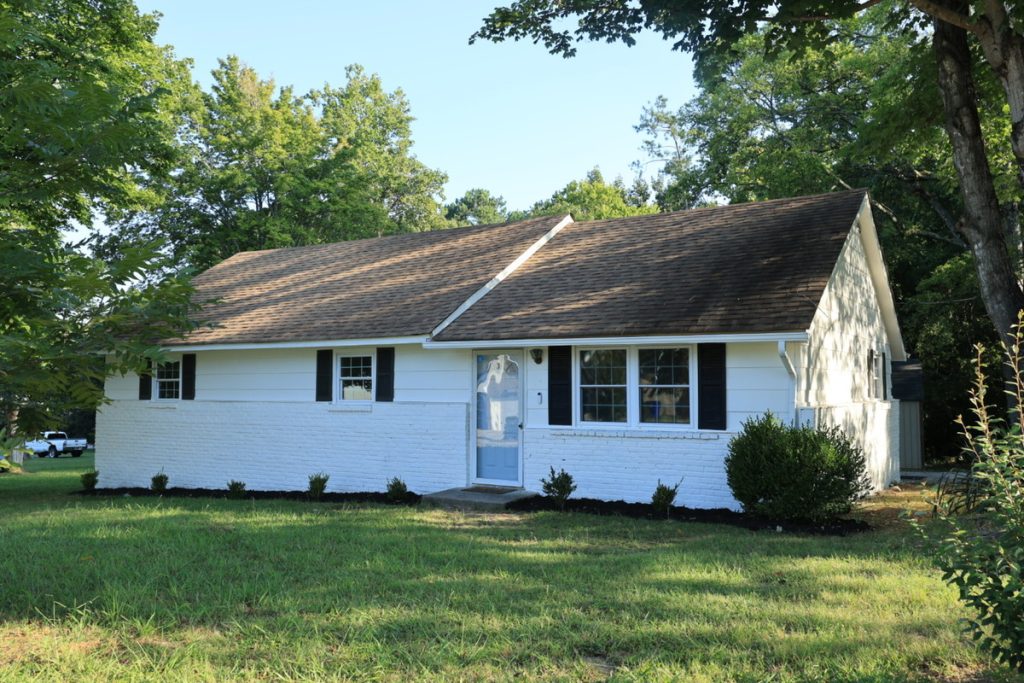
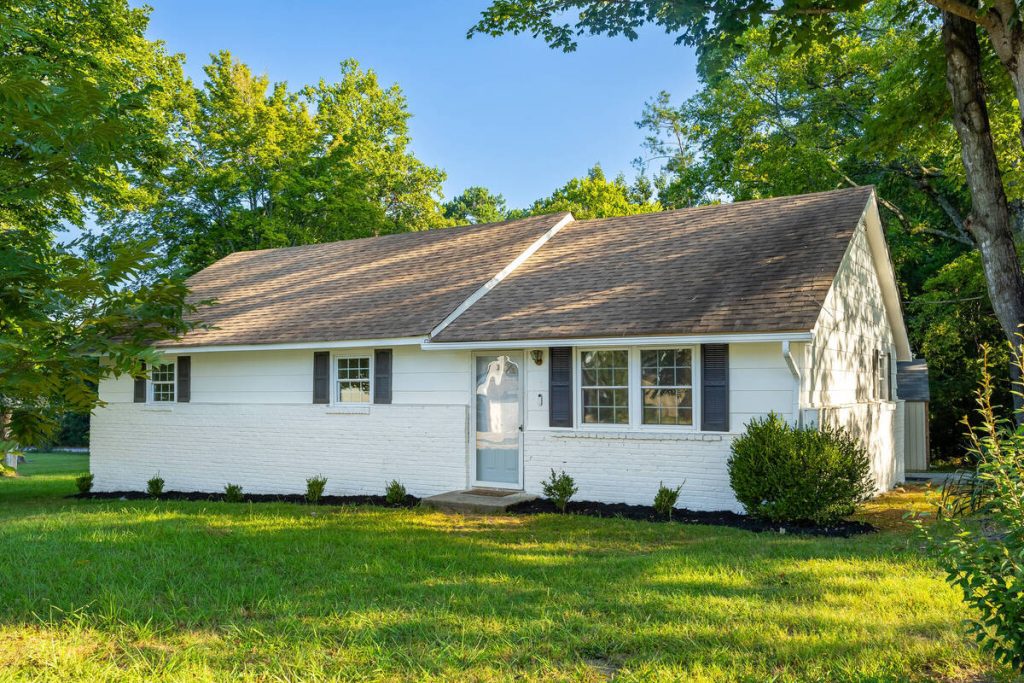
Object removal with a real estate photo editor clears cars, trash cans, and clutter, so you’re not rescheduling a shoot or asking a seller to clean up again. Check how well the tool handles larger objects like furniture, not just small distractions.
5. Virtual Staging Options
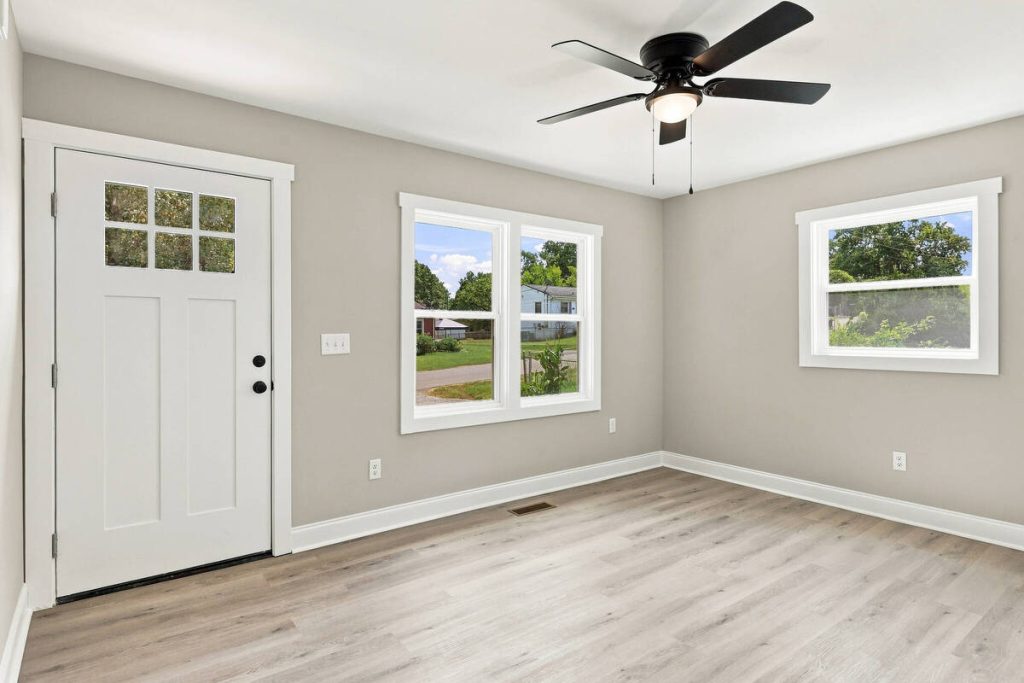
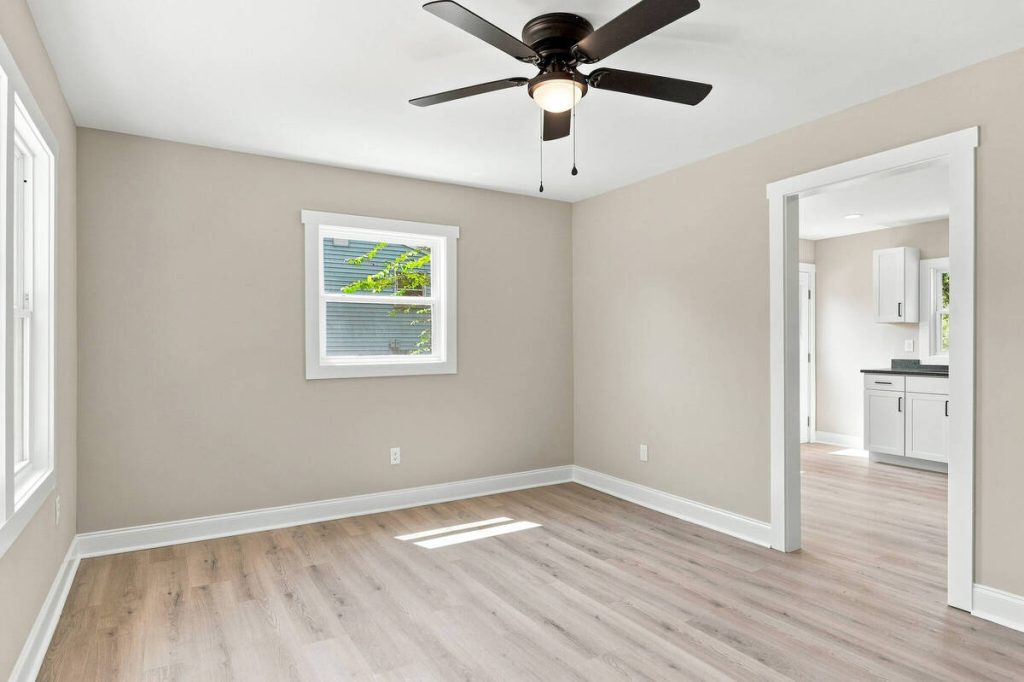
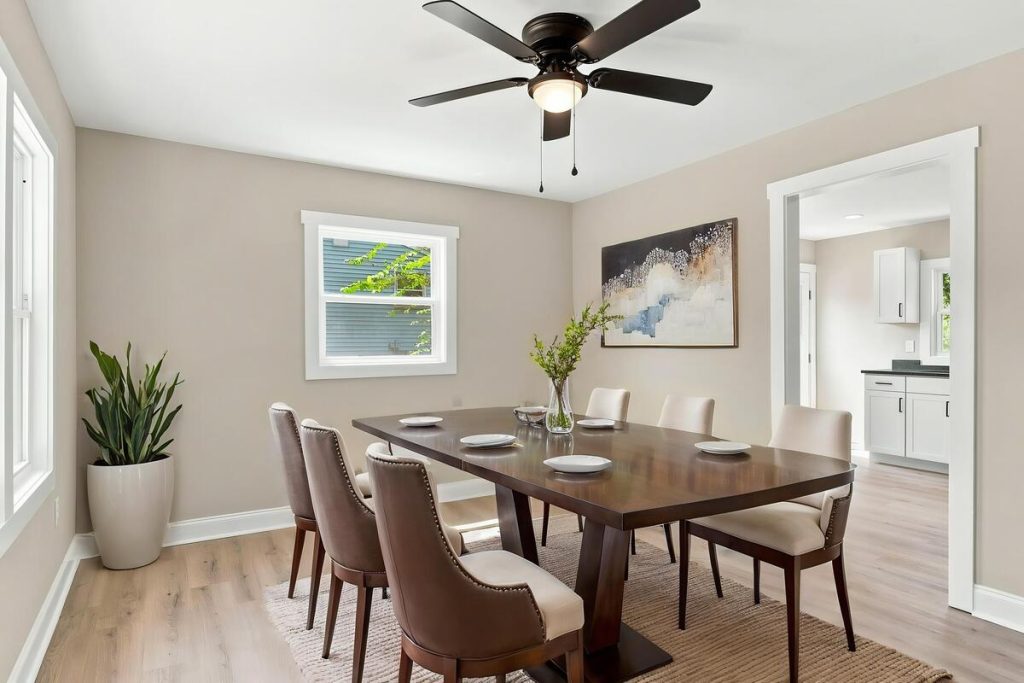
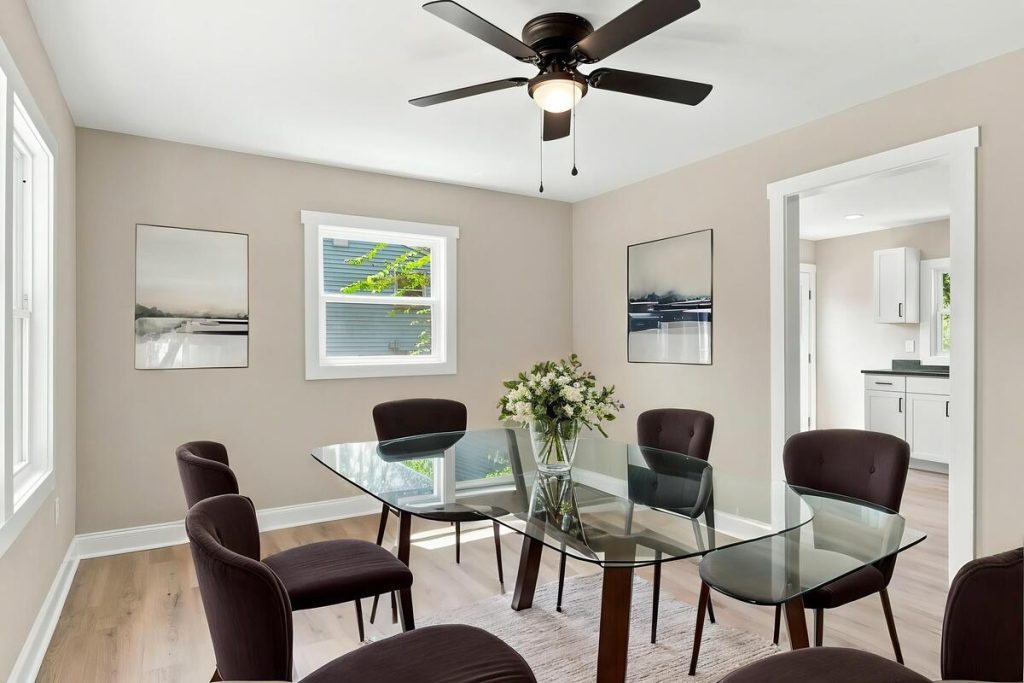
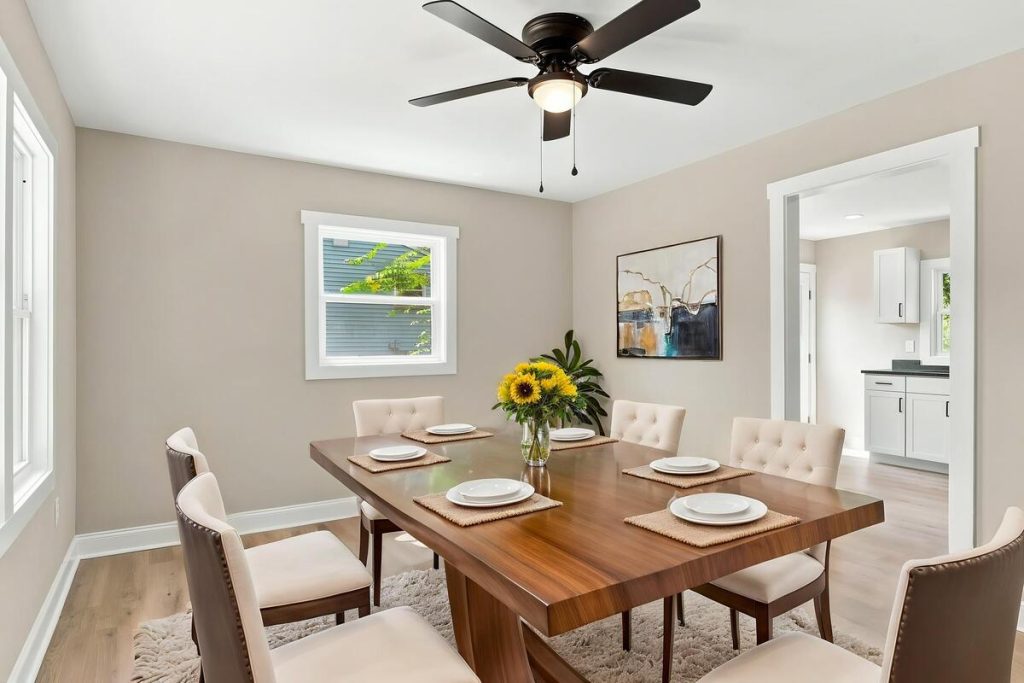
Virtual staging fills empty rooms so buyers can picture them furnished. Look for a range of styles and room types, and make sure results look proportional. Staging that looks obviously fake can hurt buyer trust.
6. Mobile and On-the-Go Editing
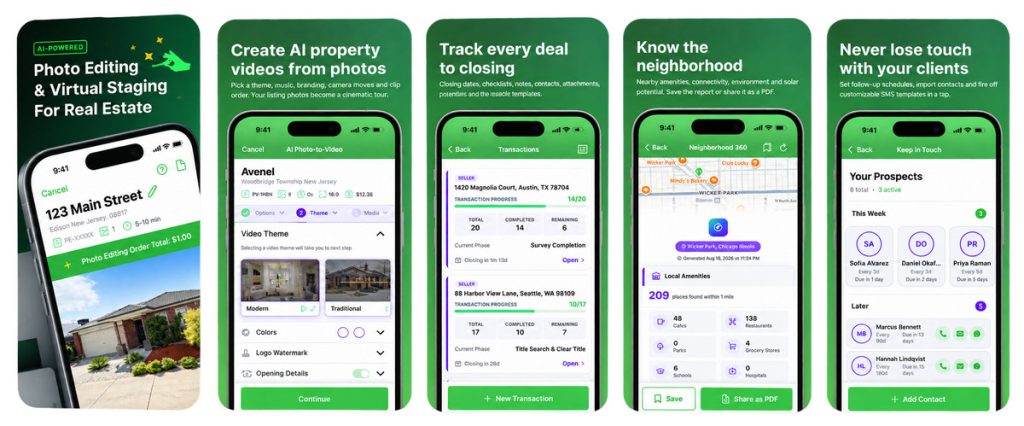
A mobile app that edits photos in seconds helps when you’re shooting a listing yourself and want it live the same day. This matters most if you handle your own photography.
7. MLS and Legal Compliance
Photo editing now falls under MLS rules and state law, not just workflow preference. Wisconsin’s Metro MLS fines altered, unlabeled primary photos daily, and California requires disclosure for edits like landscaping or window views.5
8. Human Review Option
Automation handles straightforward images well, but awkward angles and tricky lighting often need a human check. Look for a tool that offers optional professional editing on top of AI.
9. Integration With Your Other Listing Marketing
Photos usually feed into a single property website, a listing presentation, or a flyer with a QR code. A photo editor that connects to those tools saves you from re-uploading images everywhere, which streamlines your workflow.

Questions to Ask Before You Commit
Test a tool against your own listings instead of a sales demo:
- Can you edit an actual photo from your last listing before subscribing?
- How does the tool handle labeling or disclosure for compliance?
- What’s the turnaround under real volume, not just one test image?
- Are object removal and virtual staging priced separately, and how much do they add up to per listing?
- What happens to your edited images if you cancel?
Where AgentUp Fits
AgentUp’s real estate photo editor covers most of this checklist. Editing starts at $0.75 per image, with delivery in about five minutes online or five seconds through the iOS app. Object removal, yard cleanup, and virtual staging (from $5 per image) are available as add-ons, along with optional professional human editing.
More Clicks. More Showings.
Get Market-Ready Listing Photos Fast
Transform your listing photos in seconds and attract more buyers from the first click.
Edited photos plug directly into AgentUp’s single property websites and digital flyers with built-in QR codes, so you’re not re-uploading images elsewhere. New accounts get a $5 credit to test the editor on a real listing before choosing a plan.
If you’re comparing photo editors for an upcoming listing, try AgentUp’s AI photo editing with your free $5 credit and see how it holds up against this checklist.
References:
- Real Estate Photography Statistics
- NAR Report Reveals Home Staging Boosts Sale Prices and Reduces Time on Market
- Staging to Sell: The Real Estate Shift Toward Picture-Perfect Homes
- Real estate brokerage AI adoption hits a tipping point as holdouts disappear
- How Far Can Agents Edit a Listing Photo? New MLS Rules Draw the Line