


AI photo editing can be easily used to fix lighting, color, exposure, and other problems in listing images.
Today’s technology enables real estate agents to quickly enhance and correct listing images on a laptop, tablet, or smartphone.
In this article, we’ll show you how AI photo editing fixes lighting, color, and exposure issues, explain its benefits, and help you find the best providers.
But first, let’s remind ourselves how crucial the quality of listing photos is for property sales.
Why High-Quality Listing Photos Are Crucial to Real Estate Sales

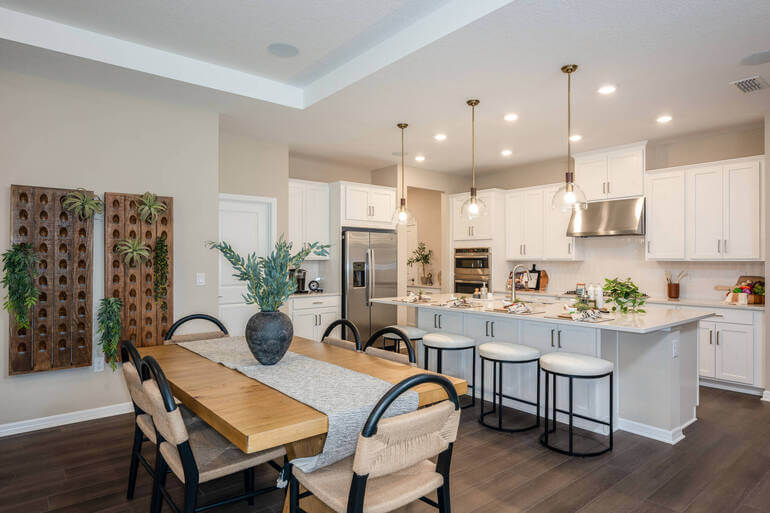
High-quality listing photos are essential for success with real estate marketing.
Property photos are among the first and most influential factors shaping a buyer’s impression of a home. They play a significant role in motivating buyers to schedule showings, and they can help win over skeptical home buyers.
In most cases, long before a buyer reads the property description or steps through the front door, they scroll through images and decide whether the home is appealing and feels worth their time.
Strong listing photography does more than make a property look attractive. It helps communicate space, light, layout, and condition in a way that builds confidence.
Poor photos, by contrast, can make even a desirable property appear dark, cramped, or neglected. That can reduce clicks, limit showing activity, and ultimately weaken buyer interest.
High-quality listing photos help real estate sales by:
- Creating a stronger first impression online
- Highlighting the home’s best features and layout
- Making rooms appear brighter, cleaner, and more inviting
- Increasing the chances that buyers will click, save, and share the listing
- Encouraging more showings and stronger early interest
- Supporting a more polished and credible overall marketing strategy
When marketing a property, presentation can influence both speed and outcome. Buyers often form emotional reactions before they ever visit a property, and strong photography helps create that connection.
Unfortunately, raw photos often contain flaws and imperfections. Let’s examine some of the more common issues.
Common Flaws in Listing Photos ❌
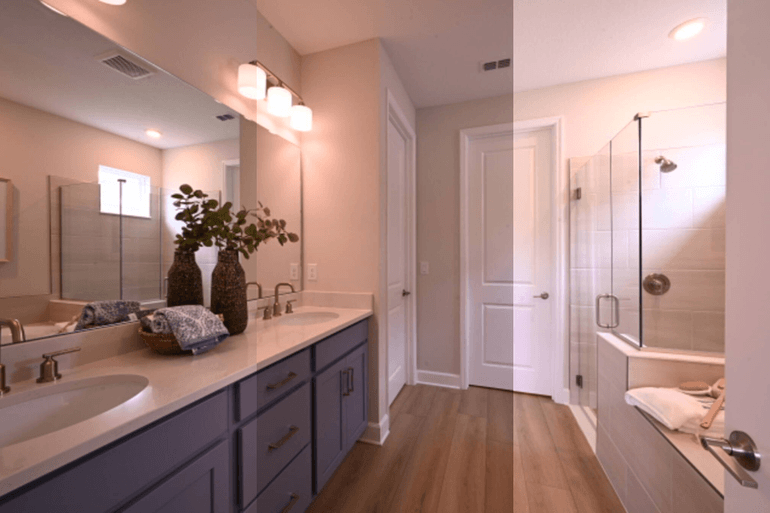
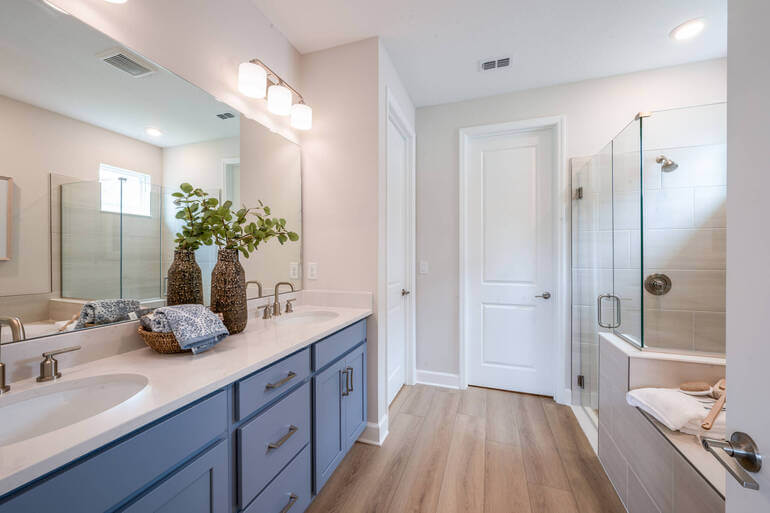
Lighting, color, and exposure issues are among the most common weaknesses in listing photography, and they can quickly make a home look less appealing online.
Even a well-maintained property can seem dark, dated, or uninviting if the lighting in the marketing photos is not properly balanced.
Lighting issues often appear when rooms are photographed with too much shadow, harsh window glare, or uneven brightness from one area to another.
Color problems can also distort a buyer’s impression. A room that feels warm and welcoming in person may look yellow, blue, or dull in photos if the white balance is off.
Exposure errors create another challenge, especially when bright windows cause interiors to look too dark or when overcorrection washes out detail and texture.
Additional common flaws in listing photos include the following:
- Dark interiors caused by weak ambient lighting
- Blurry and grainy images
- Off-center vertical lines and other perspective issues
- Overexposed windows that lose outdoor detail
- Yellow or blue color casts from improper white balance
- Harsh shadows that make rooms feel smaller
- Dull images that flatten texture, depth, and warmth
When photos suffer from poor lighting, color, or exposure, the property can appear less polished and less valuable than it really is.
Correcting these flaws helps a listing look more professional, attract more attention, and create a stronger first impression from the very first click.
When buyers compare multiple homes online, visual presentation often determines which properties they save, share, and schedule to see.
High-quality listing photos are one of the simplest and most effective ways to improve a home’s market presence.
So, now, the question becomes, “What’s the easiest way to correct flaws and get high-quality listing photos?
The answer is to use an AI photo editing app or service.
AI Photo Editing to the Rescue!
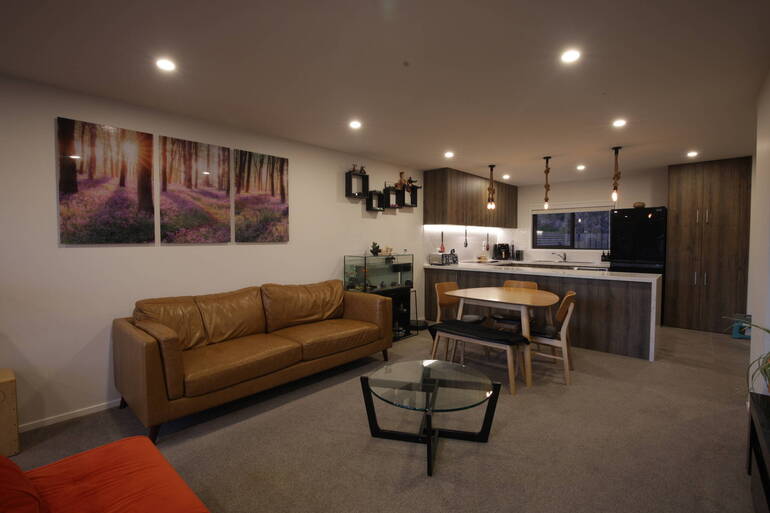
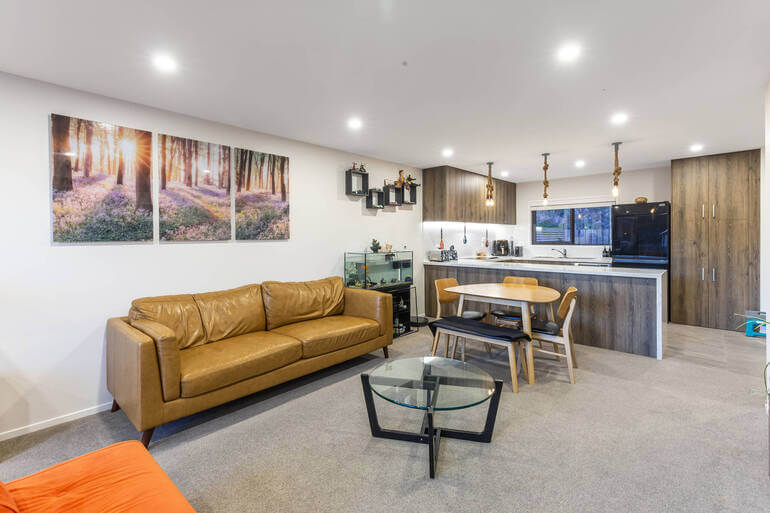
AI-powered photo editing has become one of the easiest and most affordable ways to improve listing photos for real estate marketing.
Not every agent, photographer, or seller has the budget for extensive manual retouching on every image, especially when speed matters.
AI photo editing tools help close that gap by delivering professional-looking results faster, more simply, and at a lower cost.
In real estate, presentation matters, but so does efficiency. AI editing platforms can quickly enhance brightness, balance color, sharpen details, straighten lines, and improve overall image consistency across an entire listing.
What once required more time and higher editing costs can now be done in a streamlined way that supports both quality and turnaround time. For agents working with multiple listings, that can make a meaningful difference.
AI photo editing is especially useful for the following issues and fixes:
- Correcting lighting and exposure problems
- Enhancing color balance and clarity
- Straightening vertical lines and perspective
- Reducing minor visual distractions
- Creating a more polished, consistent look across all photos
- Lowering editing costs compared with more labor-intensive workflows
Another advantage is accessibility. AI editing tools make high-quality presentations more realistic for agents and sellers who may not have luxury-level marketing budgets.
It also helps smaller teams compete more effectively by improving marketing quality at a manageable cost. Consistent marketing quality gets noticed and helps garner seller and buyer leads.
As the technology improves, AI editing is becoming a practical standard in real estate photography workflows. It offers a smart middle ground between raw, unfinished images and more expensive custom editing.
AgentUp for iOS
AI Real Estate Photo Editing
Try instant AI-powered photo editing with the AgentUp iOS Media App.

Using AgentUp AI Photo Editing to Fix Lighting and Exposure
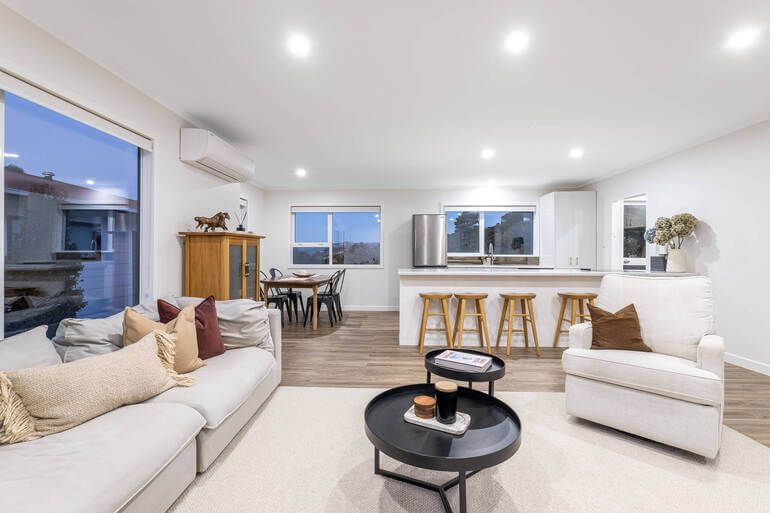
Next, let us show you how simple AI photo editing is by introducing you to one of the top apps available today. We’ll walk you through the steps for fixing lighting, color, and exposure issues.
Step 1: Download the AgentUp AI Photo Editing App
AgentUp Editing AI is designed for speed, simplicity, and high-quality results. To use AgentUp Editing AI, scan the QR code below and download the app:

Step 2: Type in the Property Address & Upload Your Photos to the App

This step is easy. Simply enter the property address and then add your photos using the Add Photo function.
Step 3: Select the Photos to Edit

From the Gallery of images you just uploaded, select the photo or photos to edit by tapping on them.
Then, using Order Options, select from our menu of common edits, such as sky replacement, object removal, or adding a fireplace image insert.

To fix lighting, color, or exposure issues, type your specific request into the Order Notes box. For example, you could ask the AI to do the following:
- Remove excess shadows
- Balance the colors for a room or space
- Correct the overexposure in a photo
- Or, make the image less yellow
You can adjust your instructions as you go until the images are corrected.
Step 4: Download Your AI-Edited Photos

The AgentUp AI photo editing app processes your images in around 5 minutes. The process might take slightly longer for batched or large orders.
Your listing photos are now ready to use on the MLS, across social media platforms, and in other marketing materials.
The app is intuitive and user-friendly, and takes less than a minute to learn. It’s a popular option for agents who want budget-friendly, high-quality listing photos with edits returned in as little as five minutes.
The result is a stronger first impression from the moment a buyer opens the listing. Clean, bright, professionally edited photos help a property feel more valuable, better maintained, and more move-in ready.
In a market where buyers often decide within seconds whether a home is worth a closer look, stronger images can drive more clicks, more interest, and more showings.
The Business Benefits of AI Photo Editing ✅
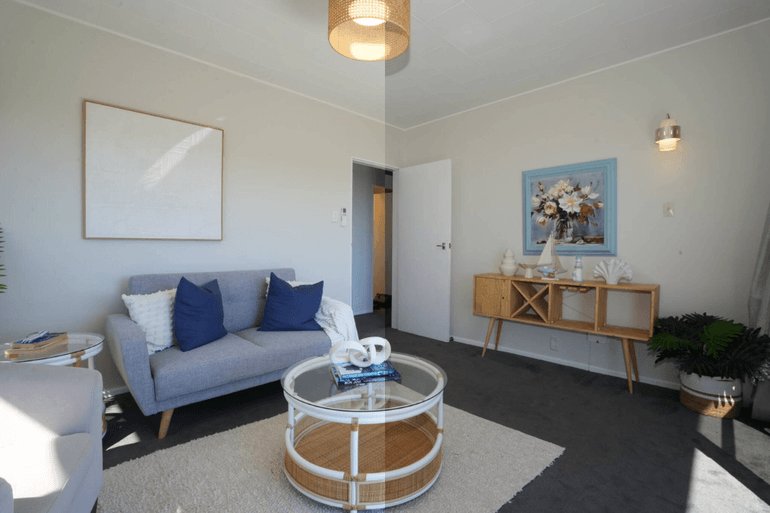
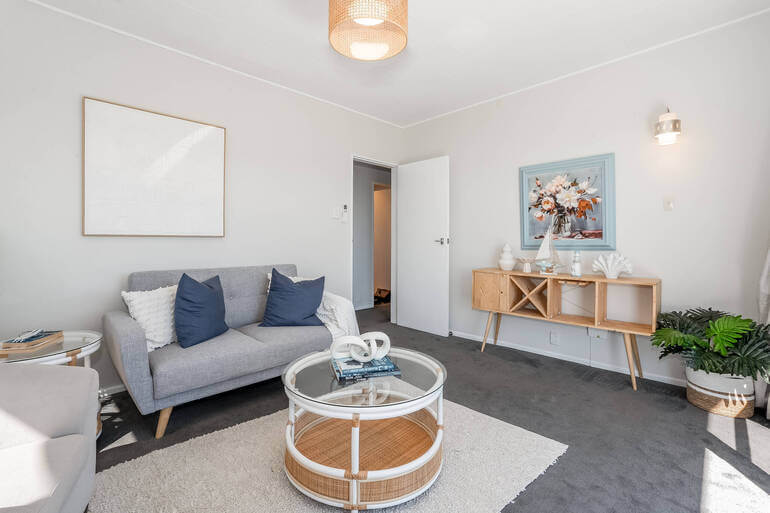
AgentUp’s AI photo editing doesn’t just improve your images, it offers workflow efficiencies and business benefits such as:
- AI-powered editing creates clean, consistent results across every photo, helping listings present a cohesive visual look
- Rather than spending hours making manual corrections, agents can complete important enhancements in just minutes, with some reporting time savings of up to 90%
- Batch editing makes it easy to update multiple similar images at the same time
- The app comes with one free sky replacement
- You also get access to AI virtual staging with 5 different style options
For images that need extra refinement, professional human editing can be requested directly in the app for more detailed manual retouching
For agents, this also means a faster, more efficient workflow, which aids overall business streamlining.
Instead of spending hours making manual adjustments or waiting days for edits, AI photo editing lets you produce polished, listing-ready images quickly and affordably.
That speed helps agents get listings online faster while still delivering the kind of visual quality sellers expect from a professional marketing strategy.
AgentUp for iOS
AI Real Estate Photo Editing
Try instant AI-powered photo editing with the AgentUp iOS Media App.
Use AgentUp AI Photo Editing for Superior Results

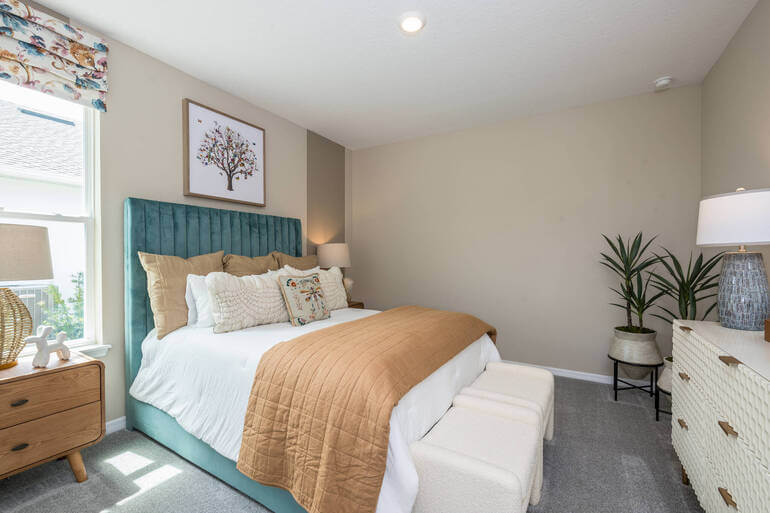
AgentUp’s AI Photo Editing app is one of the best available today.
Thousands of agents and photographers trust our AI photo editing to create crisp, market-ready images that capture attention, increase engagement, and help generate more clicks.
AgentUp AI photo editing gives agents a practical way to turn raw listing images into polished marketing assets without incurring major costs or delays.
The easy-to-use app can enhance and correct photos in seconds, and pricing starts around 75 cents per image.
Plus, AgentUp offers you more than just AI photo editing. Our cutting-edge development team has created other powerful, real estate marketing tools, such as:
Take a moment and see how you can elevate your marketing without breaking your budget.
Sign up for a free AgentUp account to learn how we can help you sell more listings and grow your business.
We hope you found this blog post on how to fix lighting, color, and exposure issues instantly with AI photo editing helpful.