


Kitchen photos get more clicks than almost any other shot in a listing, but they’re also some of the hardest to capture well. Overhead lights clash with window light, countertops throw glare, and clutter pulls attention from the room. Real estate photo editing fixes those problems fast.
No reshoot required. AI handles it in minutes.
For agents juggling a full pipeline of listings, that speed matters. Here’s why kitchen photos carry so much weight, and how AI editing cleans them up without losing the room’s real feel.
Why Kitchen Photos Carry So Much Weight in a Listing
Buyers form an opinion about a house before they ever walk through the door. Photos are how that opinion gets shaped. According to the National Association of Realtors, 81% of buyers rated listing photos as the most useful feature during their online home search.1
If the photos don’t hold up, the listing gets scrolled past no matter how good the house is in person.
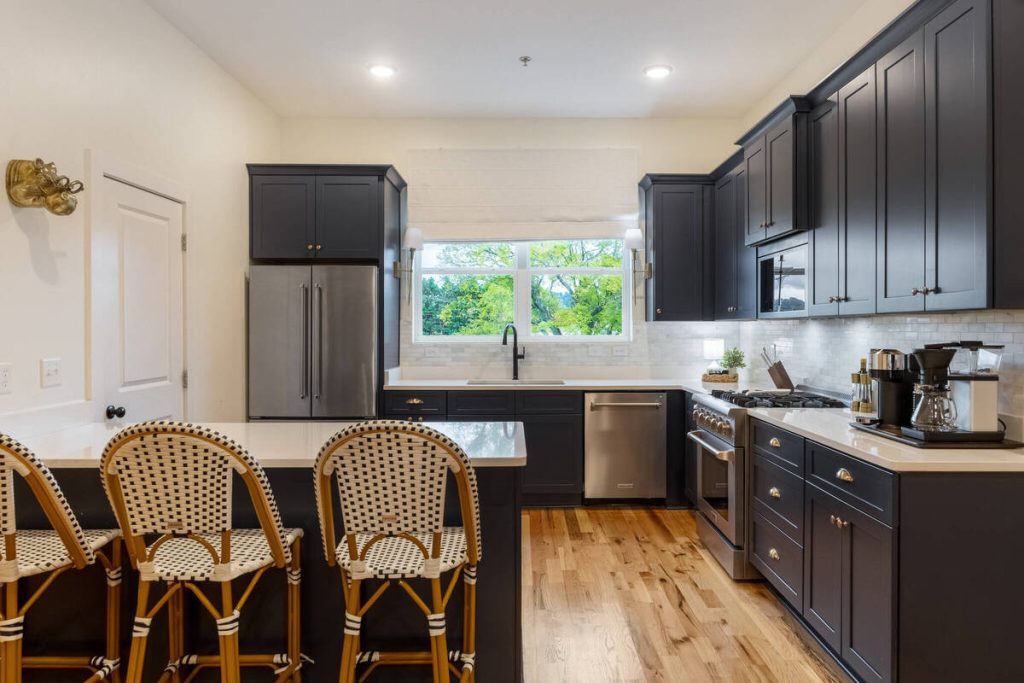
The kitchen carries outsized influence. A Rocket Homes survey covered by NAR found that 55% of buyers said a good kitchen could convince them to buy a home they otherwise wouldn’t consider.2 Another 55% said an ugly kitchen would make them pass on a home entirely.
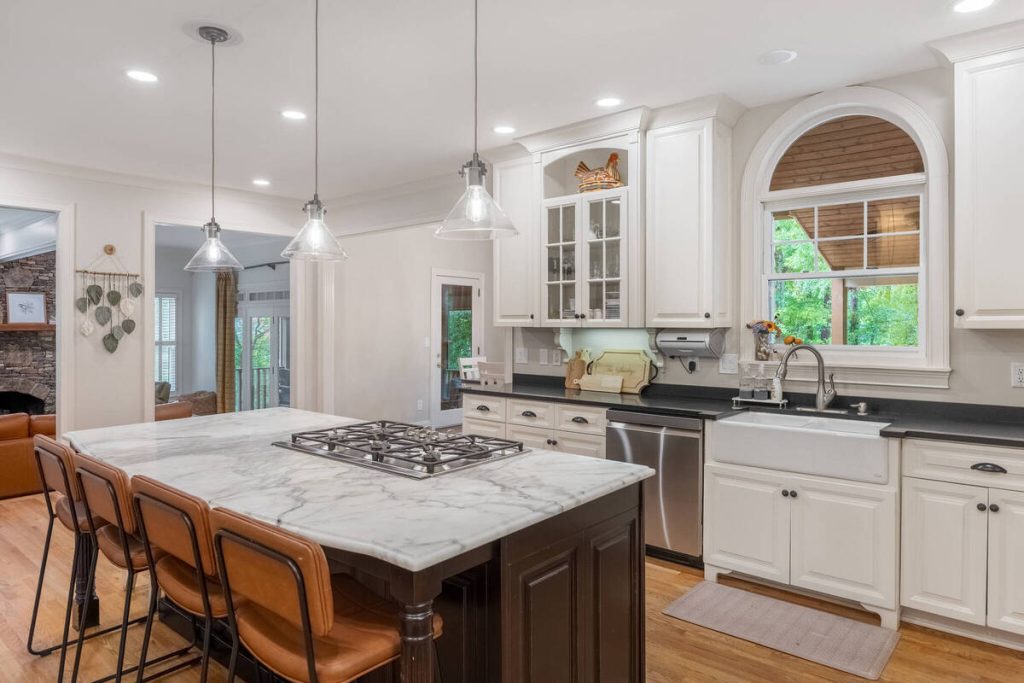
Whatever the rest of the house looks like, the kitchen photo does a lot of the persuading.
What Makes Kitchen Photos Hard to Get Right
Kitchens combine more light sources and more reflective surfaces than any other room agents typically photograph. That combination trips up even careful shooters.
A few of the usual culprits:
- Mixed lighting: overhead fixtures, under-cabinet LEDs, and window light all have different color temperatures, which can leave a kitchen looking blotchy or tinted in a single exposure.
- Reflective surfaces: glossy countertops, stainless appliances, and glass cabinet fronts bounce light unpredictably and often blow out in photos.
- Color casts: white cabinets and countertops are quick to pick up a yellow or blue tint depending on the light mix, which makes the whole room look off.
- Tight framing: smaller kitchens often need a wider lens to capture the full room, which introduces distortion along cabinet lines and edges.
Poorly lit or badly edited kitchen shots are common enough that The Close has built an entire guide around fixing them.3
That’s a predictable outcome, not a rare mistake, given how tricky the room is to shoot.
More Clicks. More Showings.
Get Market-Ready Listing Photos Fast
Transform your listing photos in seconds and attract more buyers from the first click.

How AI Real Estate Photo Editing Fixes These Problems
This is where AI-powered editing earns its place in an agent’s workflow. It replaces manual exposure and white-balance fixes with automatic correction.
That correction stays consistent across an entire listing set, shot after shot.
Balancing Mixed and Harsh Lighting
AI editing tools blend multiple exposures, similar to HDR photography, to even out the light across a kitchen. No single source overpowers the shot.
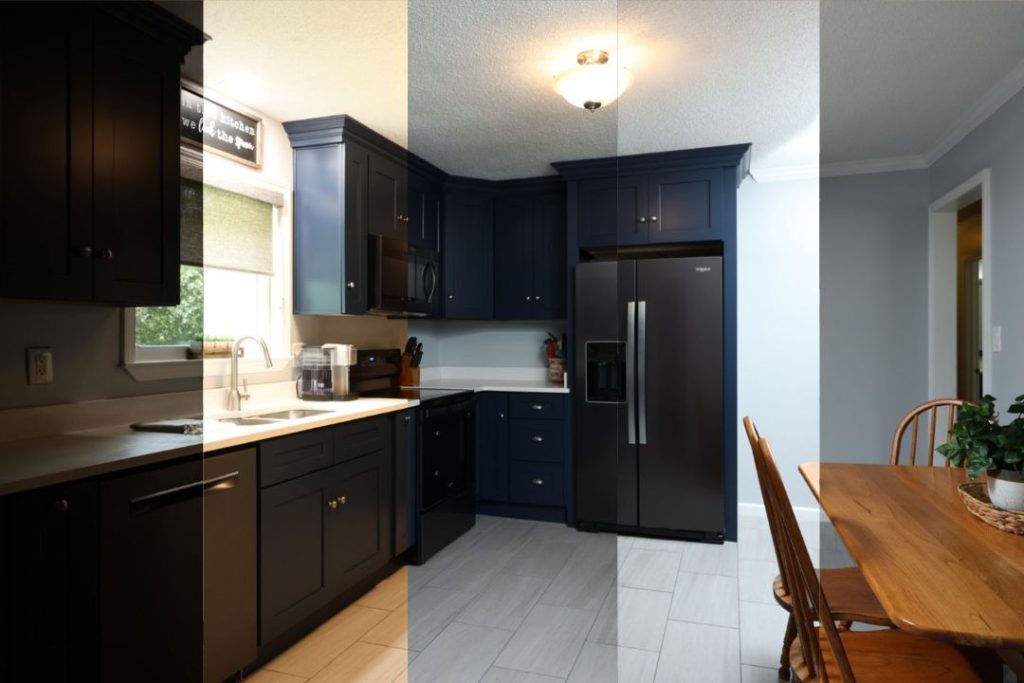
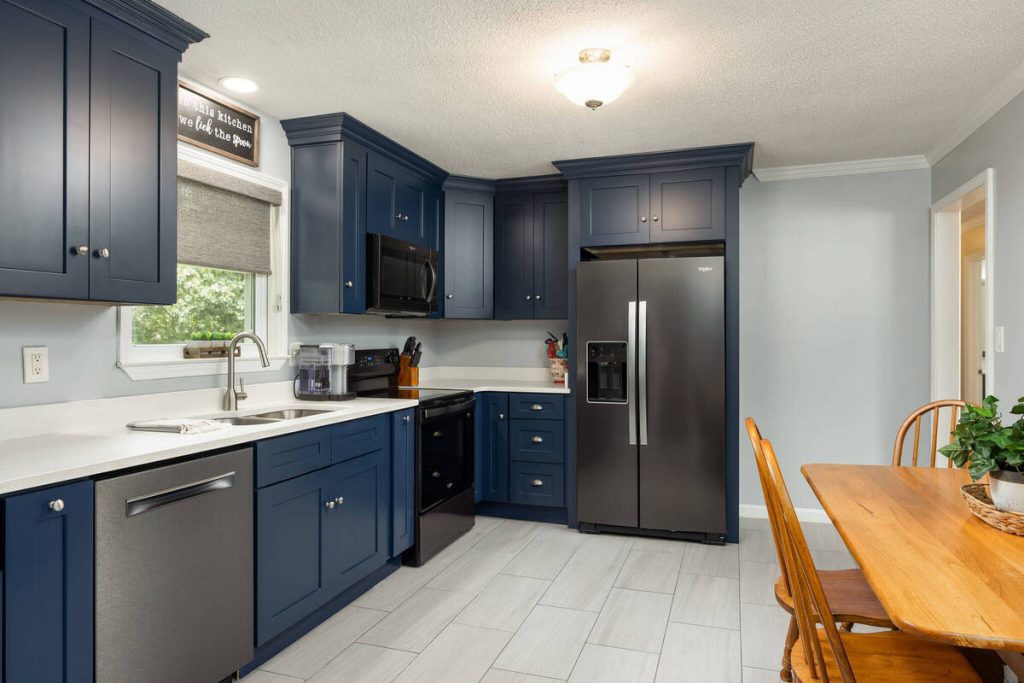
This isn’t a cosmetic nicety. Redfin’s research found that the sharpest 10% of listing photos sold at or above list price 44% of the time, compared to just 13% for average-sharpness photos.4 HDR-style exposure blending was one of the techniques separating the two groups.
Correcting Color Casts for True-to-Life Tones
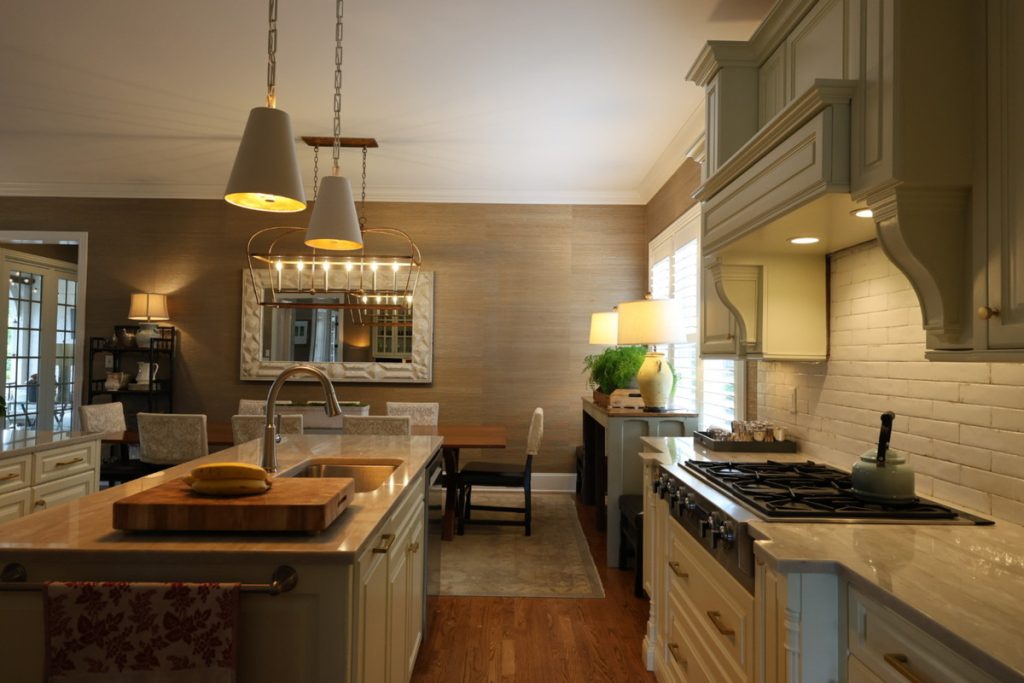
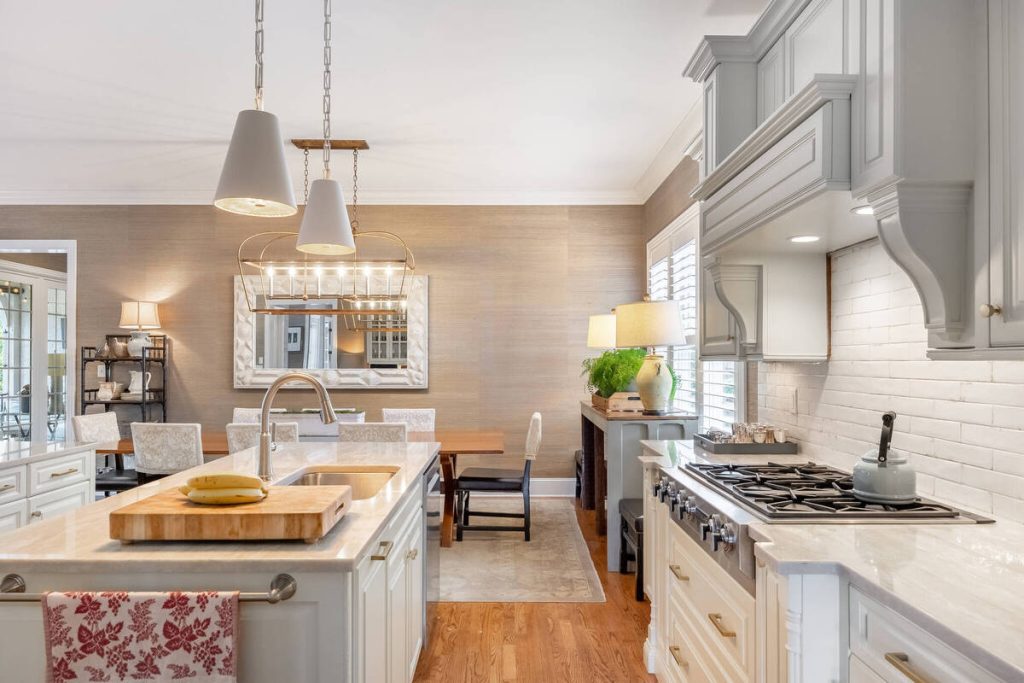
AI editing resets white balance so cabinets, countertops, and walls read as their true color instead of tinted yellow or blue. Buyers trust photos that look natural, not overprocessed.
Removing Clutter and Distractions
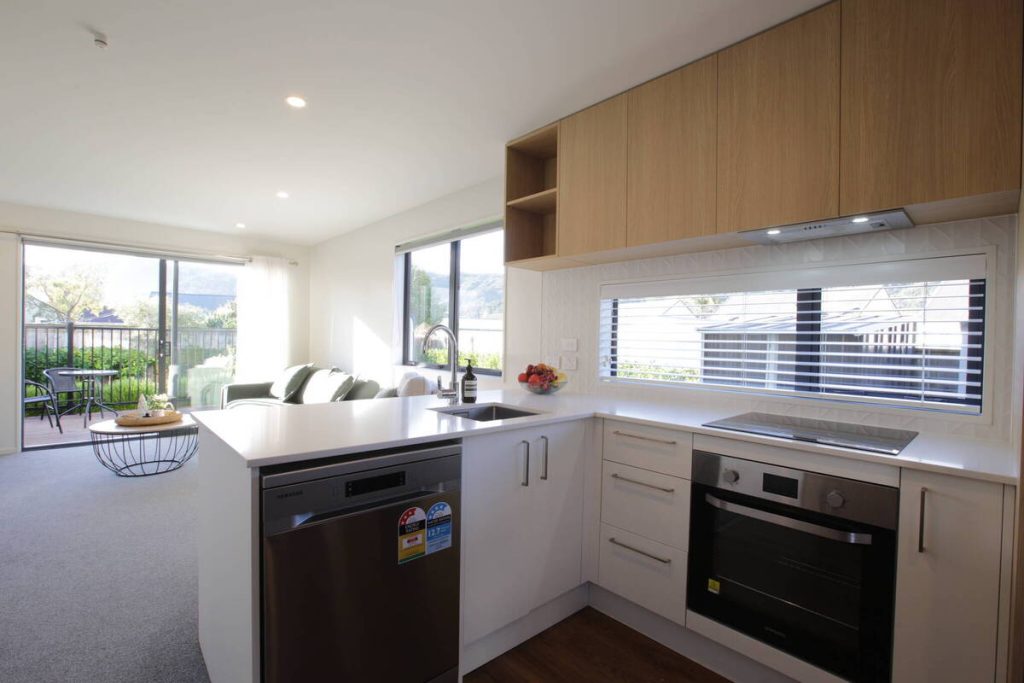
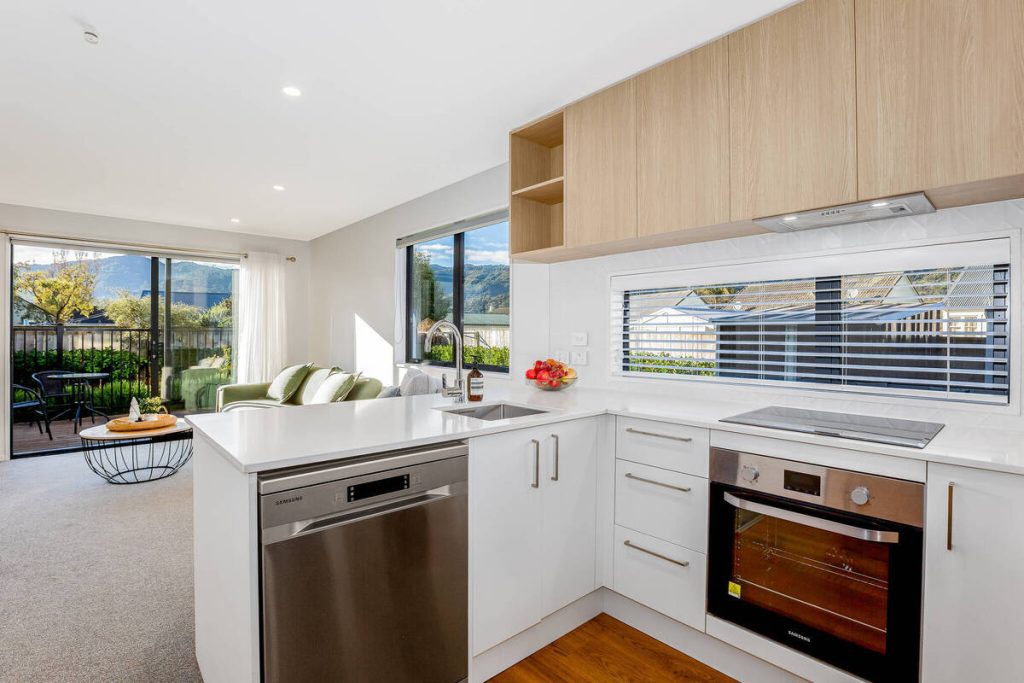
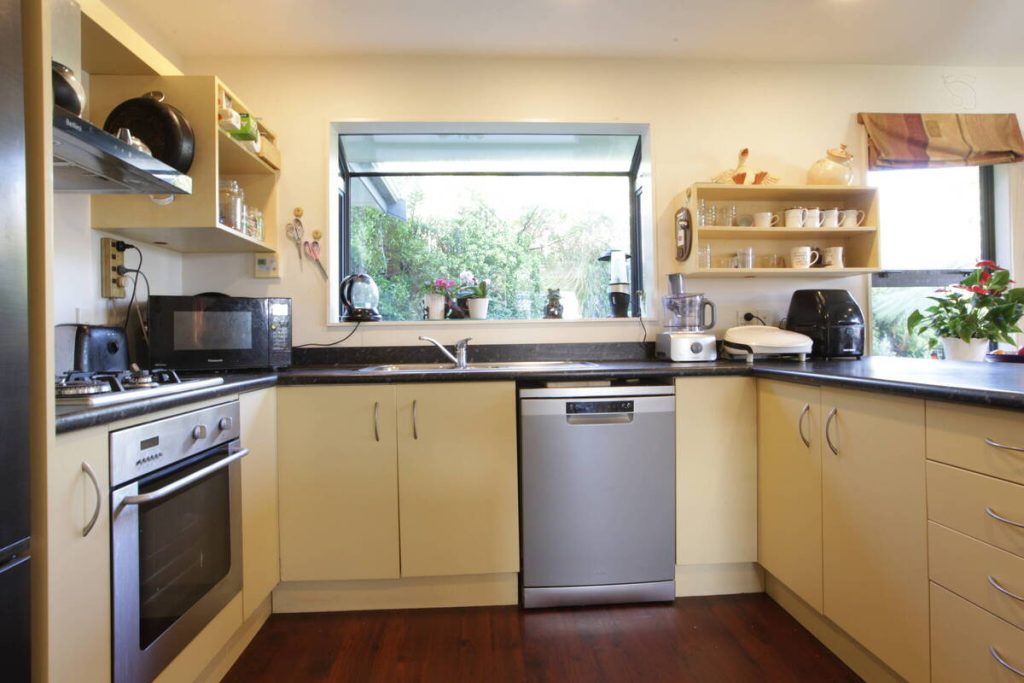
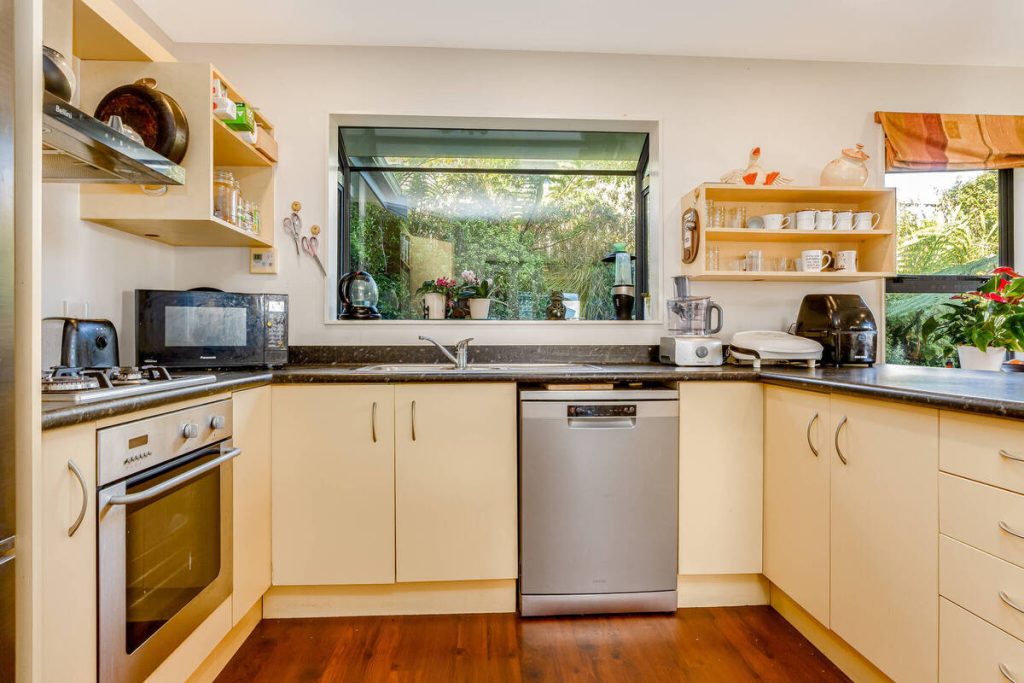
Dish racks, magnets, small appliances, and stray mail are easy to remove digitally. That beats staging a kitchen in person before every shoot.
It also keeps the visual focus on the room’s actual selling points, like counter space and storage.
Straightening Lines and Fixing Perspective
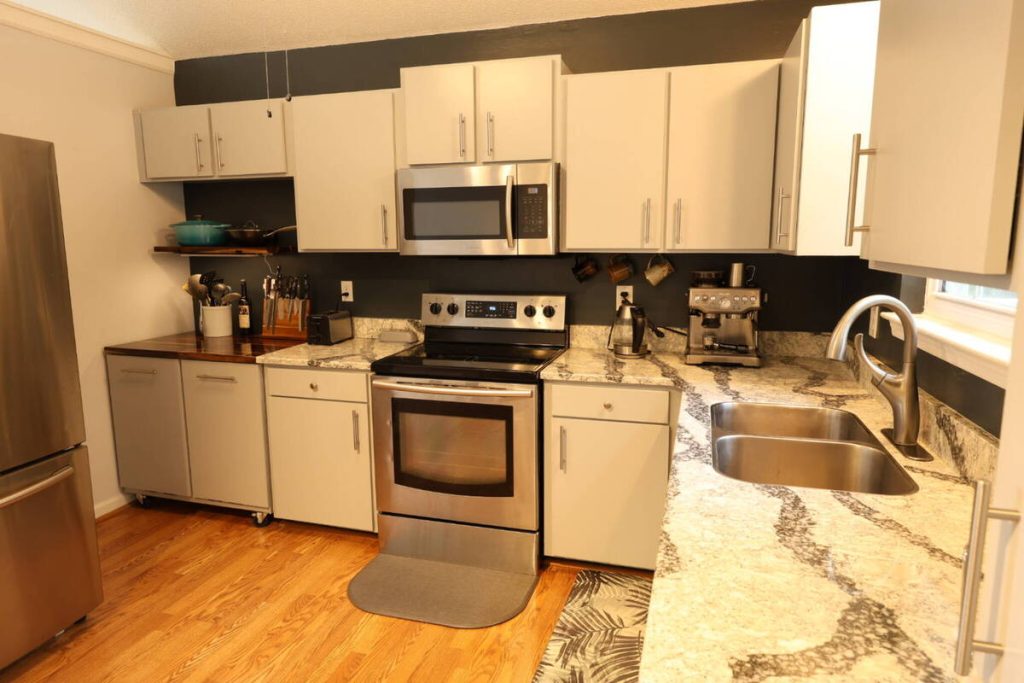
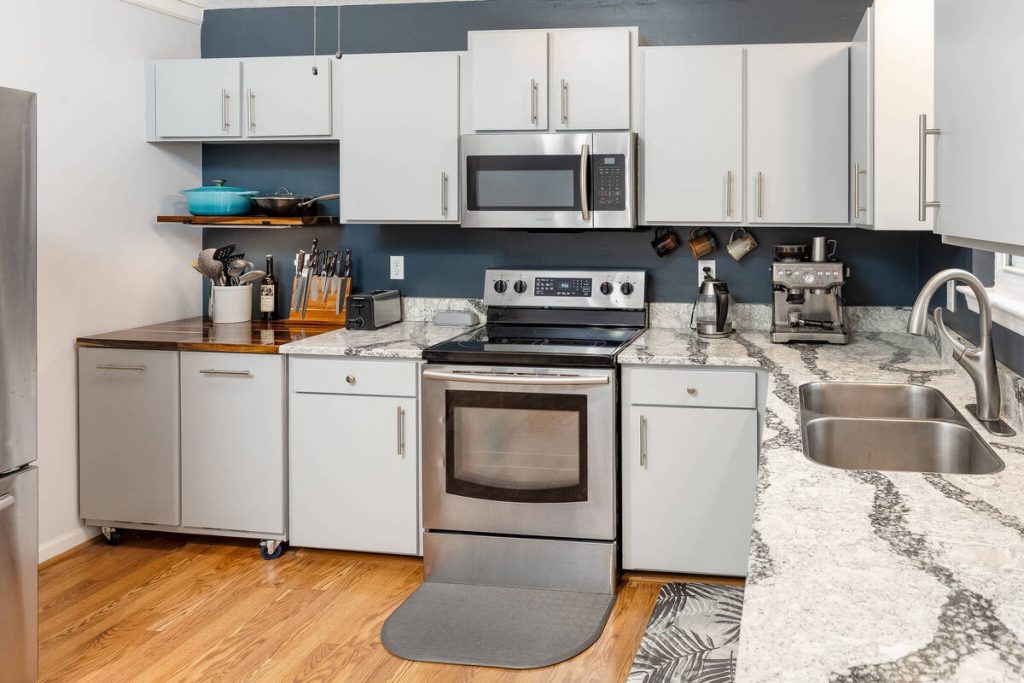
Wide-angle shots in smaller kitchens often bend cabinet lines and countertop edges. AI editing straightens verticals and corrects that distortion.
The room ends up reading as spacious rather than warped.
What Better Kitchen Photos Actually Do for a Listing
Cleaner, better-lit kitchen photos aren’t just easier to look at. They change how a listing performs.
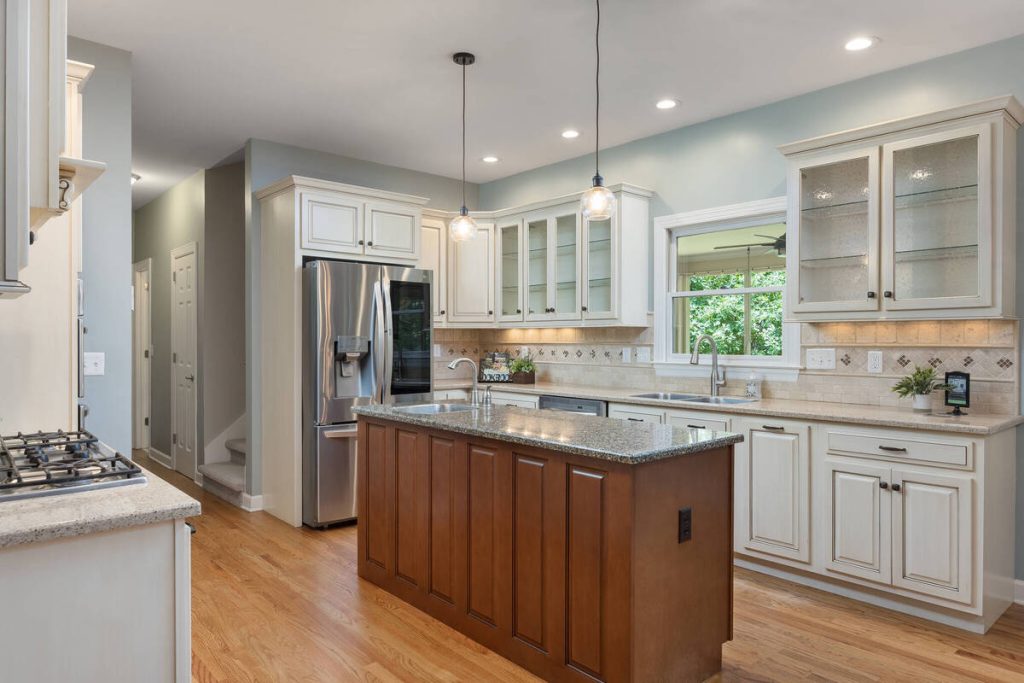
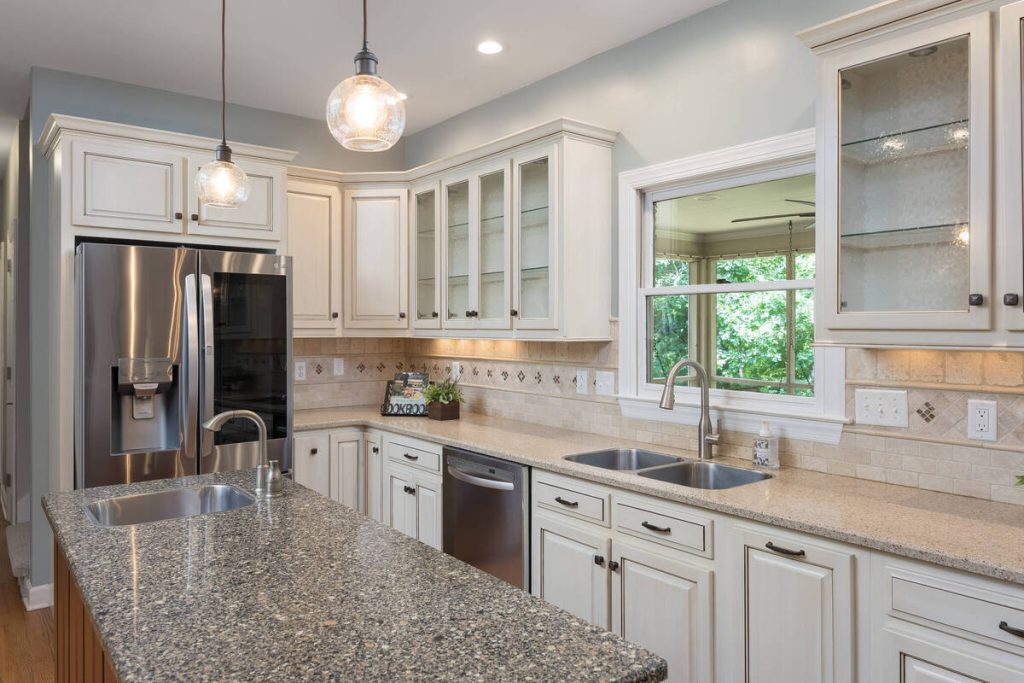
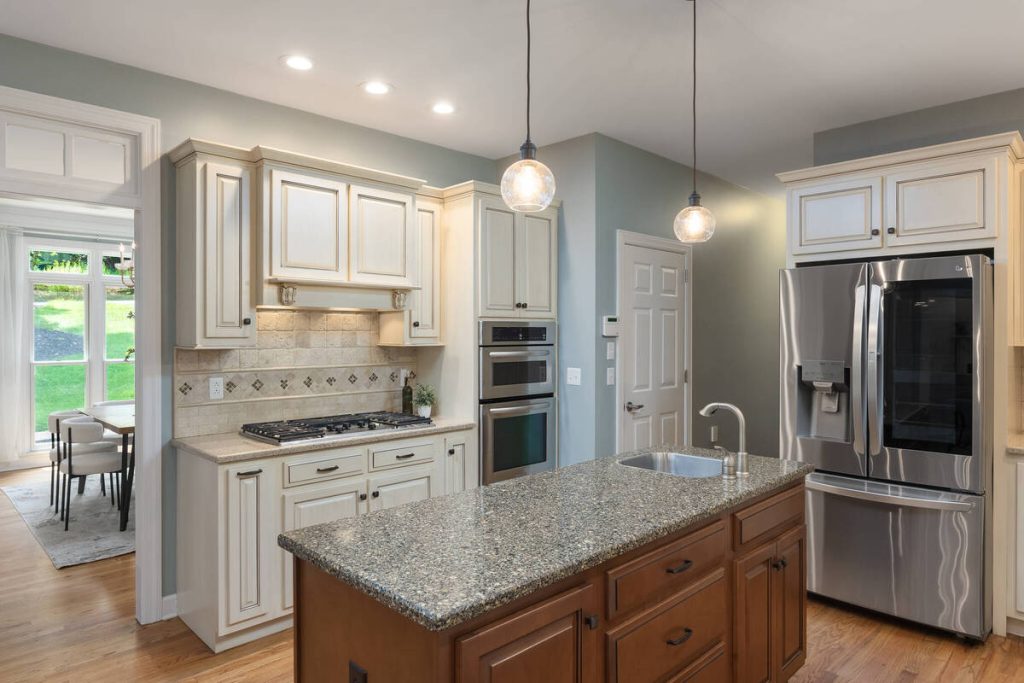
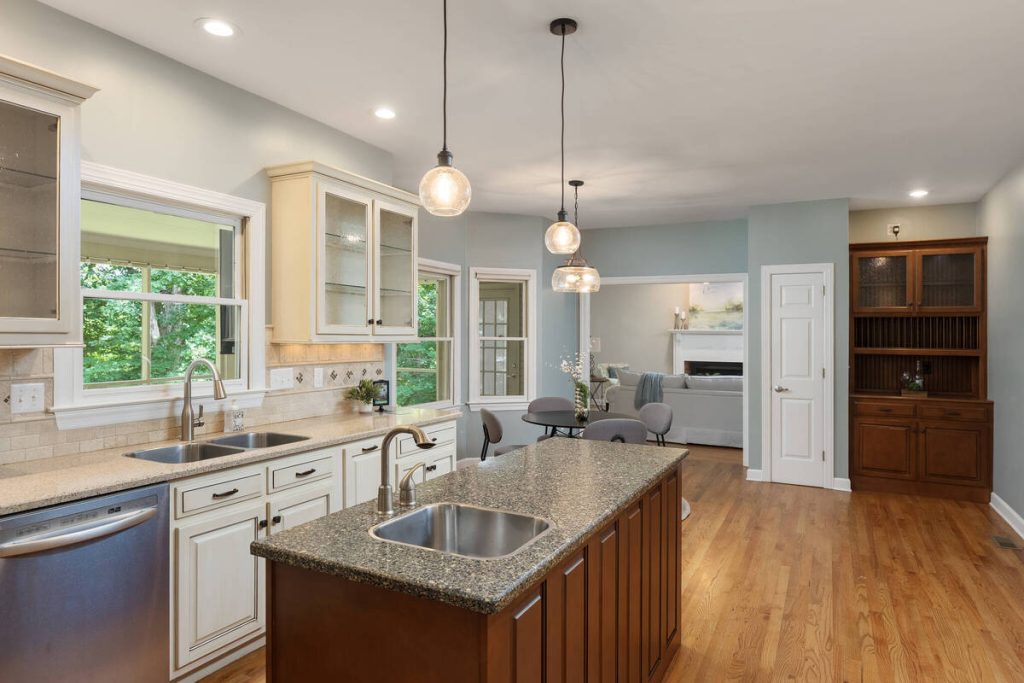
An IMOTO study of real estate professionals found that 88.71% of agents using professional photography believe it increases online listing views.5 Another 69.76% believe it decreases days on market.
Redfin’s data backs that up on the price side. Professionally photographed homes in the $200,000 to $1 million range sold for $3,400 to $11,200 more than comparable listings with amateur photos.
None of that requires a full reshoot or a new camera, just real estate photo editing that gets the lighting, color, and clutter right.
How to Prep Kitchen Photos Before AI Editing
AI editing works best with good source material. A few steps before the shoot go a long way:
- Turn on every light source in the kitchen, including under-cabinet lighting, before shooting.
- Wipe down counters and clear dish racks, small appliances, and personal items.
- Shoot straight-on where possible to minimize distortion before it needs correcting.
- Bracket exposures if your camera supports it, capturing a lighter and darker version of the same shot for the editor to blend.
- Open blinds or curtains to bring in natural light, but shoot at a time of day when it won’t create harsh glare.
Good prep plus AI editing beats either one alone.
Where AgentUp Fits In
This is the kind of real estate photo editing AgentUp’s tools are built for. Upload kitchen shots and get AI-enhanced, market-ready images back through the web uploader in about five minutes.
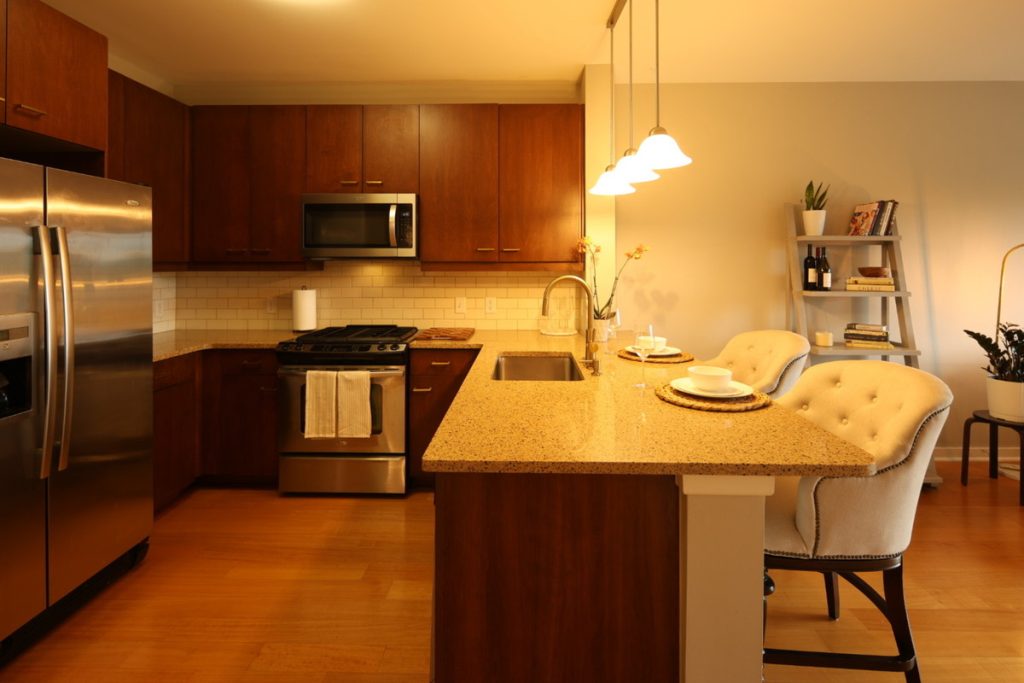
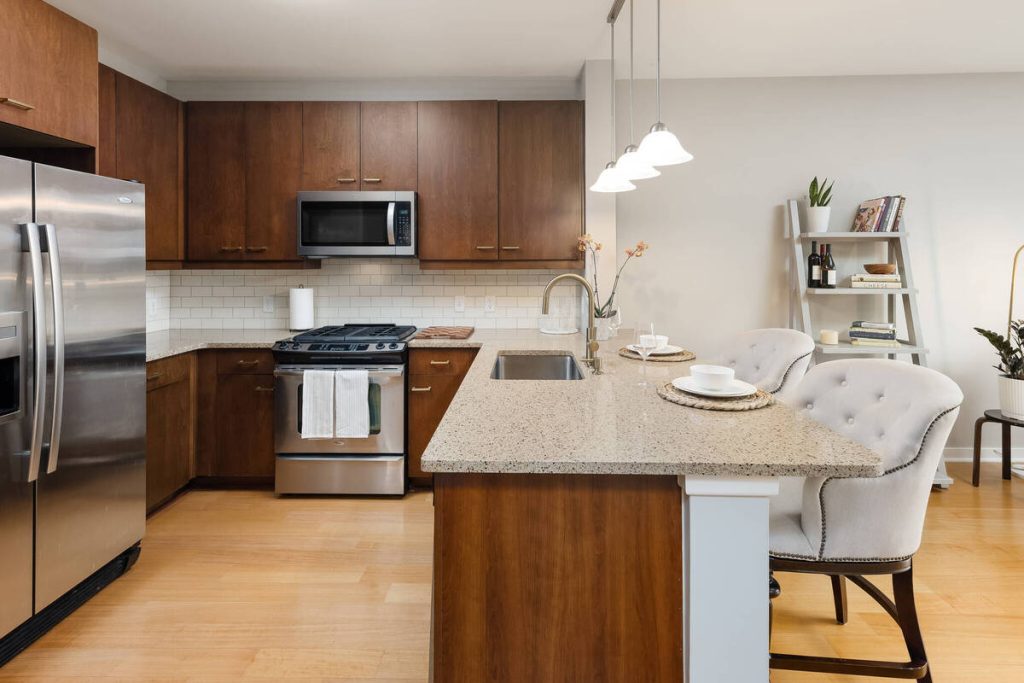
Prefer your phone? The iOS app delivers edits in seconds. Editing starts at $0.75 per image, with object removal included for clearing counters and yard clutter alike.
Professional human editing is also available for listings that need an extra layer of polish.
For agents comparing options, AgentUp’s guide to photo editing software for real estate breaks down how different tools stack up on turnaround, pricing, and quality.
More Clicks. More Showings.
Get Market-Ready Listing Photos Fast
Transform your listing photos in seconds and attract more buyers from the first click.
Get Your Kitchen Photos Listing-Ready
A polished kitchen photo, backed by the right real estate photo editing, can be the difference between a buyer stopping to look and a buyer scrolling past.
Try AgentUp’s AI photo editing on your next listing set and see the turnaround for yourself.
Once your photos are ready, pair them with an AgentUp single-property website to give the listing a dedicated, professional home online.
References: