


Every vacant listing comes with a staging budget that doesn’t stretch to every room in the house. Something has to give.
So which rooms make the cut? The kitchen? The hallway bath? Every bedroom, or just the primary?
That’s the real question behind virtual staging software: not whether to use it, but where. Some rooms move buyers, others barely register in a showing, and staging the wrong ones wastes both money and turnaround time you’d rather spend elsewhere.
Why Do Buyers Respond to Some Rooms More Than Others?
Buyers weigh rooms unevenly because some spaces carry the emotional decision and others are purely functional. According to NAR’s Profile of Home Staging, 83% of buyers’ agents say staging makes it easier for buyers to picture themselves living in a home.1 But that effect isn’t spread evenly across every room.
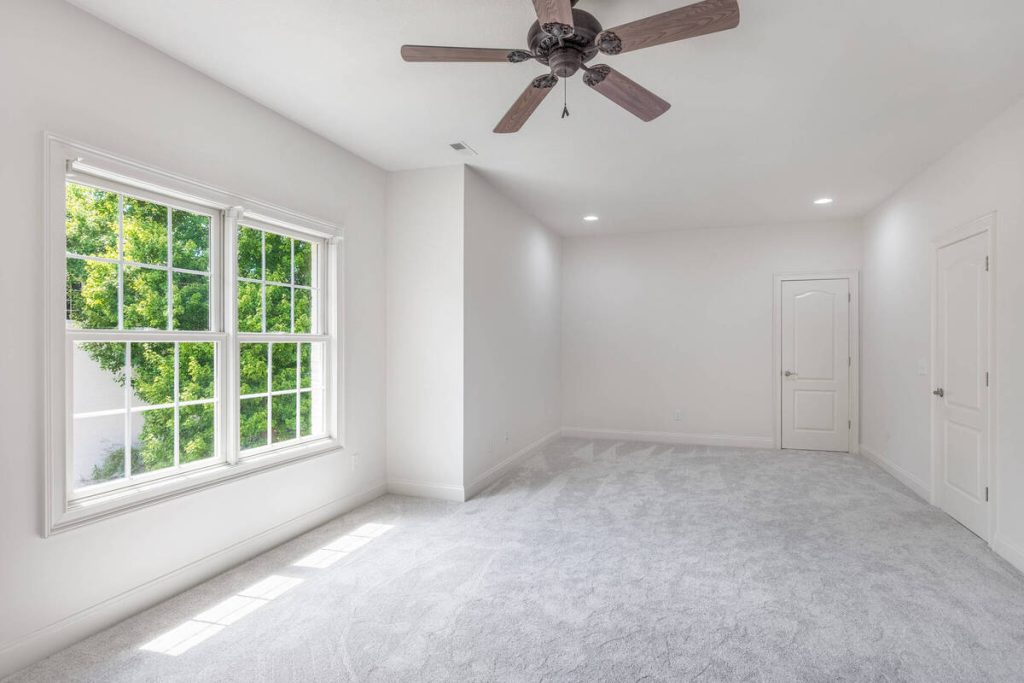



When Stuccco surveyed buyer priorities, the living room ranked highest at 46%, followed by the primary bedroom at 43% and the kitchen at 35%.2 Agents already sense this, which is why living rooms get staged in 91% of listings and dining rooms in 69%, per NAR. The rooms buyers linger on in photos are the rooms worth the staging budget.
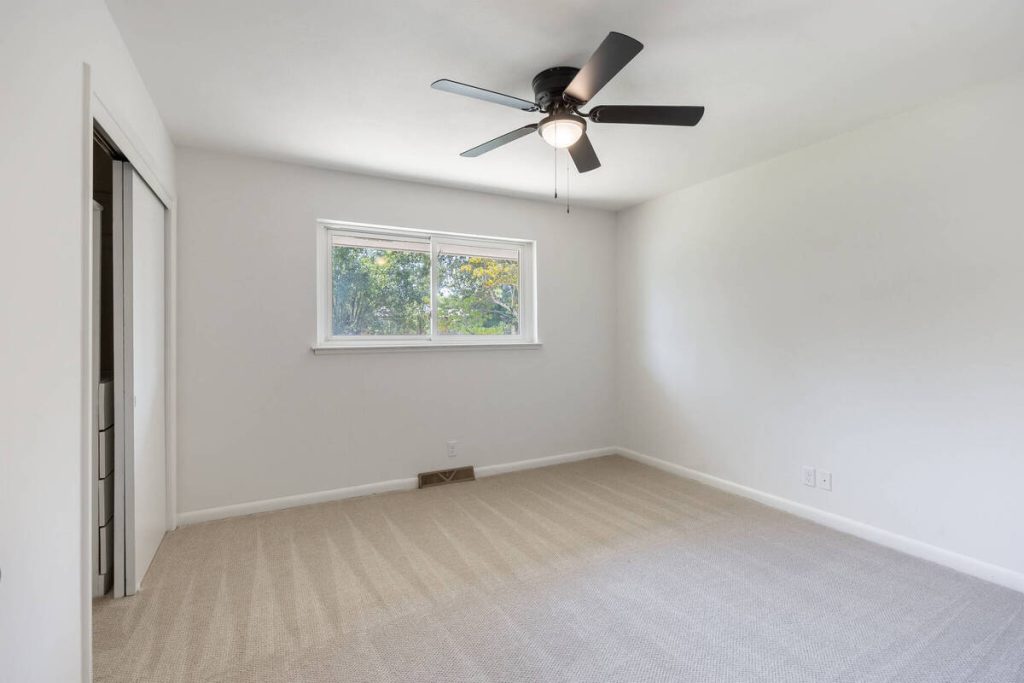
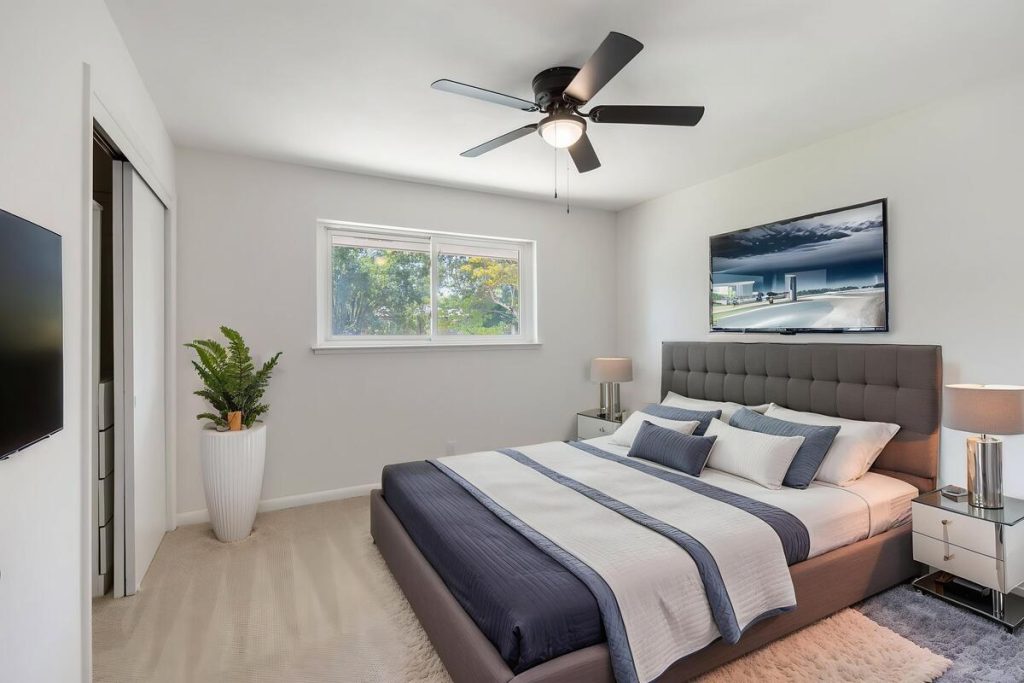
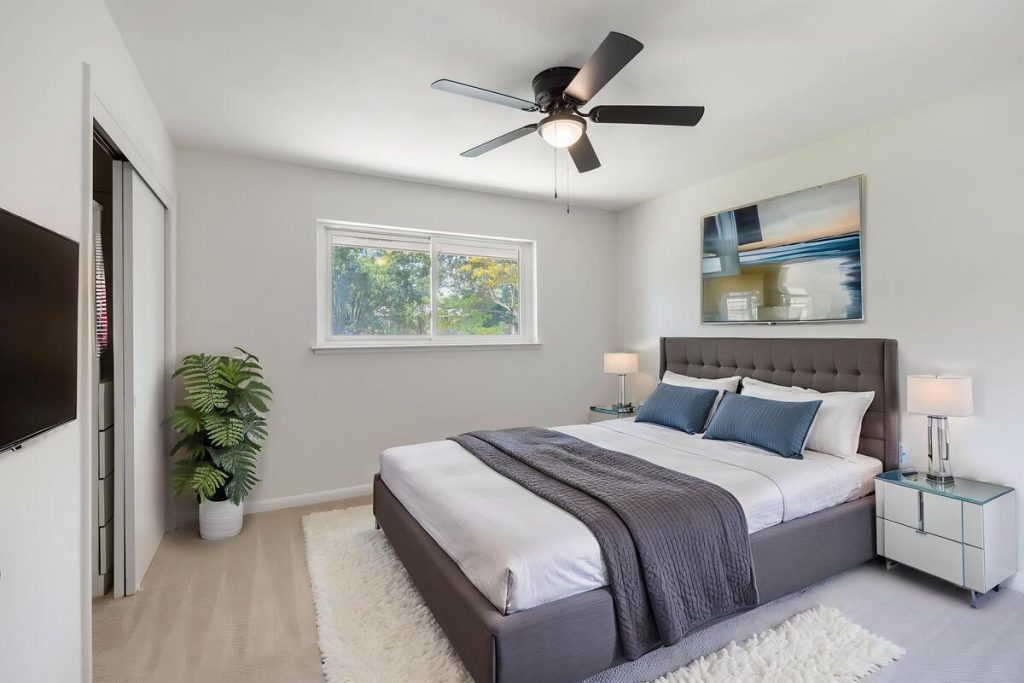
Which Rooms Are Worth Staging Every Time?
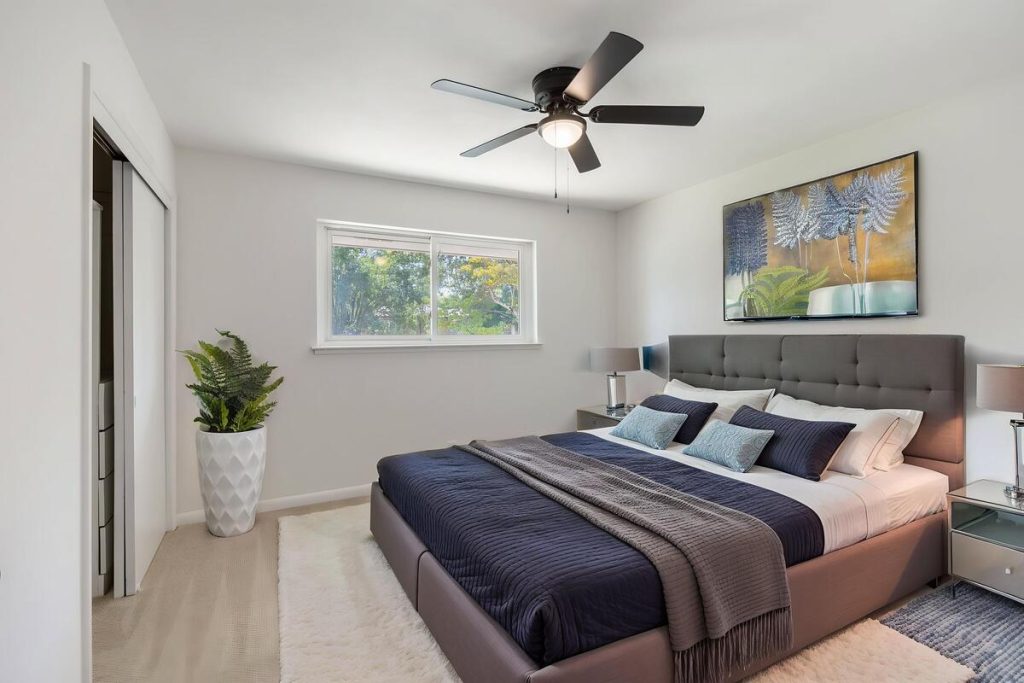
When using virtual staging software, three rooms consistently have the strongest impact on buyer perception: the living room, the primary bedroom, and the dining room. Each does a different job in helping buyers picture themselves in the house.
Living Room
This is usually the first interior shot a buyer sees, and it sets the tone for the rest of the gallery.
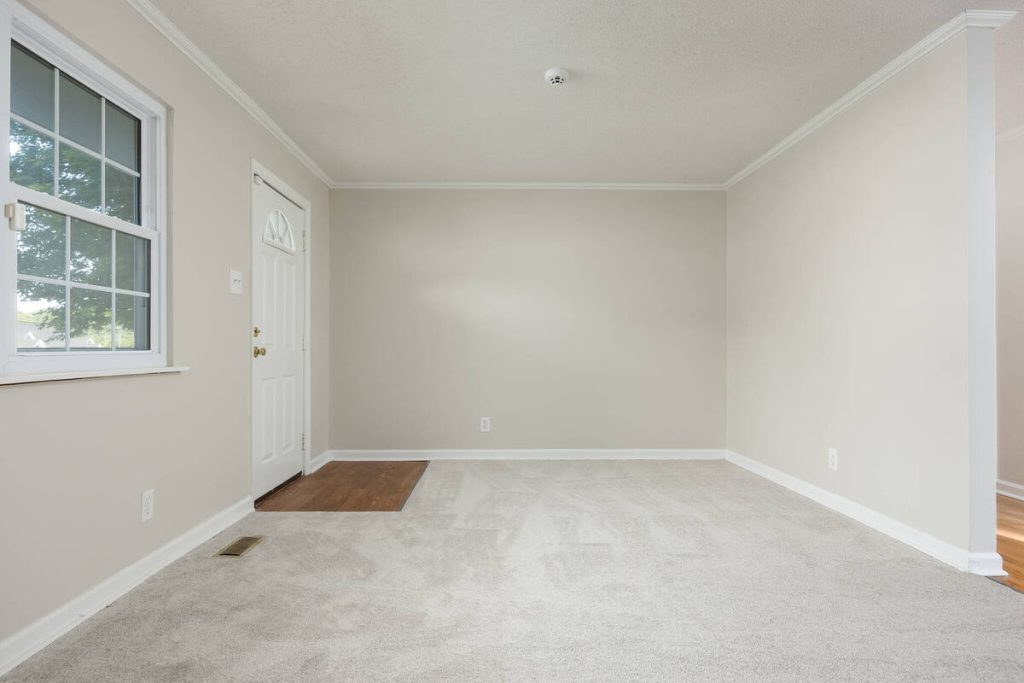
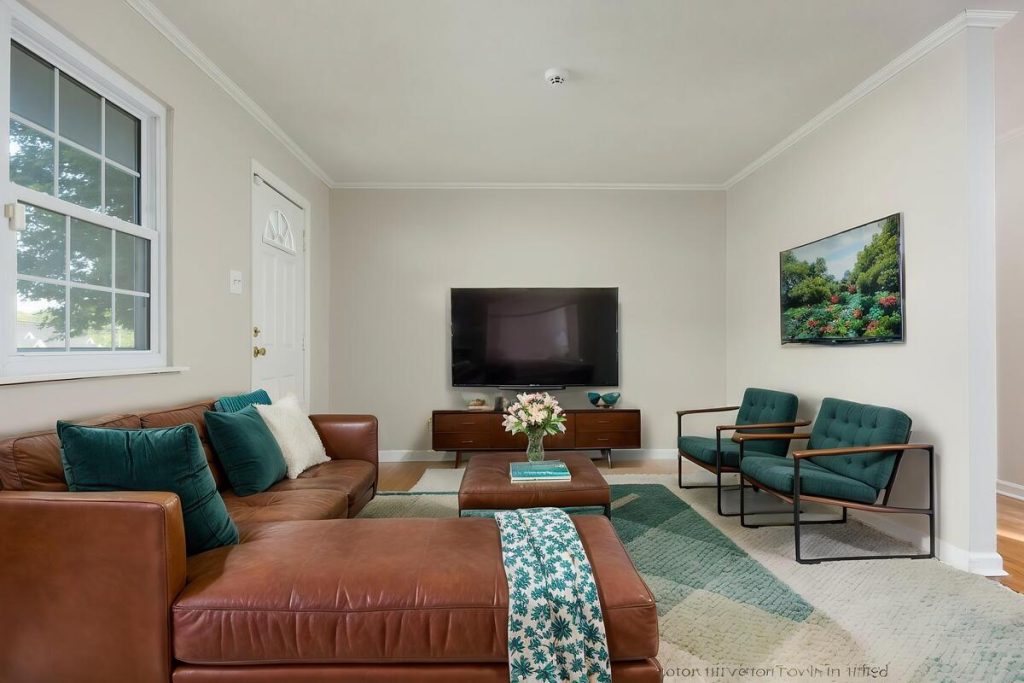
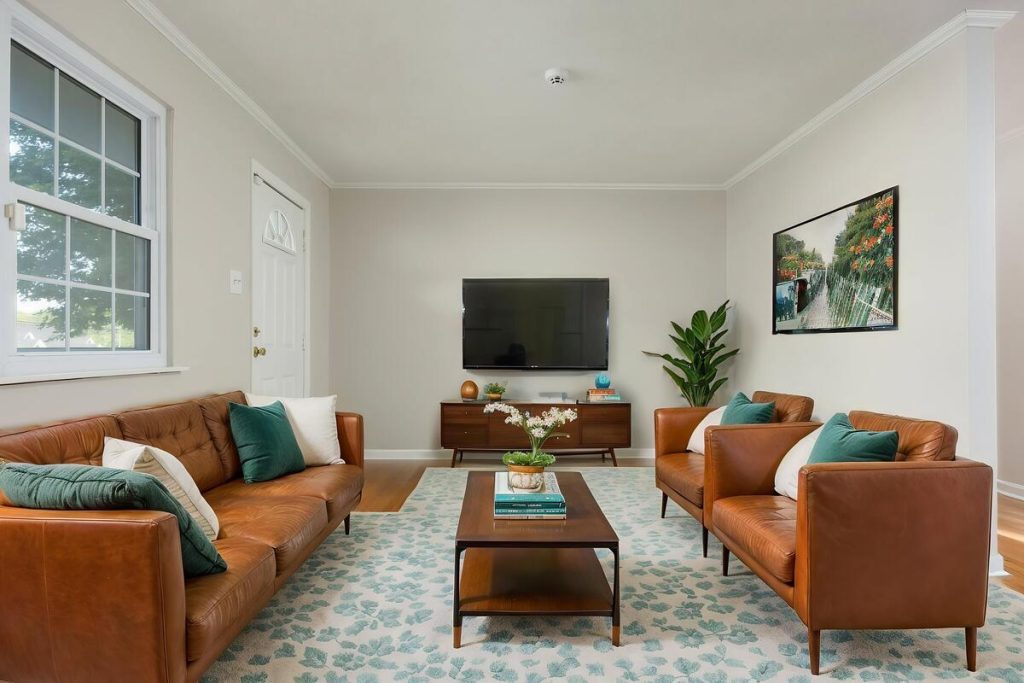
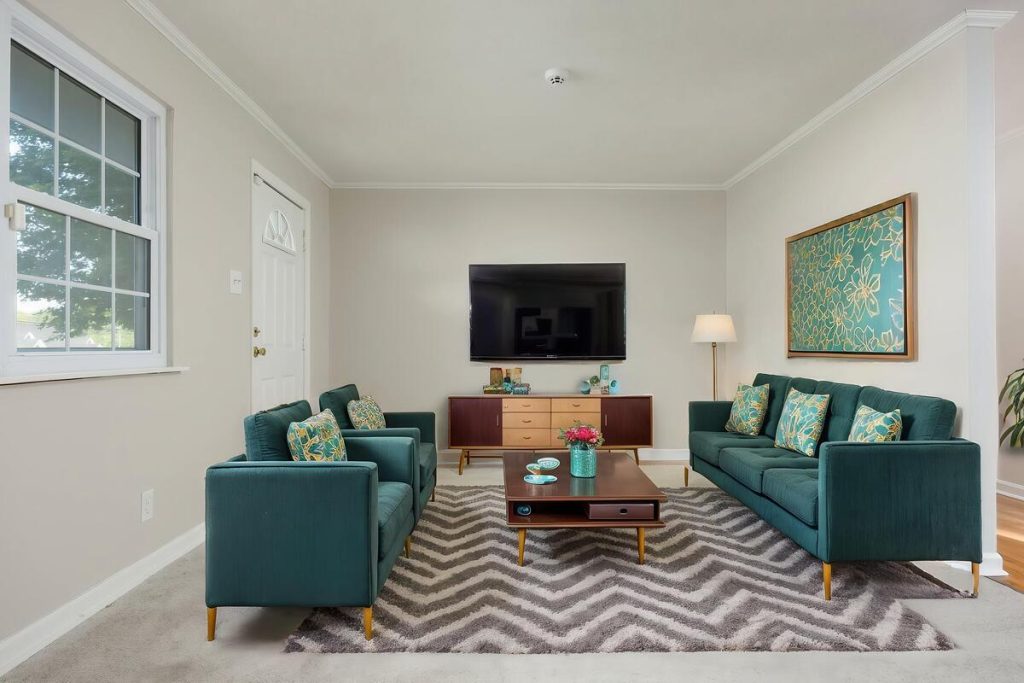
An empty living room reads as cold or oddly proportioned, which is part of why it’s the most commonly staged room in the country. Furnishing it, even virtually, gives buyers a sense of scale and a reason to imagine weekends there instead of just square footage.
Primary Bedroom
Buyers spend more time in this room than almost any other, so an empty one is hard to read.
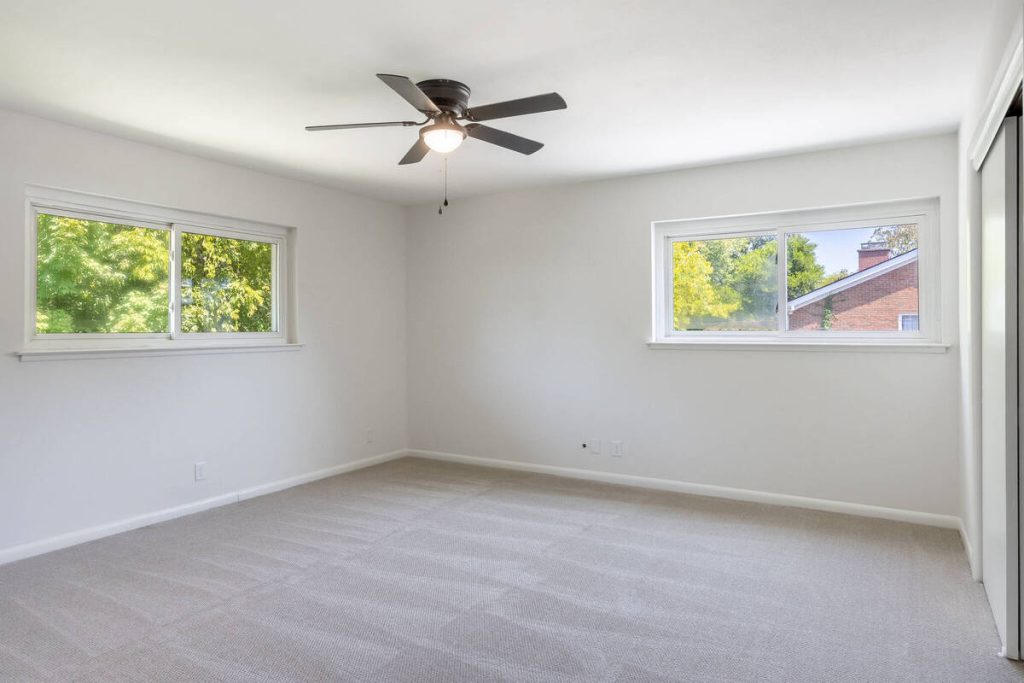
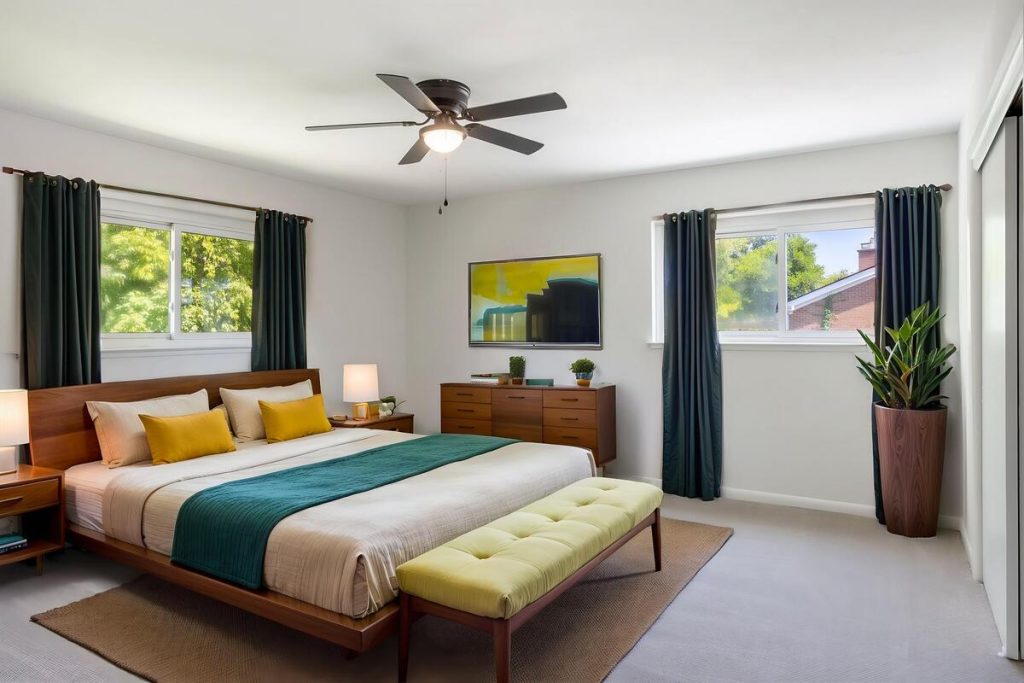
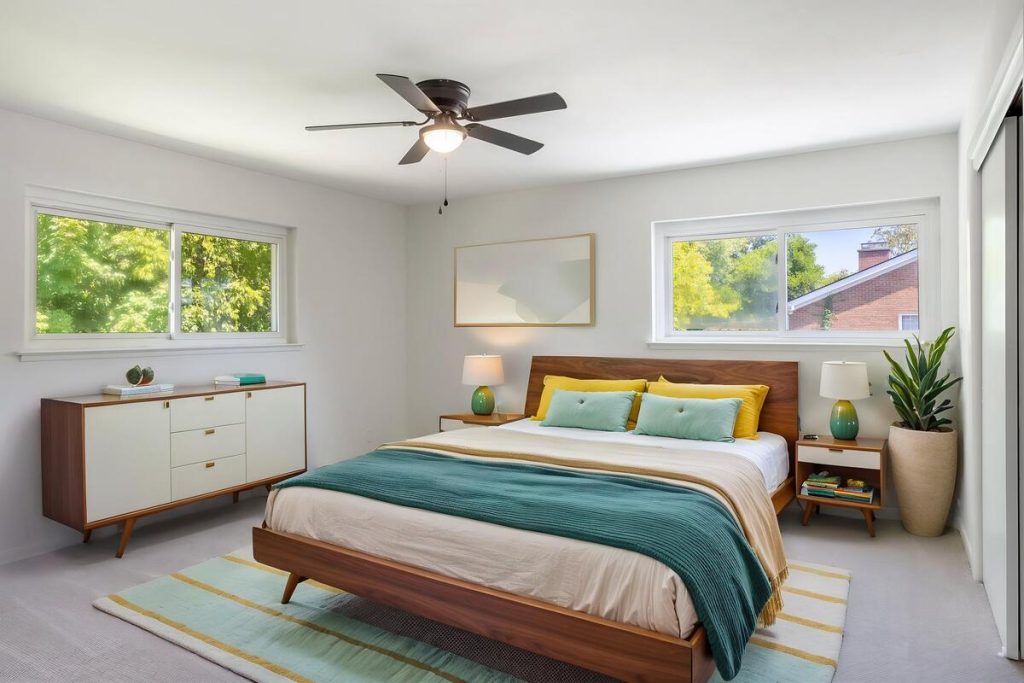
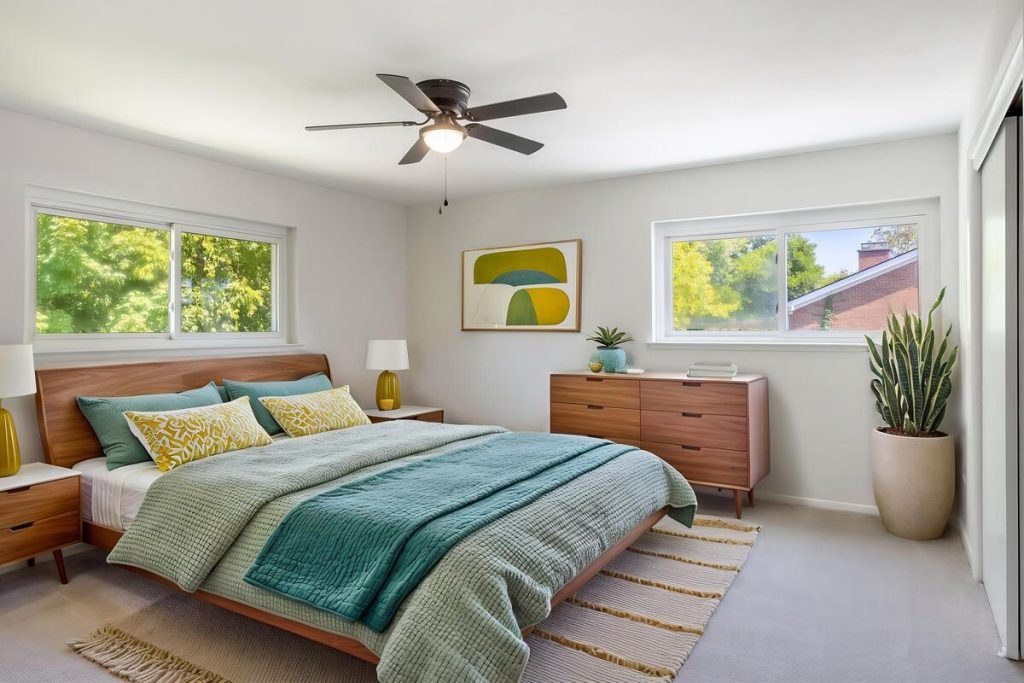
A bed with simple nightstand styling is usually enough to turn a bare box into a space buyers can picture themselves waking up in. NAR’s data puts primary bedrooms among the most frequently staged rooms for exactly this reason.
Dining Room
Dining rooms are notoriously hard to judge without furniture in them.
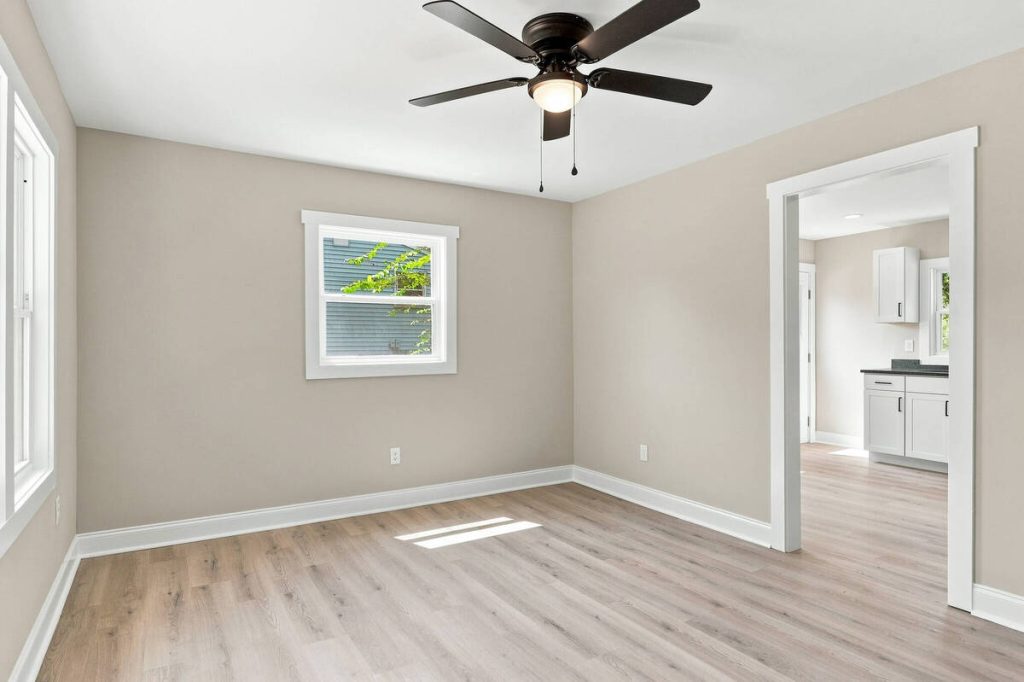
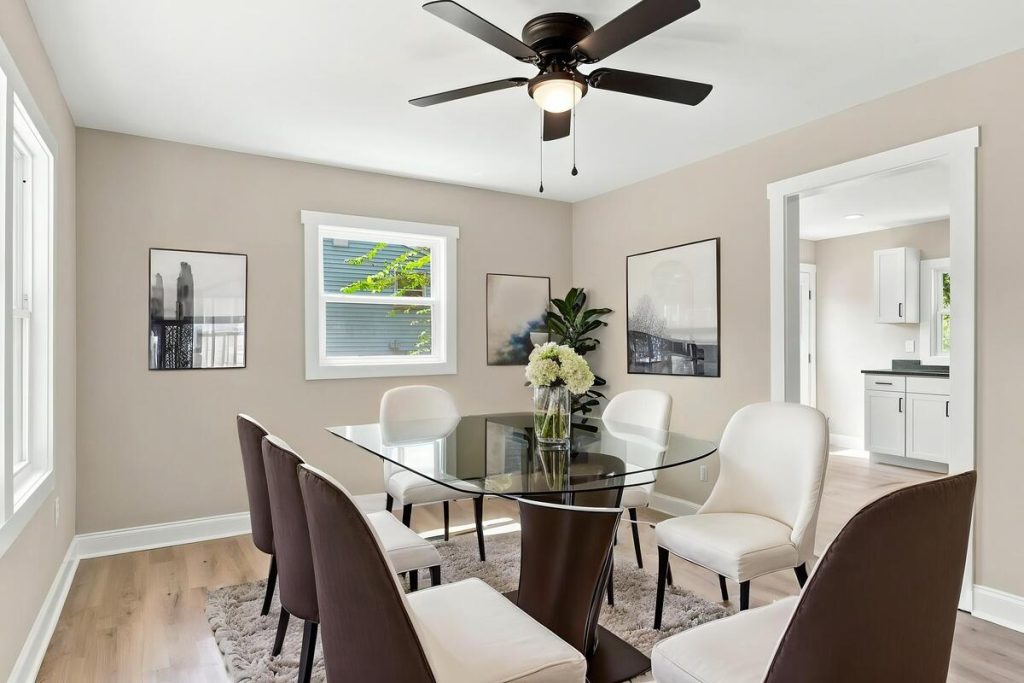
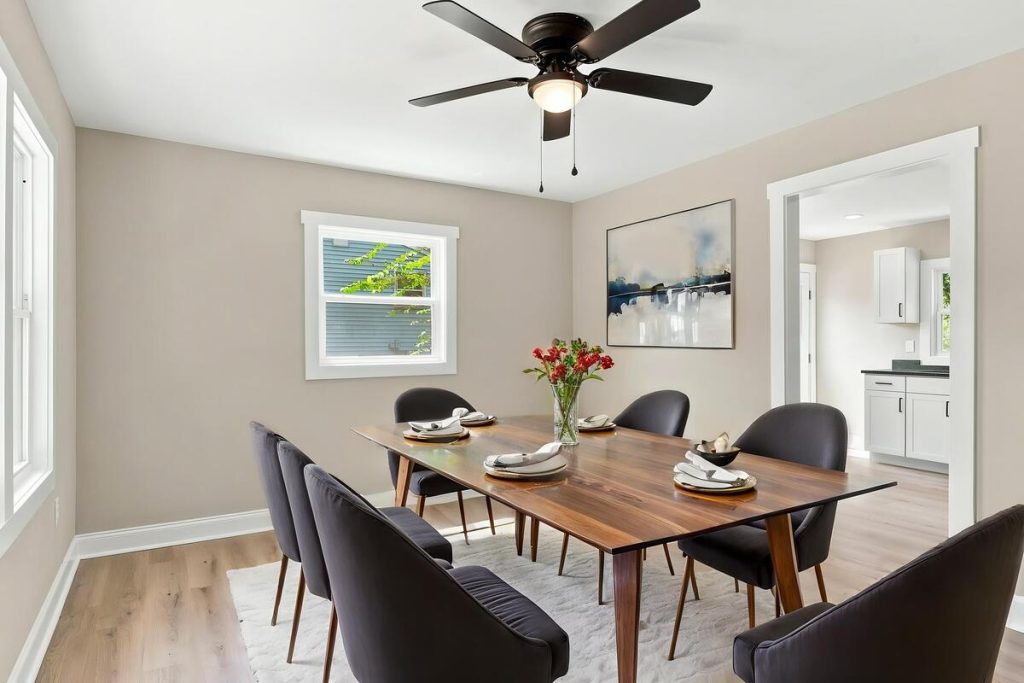
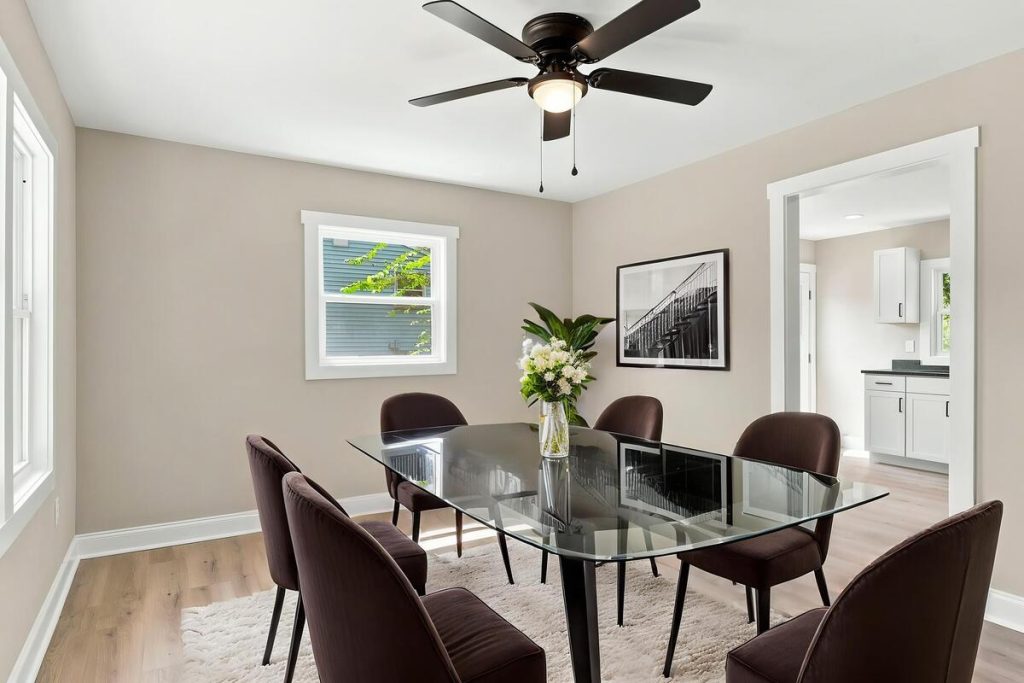
A table and chairs added with virtual staging software give buyers a real sense of whether their own furniture will fit, which matters more here than in almost any other room. That’s likely why dining rooms show up in roughly seven out of ten staged listings.
Quick & Easy
AI Virtual Staging
Interiors. Landscapes. Commercial. Virtually transform any space.

Which Rooms Can You Usually Skip?
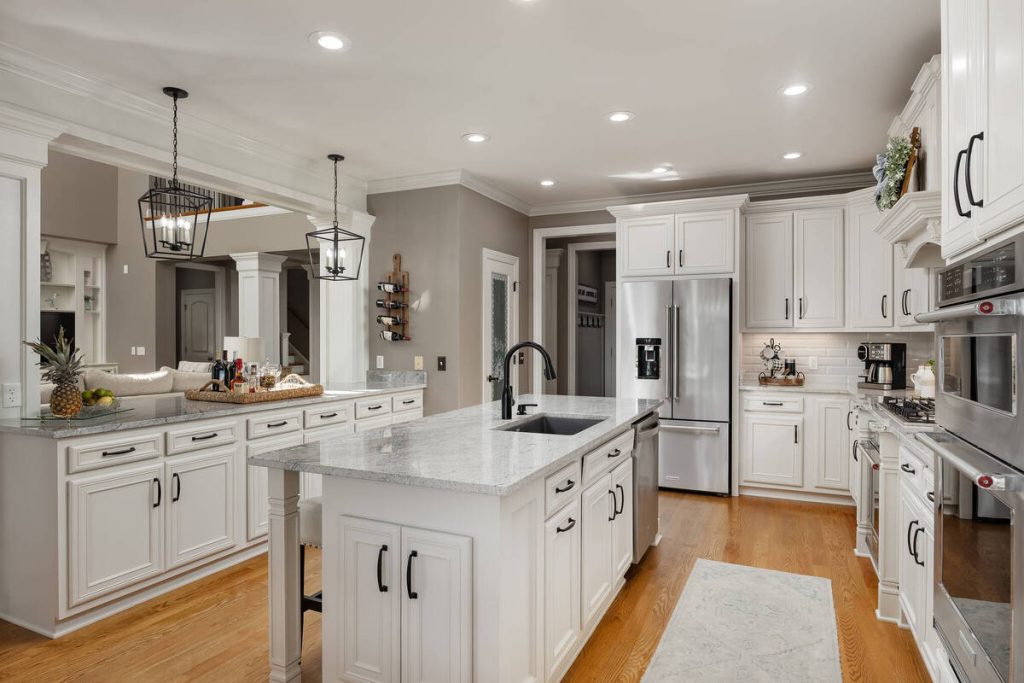
Kitchens, bathrooms, closets, and utility spaces rarely need virtual staging, because buyers are judging fixtures and layout, not furniture. Spending your staging budget here is usually money that would have worked harder somewhere else.
Kitchens
Buyers scrutinize cabinets, counters, and appliances, not furniture, and a kitchen already shows those clearly with nothing added. That’s part of why most AI virtual staging tools, AgentUp’s included, don’t offer kitchen staging at all. If a kitchen photo needs help, it’s usually lighting or clutter, not furniture.
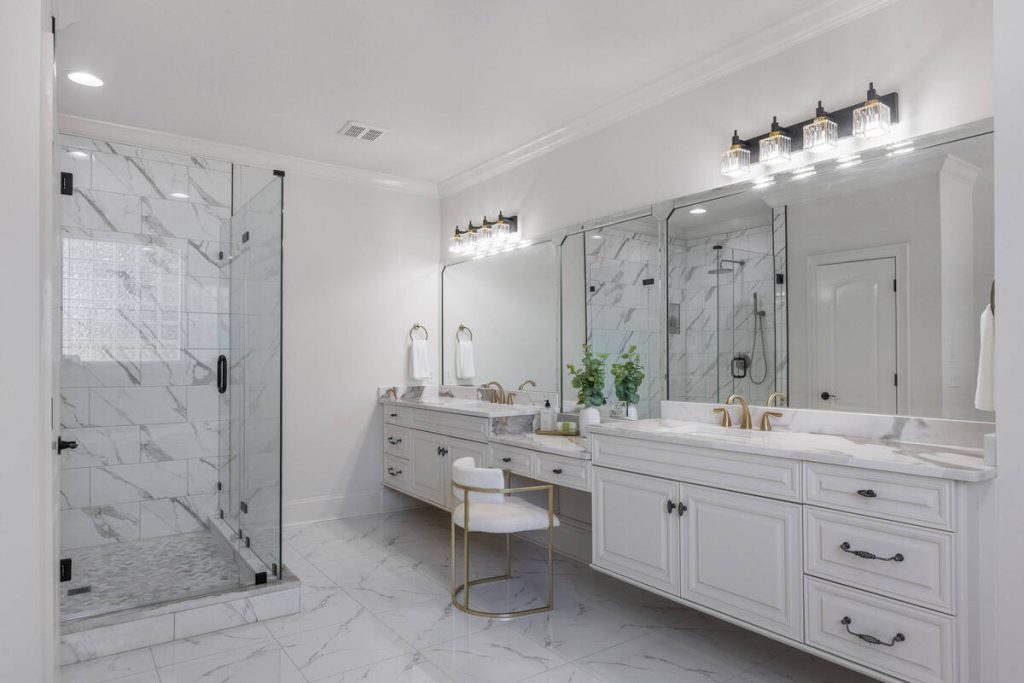
Bathrooms
There’s no furniture to add here, just fixtures that are already fixed in place. Attempts to virtually stage a bathroom tend to look artificial fast, and buyers notice.
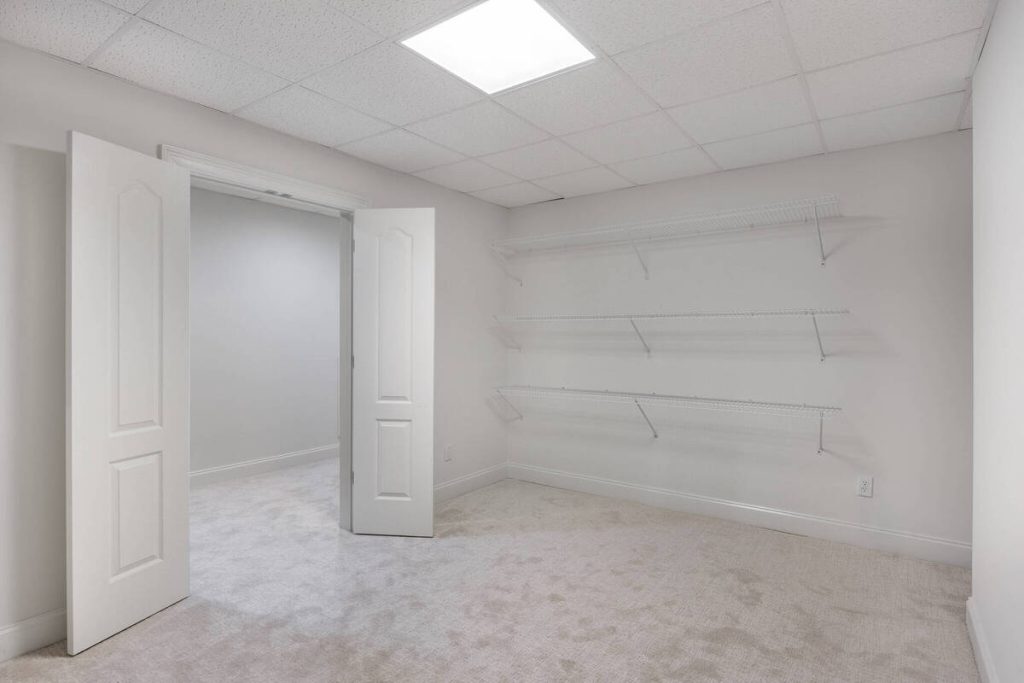
Closets, Laundry Rooms, and Utility Spaces
These are storage decisions, not lifestyle ones. Buyers want to see square footage and shelving, not a staged vignette.
Garages and Unfinished Basements
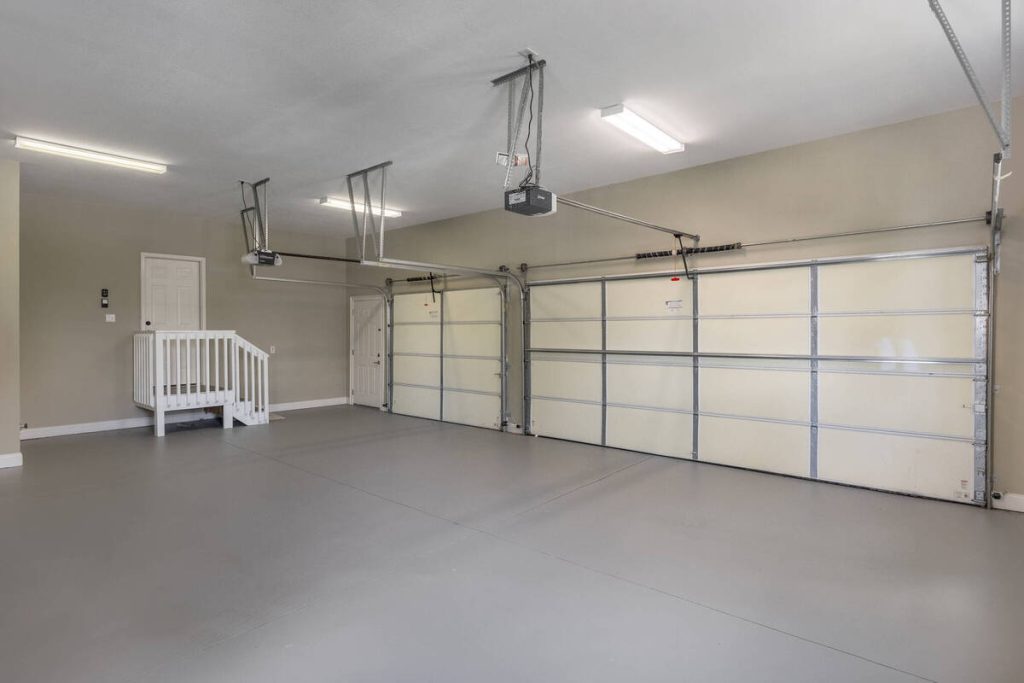
Unless the space is a genuine bonus room or a finished flex space, staging rarely earns back the cost. Save the budget for rooms buyers actually spend time in.
How Do You Decide Which Rooms to Stage for a Specific Listing?
Run each vacant room through four quick questions before you commit a budget to it.
- Does the room feel awkward or hard to read without furniture in it?
- Will buyers actually linger here in the photo gallery, or scroll past quickly?
- Does the room already communicate its purpose clearly on its own?
- What’s the realistic budget for this listing, and how many rooms can it cover well?
A room that fails the first two questions and passes the third is usually safe to leave alone. This is a two-minute gut check, not a full staging audit, and it gets faster the more listings you run through it.
What Should You Look for in Virtual Staging Software?
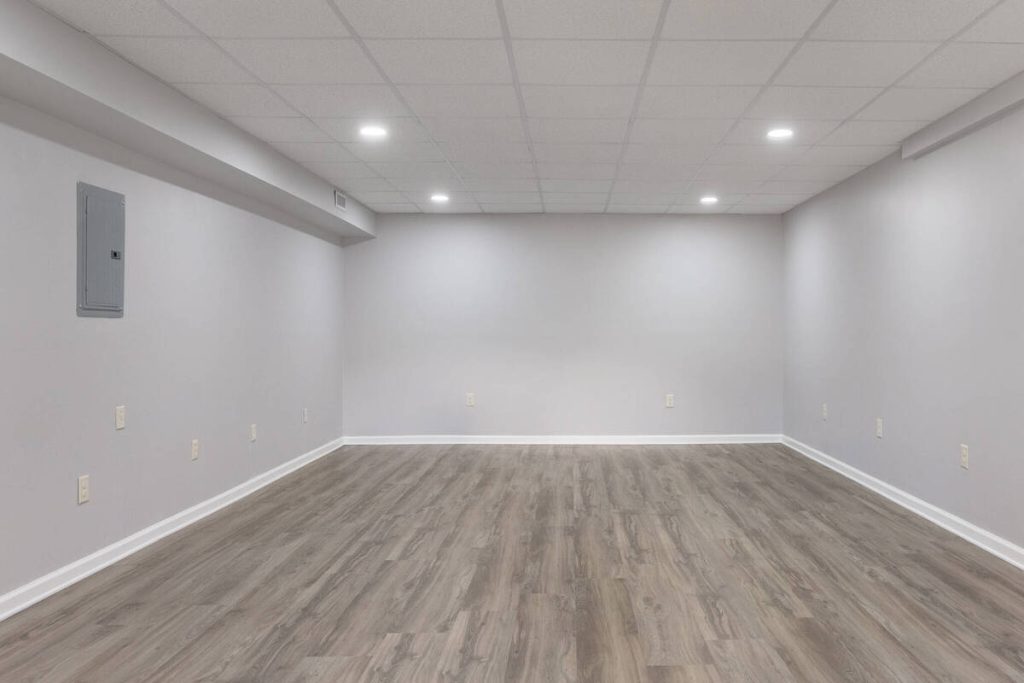

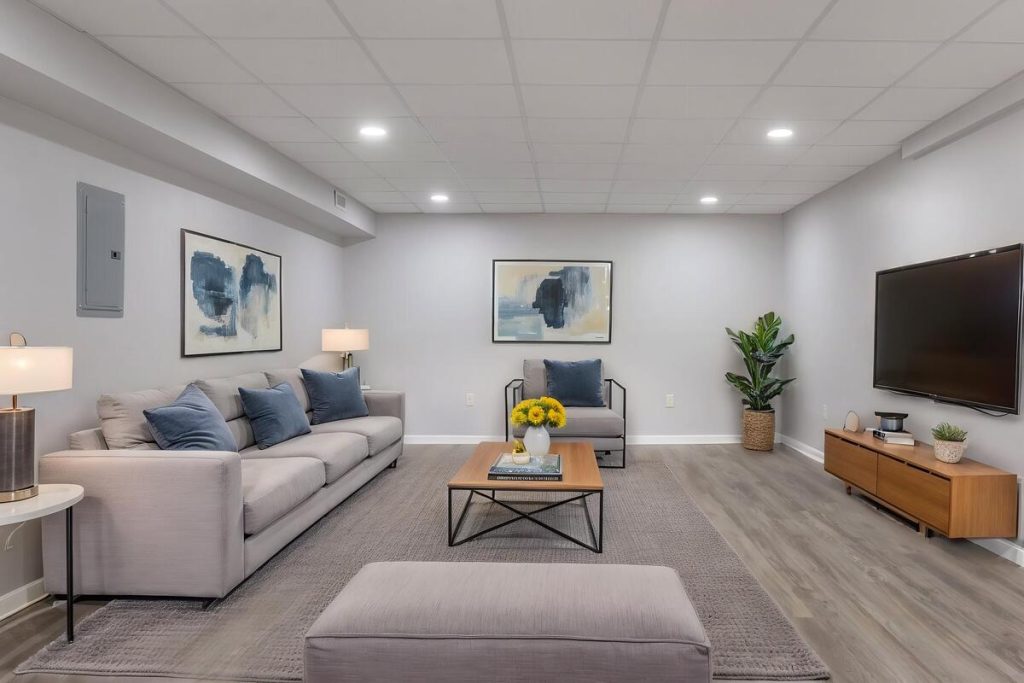
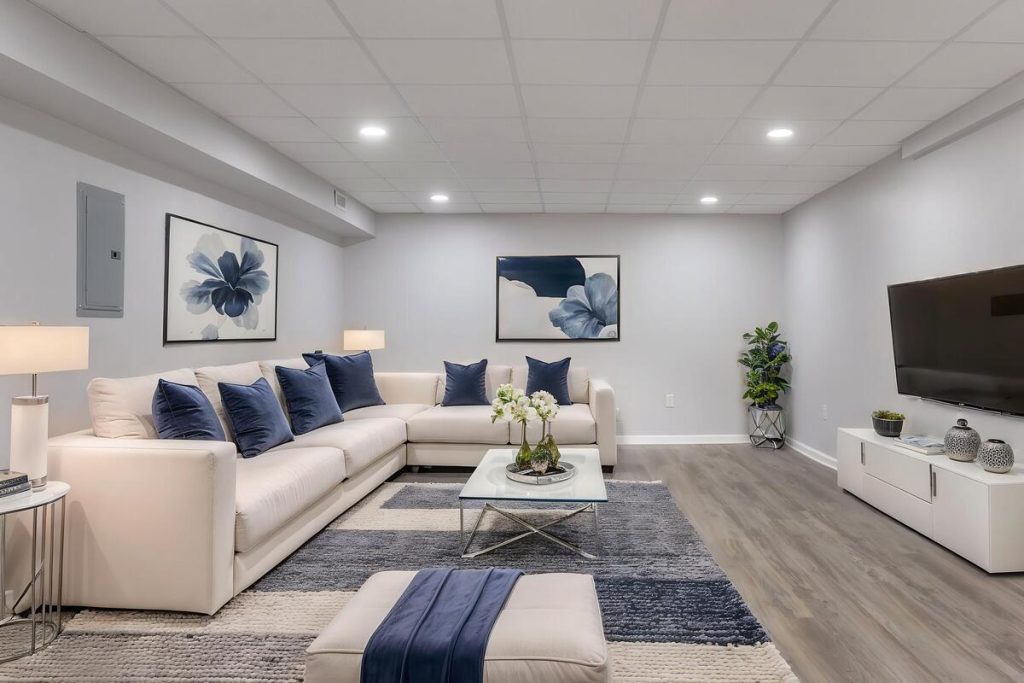
The right tool should match the rooms that actually need it, not force you to stage everything just to get a usable result. A few things worth checking before you commit to a platform:
- Photorealistic output that holds up at full resolution, not just as a thumbnail
- Room-type options built around where staging actually matters, rather than a generic template applied to every space
- Turnaround measured in minutes, since listing timelines rarely allow for days
- Per-image pricing that doesn’t punish you for staging three rooms instead of ten
- Clear labeling or watermark options, since NAR’s Code of Ethics requires virtually staged photos to be disclosed as such3
AgentUp’s virtual staging tool is built around that same logic. It covers living rooms, dining rooms, and bedrooms, the exact rooms the data above points to, at $5 per image with results back in about five minutes.
Pick from five design styles, add furniture removal if the space needs it, and export straight to MLS from the web app or the iOS app if you’re staging from the listing itself. New accounts start with a $5 credit, enough to test it on your next vacant listing before deciding it’s part of your workflow.
Quick & Easy
AI Virtual Staging
Interiors. Landscapes. Commercial. Virtually transform any space.
If you want a closer look at how the process works room by room, this walkthrough on staging vacant rooms covers it in more detail, and this breakdown of staging costs is useful if budget is the deciding factor for your next listing.
Got a vacant listing on the calendar this week? Try AgentUp’s virtual staging software on the living room and primary bedroom first, using the free $5 credit, and see how it changes the gallery before you spend a dollar more.
References: