


A new listing goes live, and the marketing options are thin: a photo grid on the MLS, a syndicated page on Zillow, maybe a Facebook post. None of it carries your branding, and none of it gives buyers much more than a passing glance.
A single property website changes that.
It’s a standalone site built around one listing, with its own photos, floor plan, and a direct way for buyers to reach out. Here’s how to build a real estate website for your next listing, step by step.
Why a Listing Needs Its Own Site
A listing needs its own site because a generic MLS or portal page gives you no control over presentation, branding, or lead capture. Your listing sits in a grid next to a dozen others, and buyers scroll past fast.
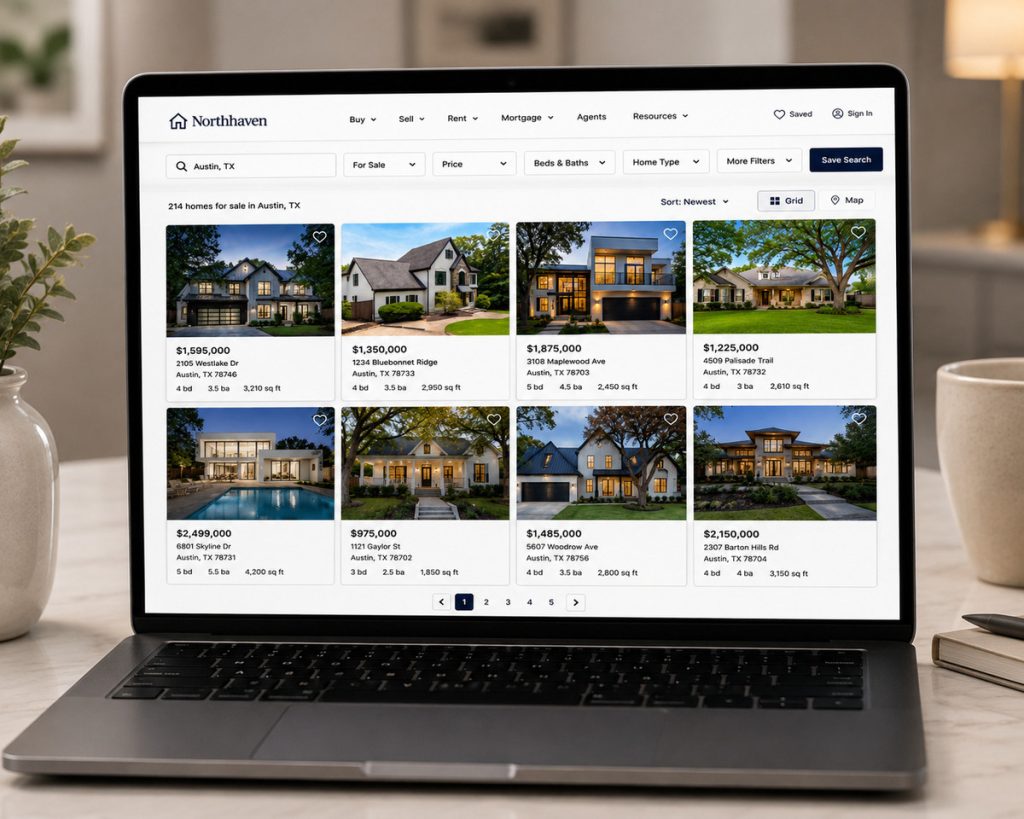
Photos and video carry most of the weight in that decision. In NAR’s 2025 Profile of Home Buyers and Sellers, buyers’ agents ranked photos, video, and virtual tours among the features their clients care about most when evaluating a home online.1
A generic listing page doesn’t showcase any of that well. A dedicated site does, and NAR even lists single property websites as one of the standard tools agents use to market an individual listing.
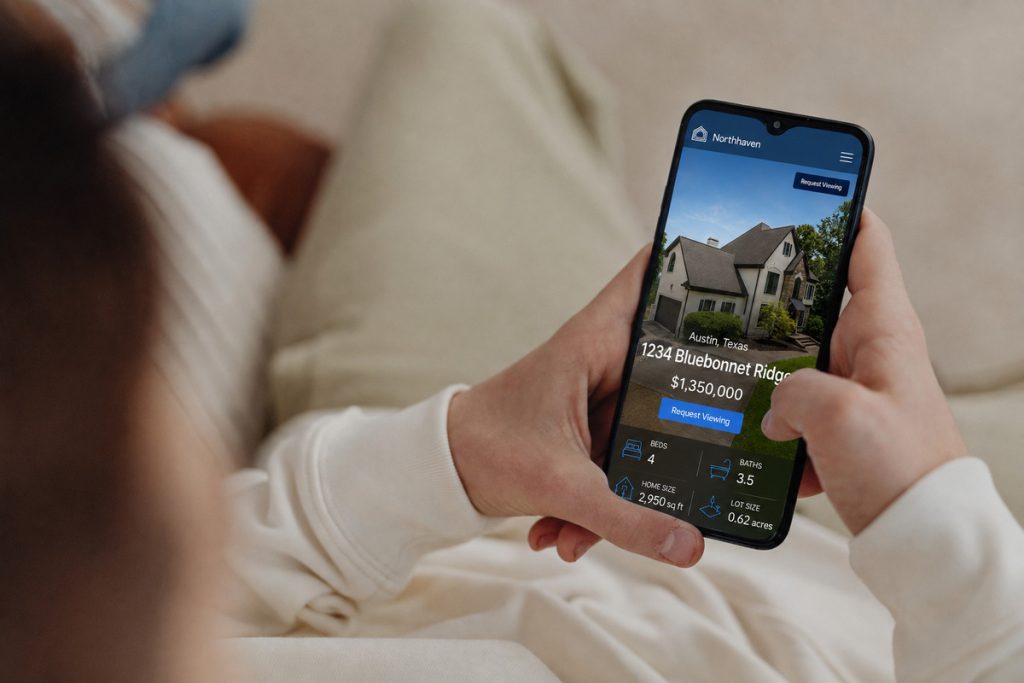
Online search isn’t going away either. HousingWire’s 2026 roundup of real estate statistics confirms online search remains the dominant starting point for buyers, which is exactly why a well-built listing page still matters this much.2
What to Gather Before You Start Building
A few things ready in advance will speed this up considerably:
- Final, edited listing photos
- Floor plans or a virtual tour link, if you have one
- Property specs: square footage, bed/bath count, lot size, year built
- Your contact info and license number for MLS compliance
- Brand colors or a logo, if you want the site to match your other marketing
- Mortgage or HOA numbers, if you plan to include a payment calculator
With those in hand, you can go from a blank page to a live site in one sitting.
Your Next Listing Starts Here
Stand Out With Single Property Websites
Create stunning listing websites that showcase homes and strengthen your brand.

How to Build a Real Estate Website for a Listing
Building a real estate website for a single listing comes down to seven steps, most of which take minutes once your photos and details are ready.
1. Pick a platform built for single-property sites.
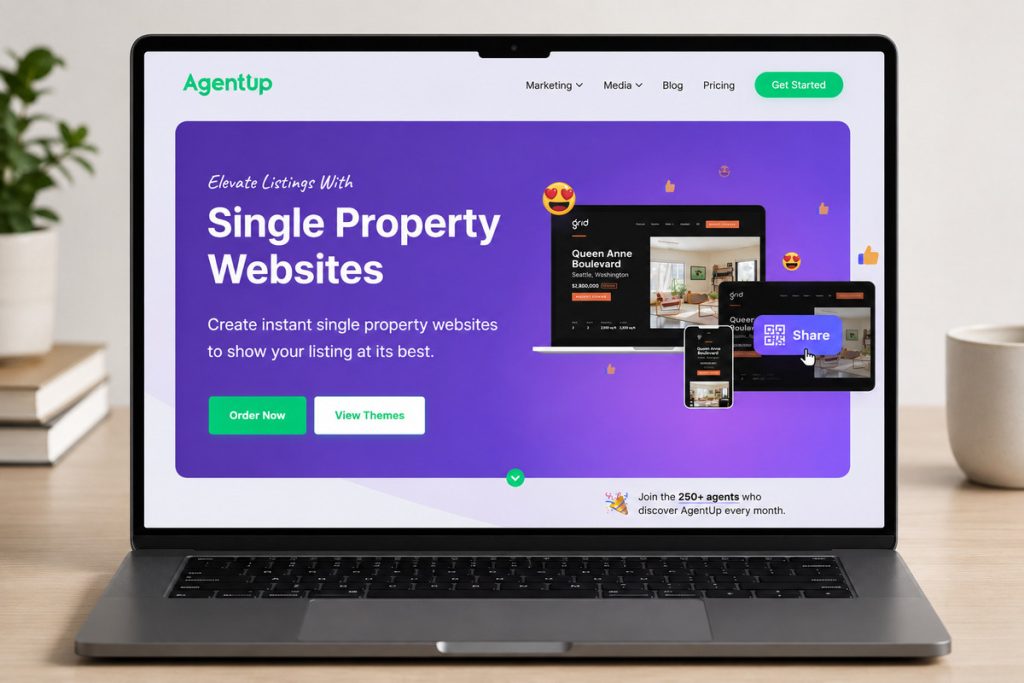
A general website builder can technically do this, but it’s designed for a full agent site, not a fast one-off page for a single home. Purpose-built tools like AgentUp’s single property websites get you a listing-ready site without touching code.
2. Choose a theme.
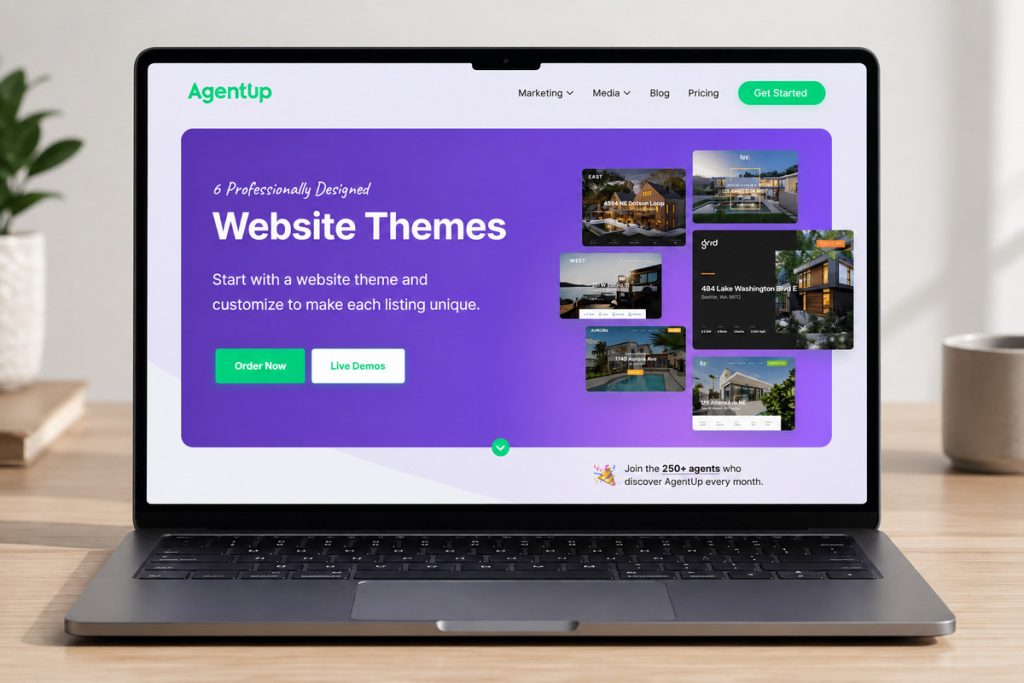
Most tools give you a handful of professionally designed templates. Pick one that fits the property; a modern condo and a country farmhouse usually call for different layouts.
3. Add the property details.
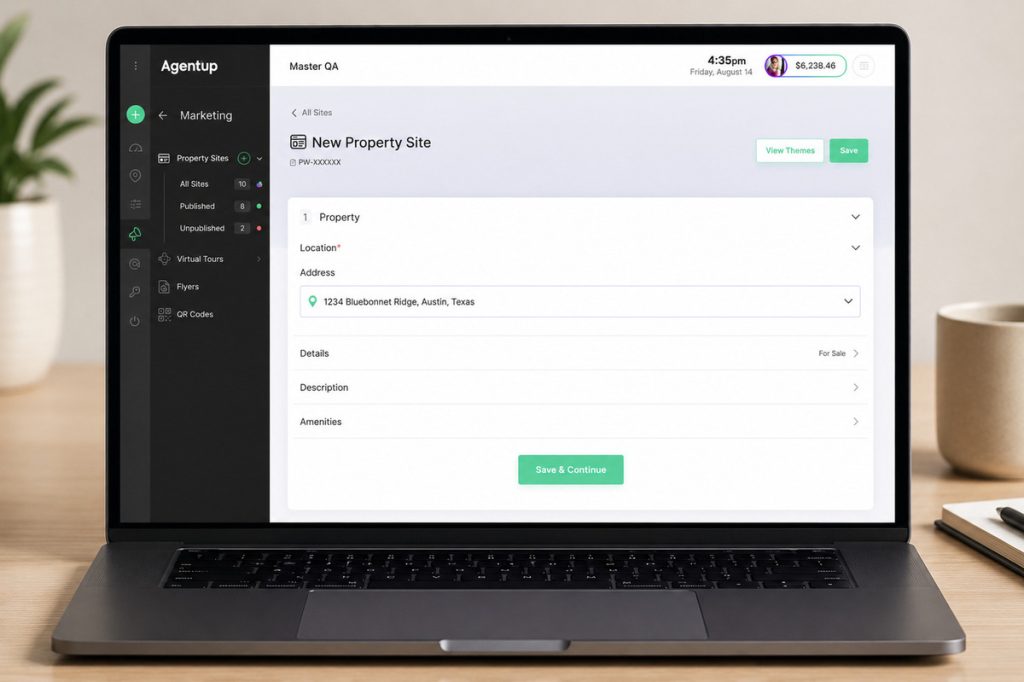
When you build a real estate website, include the property address, price, specs, and a short description of its standout features.
4. Upload your media.
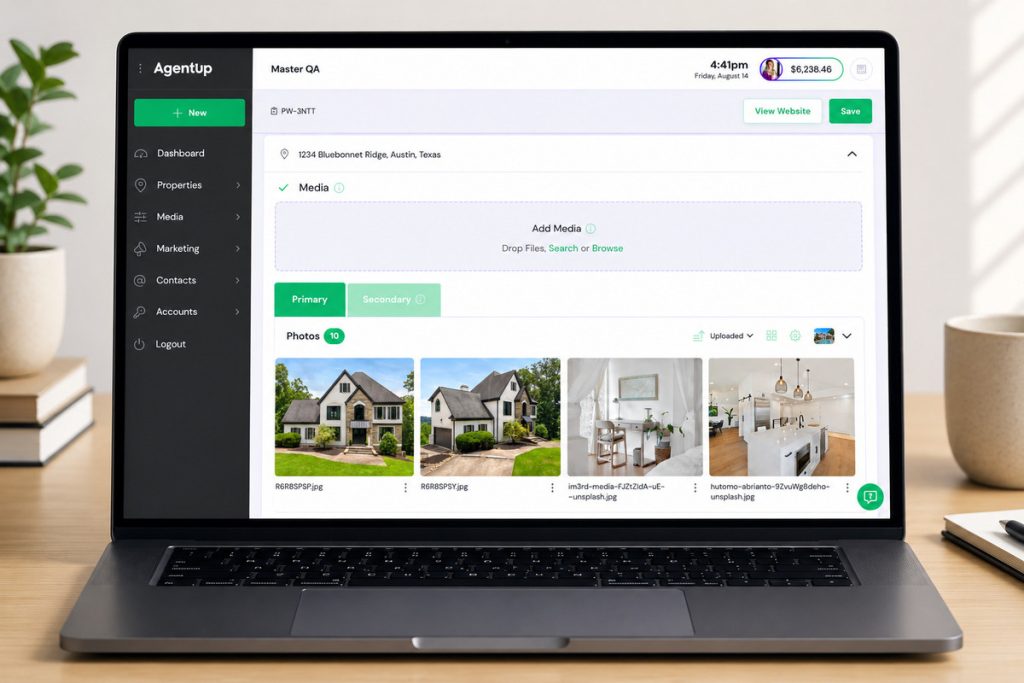
Photos first, then video, virtual tour links, and floor plans. This is the part buyers actually spend their time on.
5. Set up a lead capture form.
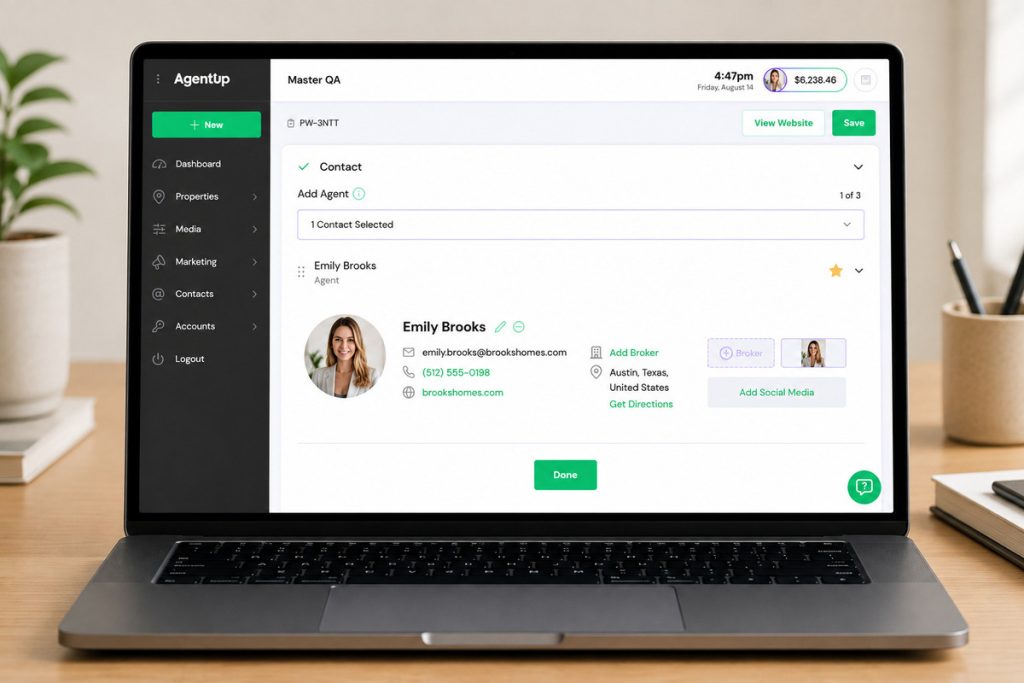
Every visitor should have an easy way to ask a question or request a showing, with the inquiry routed straight to you.
6. Set your domain and branding.
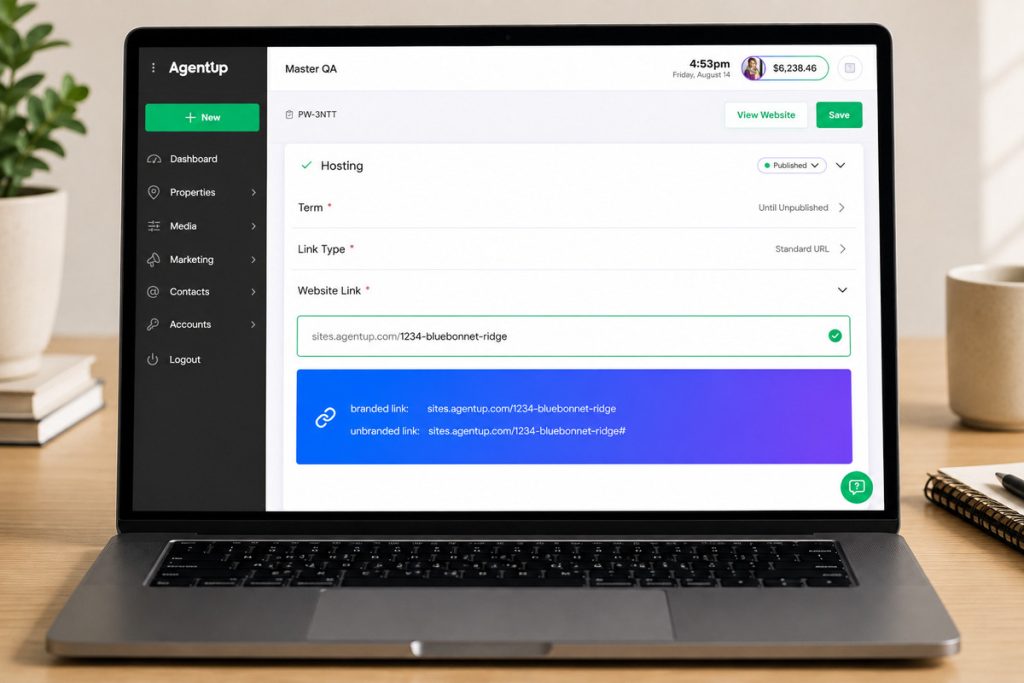
Most platforms give you a white-labeled link automatically, or you can point a custom domain, like 123maplestreet.com, at the site. Add your license number and brokerage details to stay MLS compliant.
7. Publish and share it everywhere.
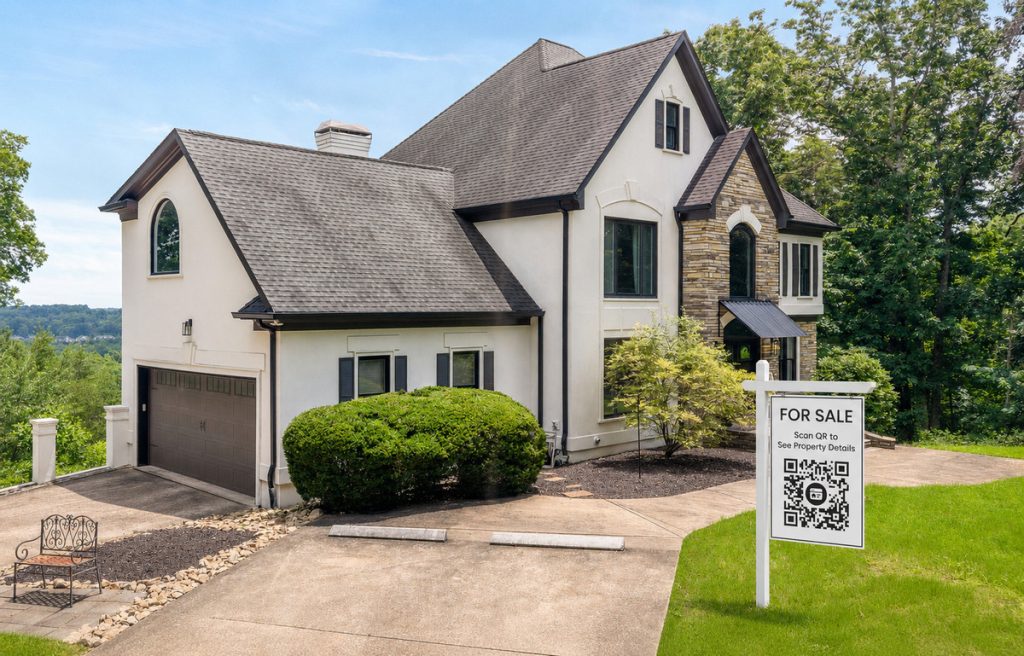
After you build a real estate website, share the link and QR code everywhere buyers may encounter the listing, from the MLS and yard signs to social media and email.
What You Get From a Dedicated Property Site
A dedicated property site gives buyers more room to explore than a portal listing does, and it gives you a destination for traffic that isn’t competing with other agents’ listings for attention. Sellers notice the difference too. Showing up to a listing appointment with a sample site, rather than a promise to “put it on Zillow,” changes how you’re perceived.
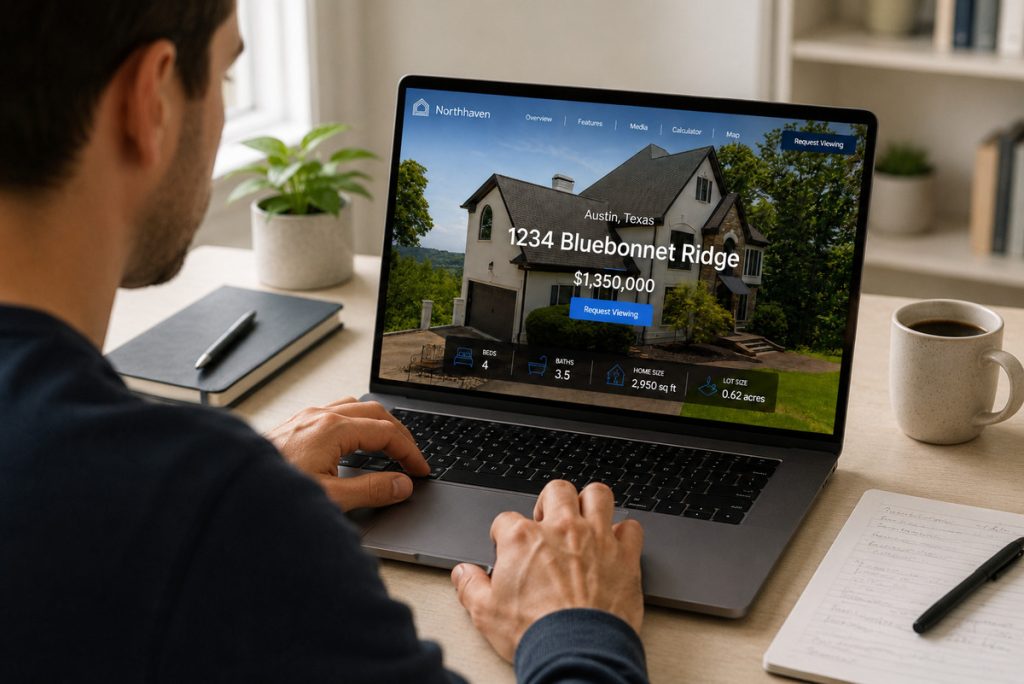
The lead capture piece matters as much as the presentation. In its 2025 marketing statistics report, REsimpli found that agents pairing a dedicated capture form with active follow-up convert noticeably more of their leads than agents relying on portal inquiries alone.3 A single property site with a working lead form is one of the simplest ways to close that gap.
Getting the Most Out of It Once It’s Live
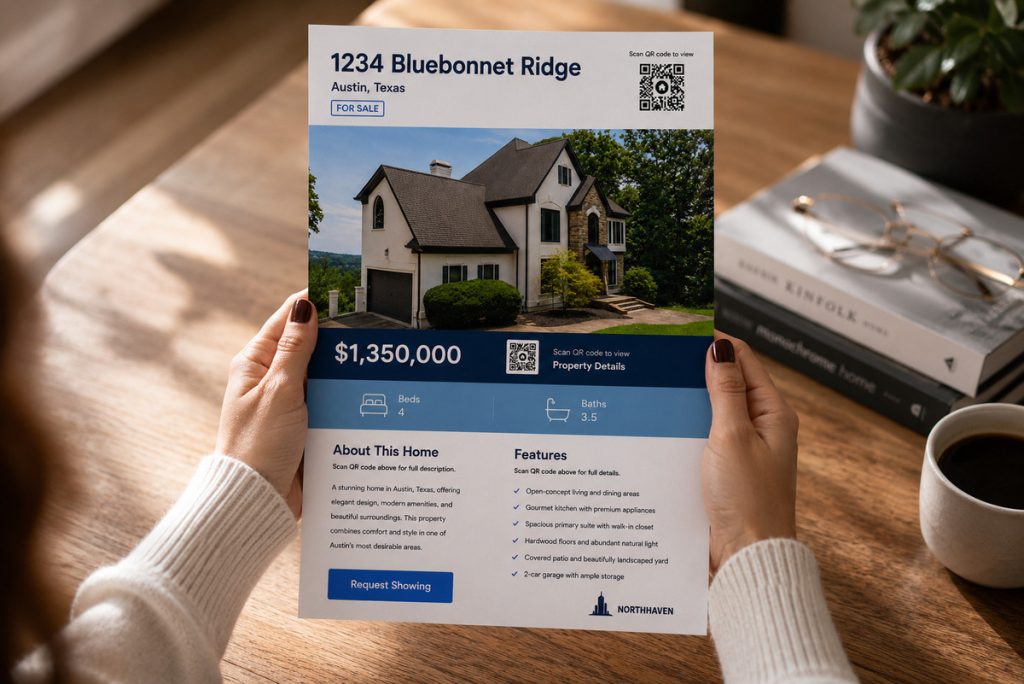
Once the site is live, the job shifts to promoting it and keeping it current. Link it everywhere the listing appears: MLS remarks, your own social posts, email campaigns, and any print materials. A matching flyer with a QR code is an easy way to bridge the print-to-digital gap at open houses and showings.
A key step when you build a real estate website is managing it throughout the listing. Keep property details up to date and archive the page once the transaction is complete.
Where AgentUp Fits In
AgentUp’s single property website tool covers most of the steps above in one place: six professionally designed themes, a built-in lead capture form, custom domain options, and a matching flyer generated automatically.
Your Next Listing Starts Here
Stand Out With Single Property Websites
Create stunning listing websites that showcase homes and strengthen your brand.
Pricing runs per listing rather than as a subscription, so check the plans against how many listings you typically have live at once. Add your listing details and photos, and the site is live in about five minutes.
For a closer look at what separates a strong property site from a forgettable one, see what makes the best single property websites so effective.
Ready to try it on your next listing? Get started with AgentUp.
References: