


An empty dining room is one of the trickiest spaces to photograph for a listing. Buyers can’t picture where a table goes, how many people the space fits, or whether it works for the way they actually eat dinner.
AI virtual home staging services solve that problem, without a single piece of furniture leaving the truck.
This article walks through what these transformations look like in dining rooms specifically, the data behind why they work, and how agents can use them to make vacant or awkward spaces sell faster.
Why Dining Rooms Are Easy to Overlook and Hard to Sell Vacant
Bedrooms and living rooms tend to get most of the staging attention. Dining rooms often sit empty, half-furnished, or stuffed with whatever the sellers haven’t packed up yet.
The problem isn’t just aesthetics. A dining room with no visual cues forces buyers to do extra mental work, and a lot of them won’t bother. If a buyer scrolls past a photo of an empty rectangular room, they may assume the space is smaller or more awkward than it actually is, especially in older homes with narrow footprints or oddly placed windows.
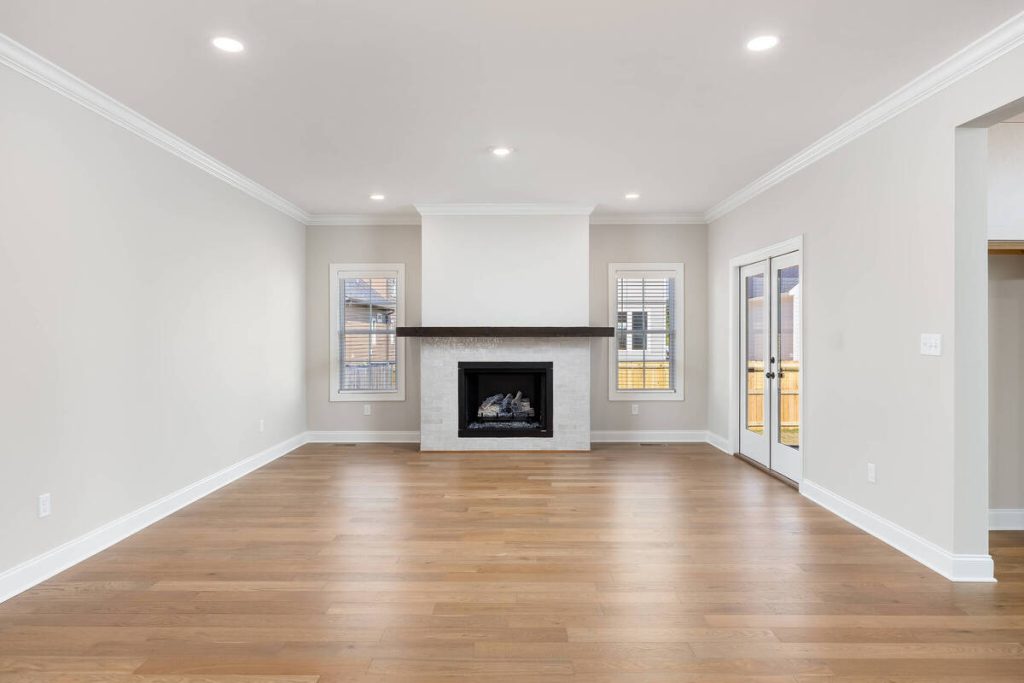
Photos carry more weight than almost any other part of a listing. Buyers rank photos as the most critical factor when evaluating a home online, according to real estate photography data compiled by RubyHome.1 An empty or confusing dining room shot is a wasted frame in a gallery that’s already competing for a few seconds of a buyer’s attention.
What AI Virtual Home Staging Services Actually Do for Dining Spaces
Virtual home staging services use AI to turn a photo of a vacant or underused room into a fully furnished space, adding furniture, decor, and lighting cues that show buyers exactly how it functions. For a dining room, that might mean a farmhouse table and six chairs, a modern round table with pendant lighting, or a built-in bench nook, depending on the home’s style and price point.
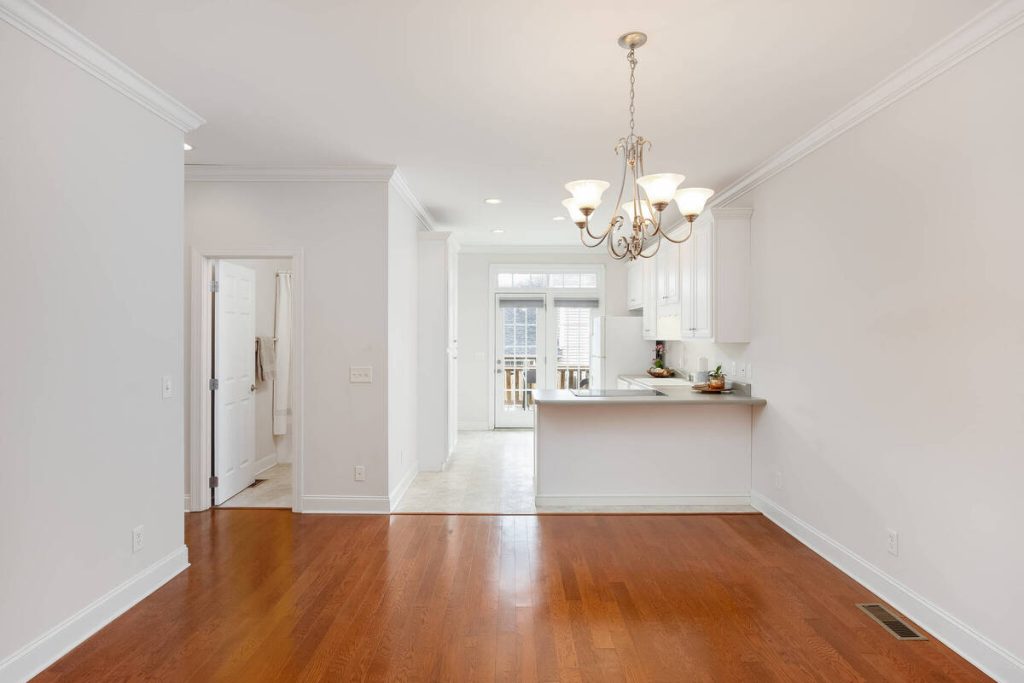
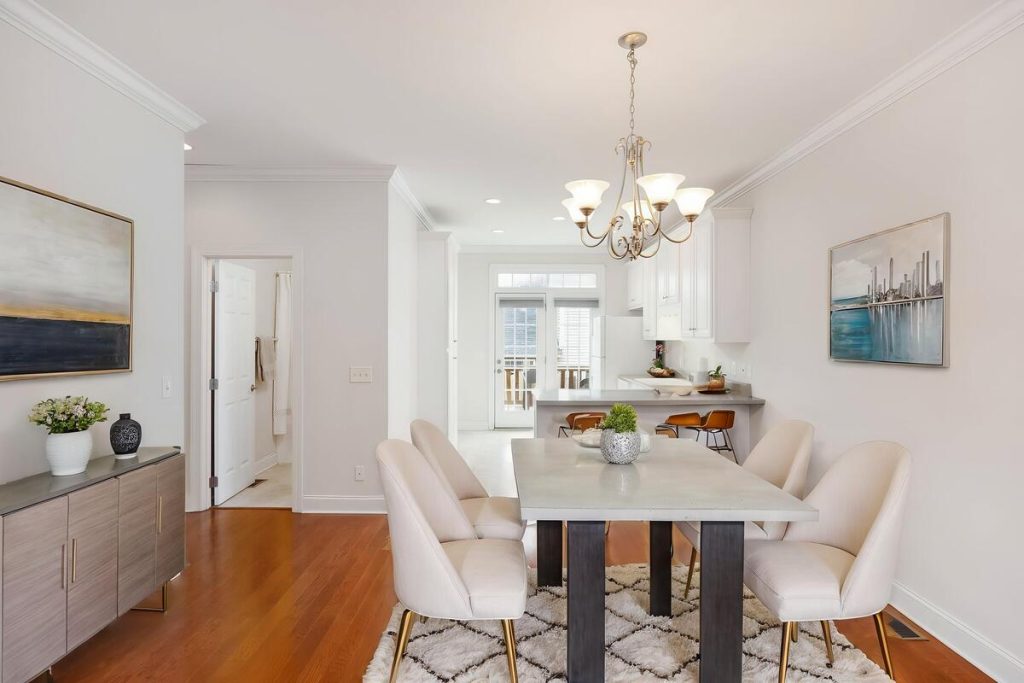
The appeal for agents comes down to speed and convenience. Traditional staging requires coordinating furniture rental, delivery, and setup, which can delay a listing. AI virtual staging services deliver professionally staged images in a day or two, making it easier to market vacant properties quickly. This is especially valuable when sellers don’t want to stage a home they’re about to leave but still need listing photos that attract buyers.
Before and After: Three Common Dining Room Transformations
Dining room staging requests tend to fall into a few scenarios agents run into again and again.
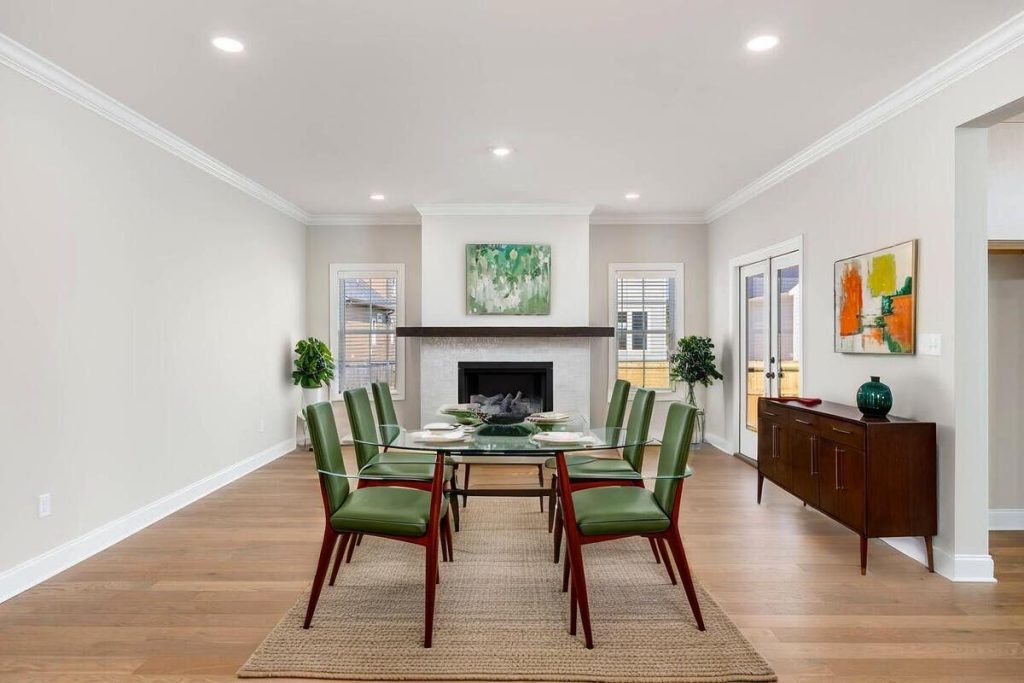
The empty formal dining room becomes an entertaining space
A vacant formal dining room, especially in a move-in-ready listing, needs to show buyers it’s worth using regularly and not just for holidays. Staging it with a set table, warm lighting, and simple wall decor turns four bare walls into a room buyers can picture hosting in.
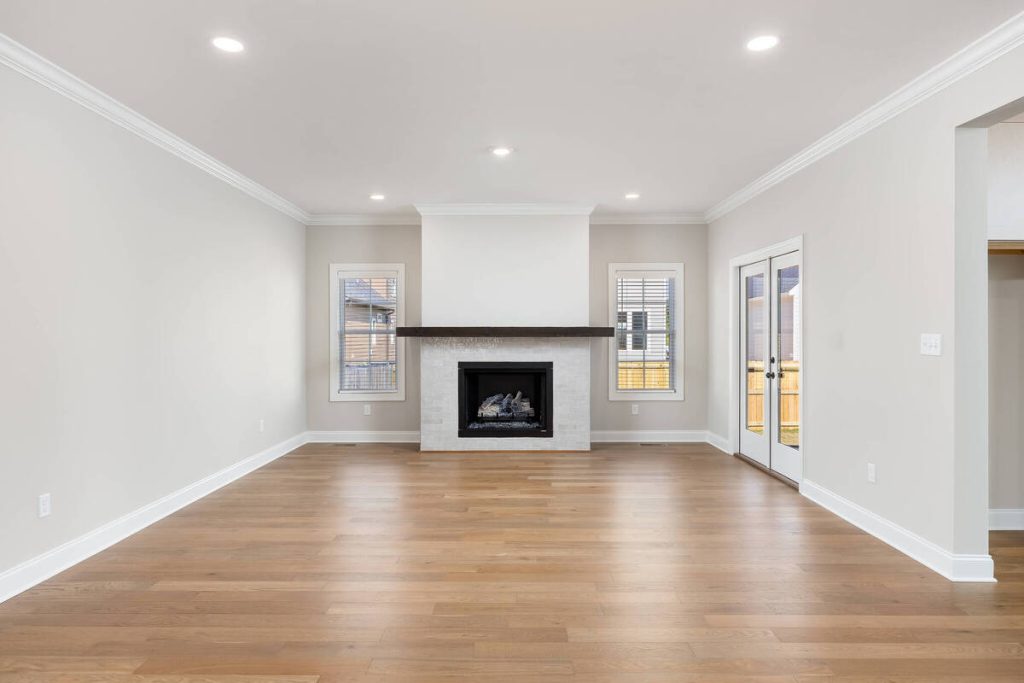
The awkward nook or flex room becomes a defined breakfast area
Plenty of homes have a small nook off the kitchen that sellers use for storage, a home office, or nothing at all. AI virtual staging can add a compact table and bench seating to present the space as a breakfast area, which is often the more marketable use for buyers who want an eat-in kitchen.
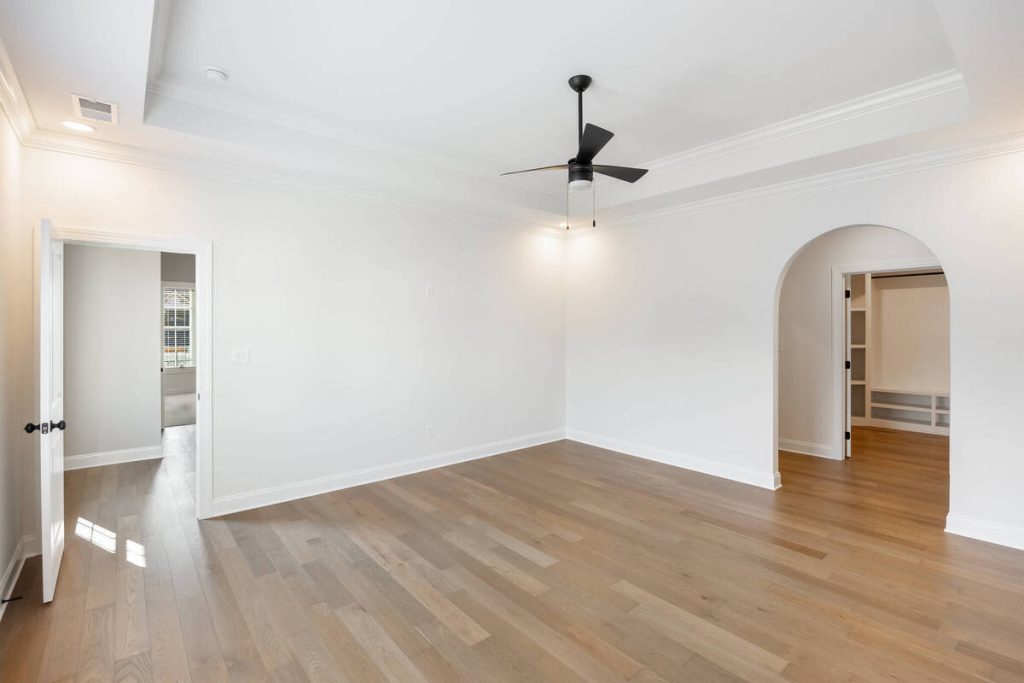
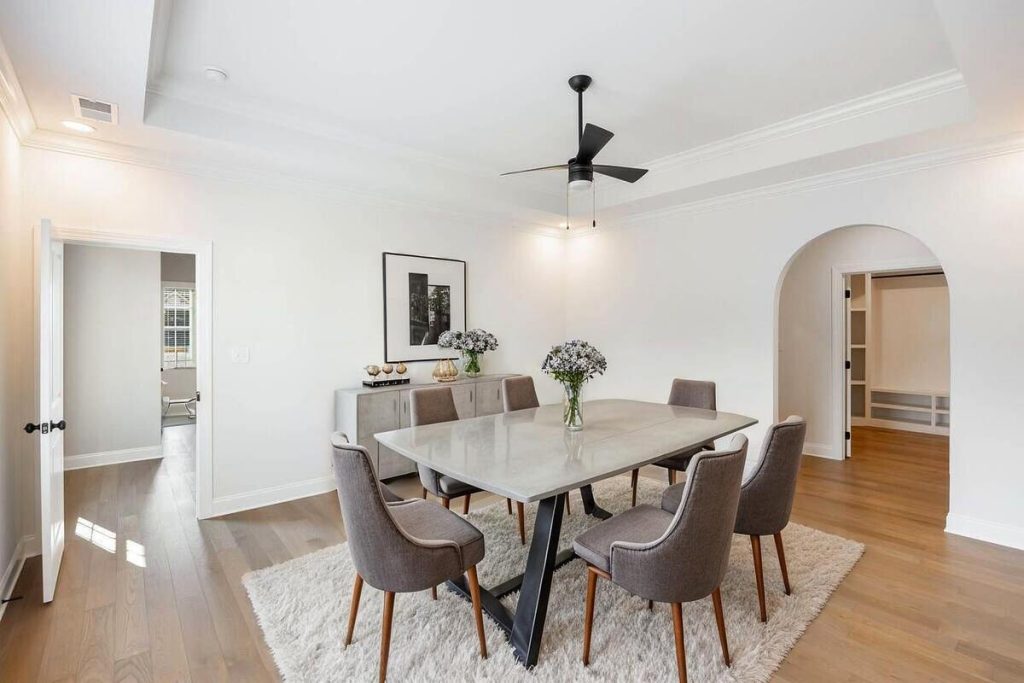
The multi-purpose room becomes a clear dining zone
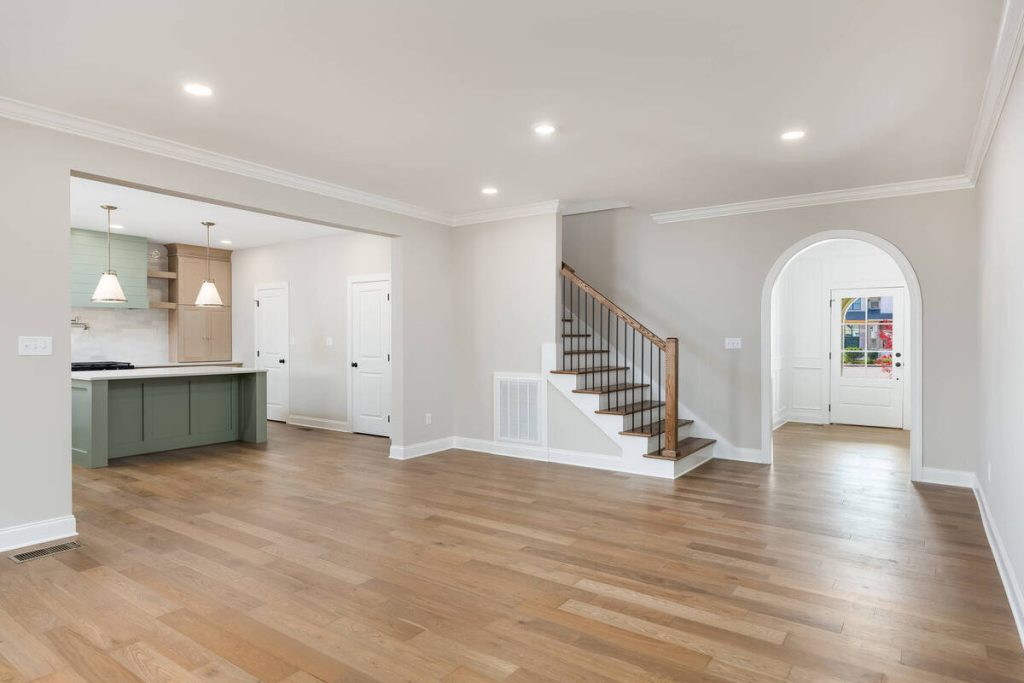
Open floor plans blend dining, living, and sometimes kitchen space into one room. Buyers scrolling through photos need a clear signal of where each zone starts and ends. Staging just the dining portion of an open-concept room, instead of the whole space, defines the layout without overselling the square footage.
Quick & Easy
AI Virtual Staging
Interiors. Landscapes. Commercial. Virtually transform any space.

Benefits of Virtual Staging Services for Dining Rooms
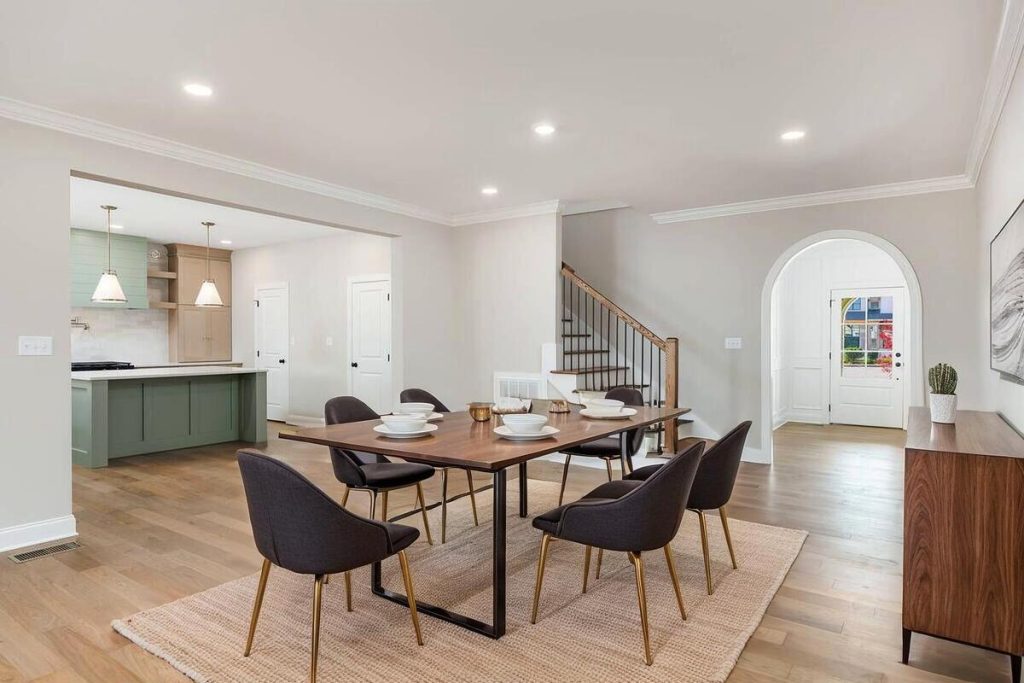
AI virtual staging services pay off in more than just better photos. The impact shows up in the numbers too.
- Faster time on market. Nearly half of sellers’ agents reported that staging shortened days on market, according to a 2025 NAR report on home staging.2
- Higher buyer interest. AI virtual staging can lift buyer interest by roughly 30%, per marketing data from ReSimpli.3
- Lower cost per listing. Because staging is applied digitally, agents skip furniture rental fees entirely, and pricing scales with the number of photos rather than the size of the room.
- Faster turnaround. Most services deliver staged images within 24 to 48 hours, which fits tight listing timelines.
How to Get the Most Out of AI Virtual Home Staging for Dining Spaces
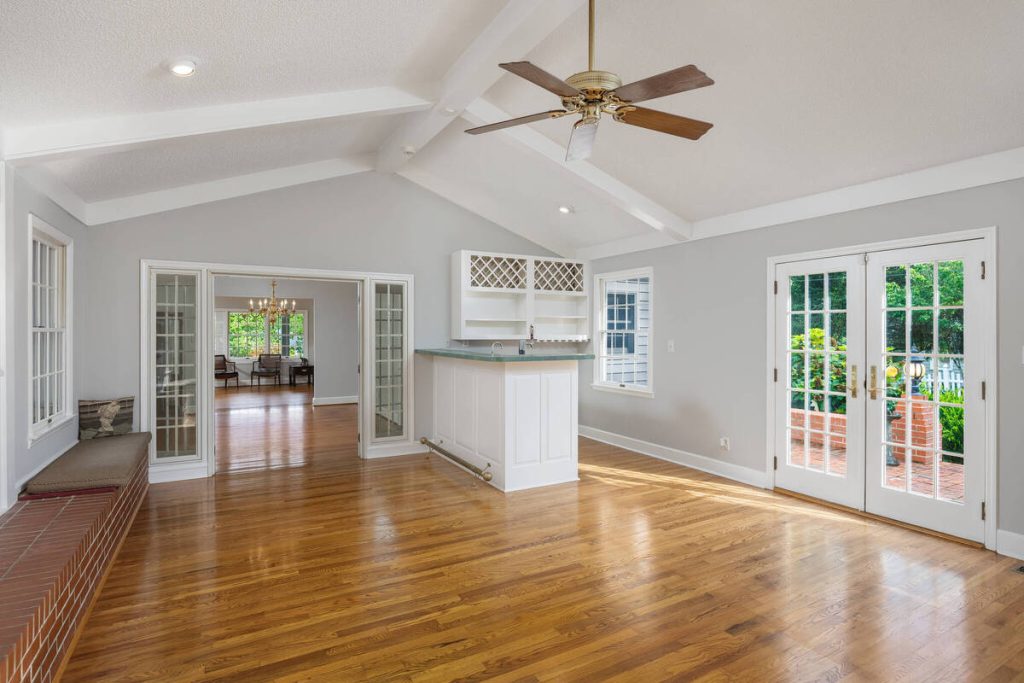
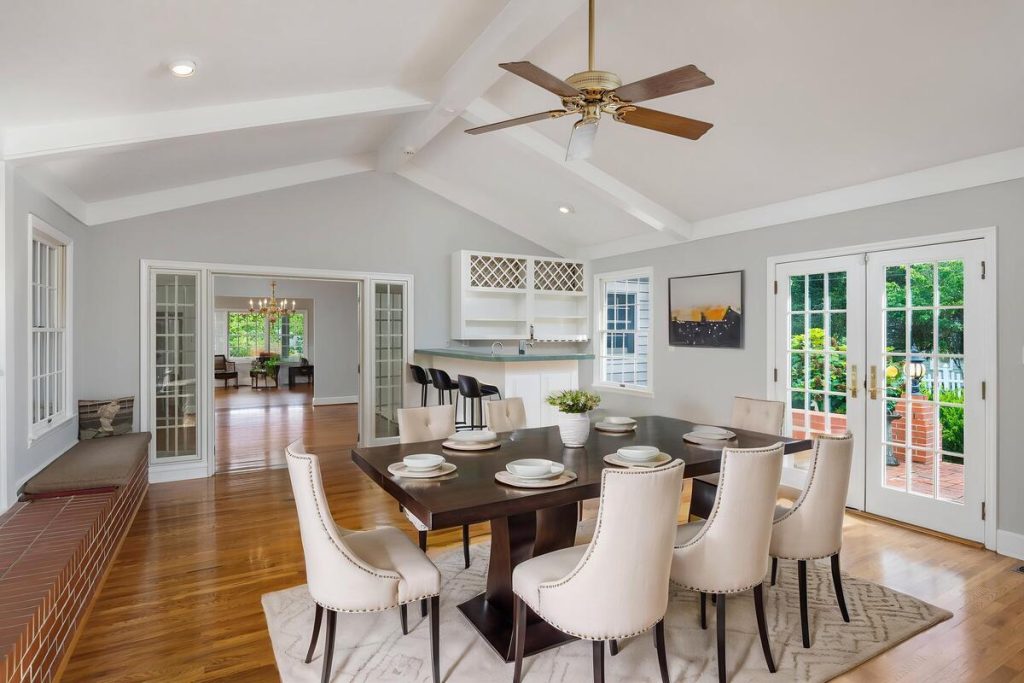
A few habits make AI virtual staging results look more credible once they’re live on the MLS.
- Shoot the room with natural light and a wide angle so the software has a clean, well-lit base image to work from.
- Match the furniture style to the home’s price point and neighborhood. A rustic farmhouse table won’t read right in a downtown condo listing, and the reverse is just as true.
- Disclose that images are virtually staged, both in the MLS listing and on marketing materials.
- Pair staged dining room photos with a single property website so buyers can see how the room connects to the rest of the home, not just one shot in isolation.
Bring Every Dining Room to Life With AgentUp
AgentUp’s AI virtual home staging services are built for exactly this kind of transformation. Upload a photo of a vacant or underused dining room, pick a design style, and get three staged renders back starting at $5 per image.
It pairs well with AI photo editing for listings that also need color correction or sky replacement, and both tools run through the same media workflow agents already use to prep a listing for MLS.
Quick & Easy
AI Virtual Staging
Interiors. Landscapes. Commercial. Virtually transform any space.
For agents juggling several vacant listings at once, staging rooms one by one adds up fast in both cost and hours. AgentUp’s approach, covered in more detail in how virtual home staging software brings empty rooms to life, is built to keep that cost down without cutting corners on how the space looks in photos.
Try AI virtual staging on your next vacant dining room and see how a table, a few chairs, and the right lighting change the way buyers respond to the listing.
References: