


A new listing deserves more than a standard MLS page and a handful of Zillow photos. A dedicated site for it should take an afternoon to put together, not a two-week design project.
That’s what a single property website template is for.
It’s a starting point built specifically for one listing, ready to fill in with photos and details. This guide covers where to actually find one, what separates a solid template from a forgettable one, and how to match a design to a specific property.
Why Bother With a Template for a Single Property Website
A template gets a listing site live in minutes instead of days. That speed matters because buyers are already searching before an agent ever gets a call. ReSimpli reports that 96% of buyers start their home search online.1

Building a custom site for every new listing isn’t realistic on top of showings, paperwork, and everything else on an agent’s plate. A template handles the design and technical setup, so a property gets a professional home online without adding to that workflow.
Where to Find a Single Property Website Template
Single property website templates come from three main sources: dedicated listing site platforms, general website builders, and real estate theme marketplaces.
Dedicated Single Property Website Platforms
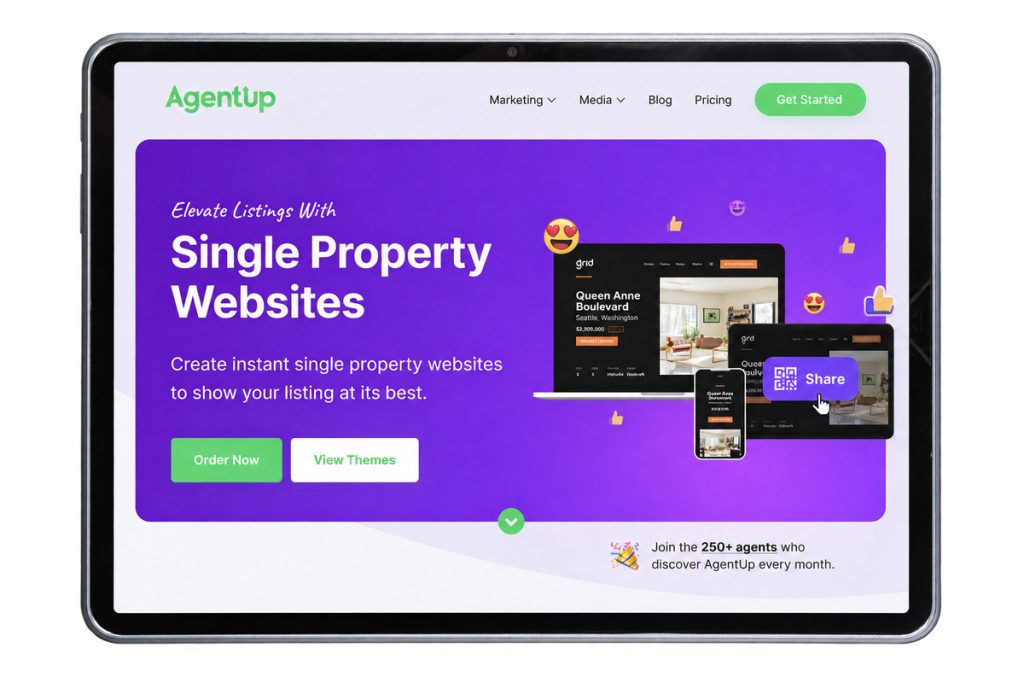
Platforms built specifically for this purpose, like AgentUp, come with real estate features already built into every template: lead capture forms, a mortgage calculator, and MLS-compliant fields for broker information. Pick a theme, add the listing images and details, and the site is market-ready in about five minutes.
General Website Builders
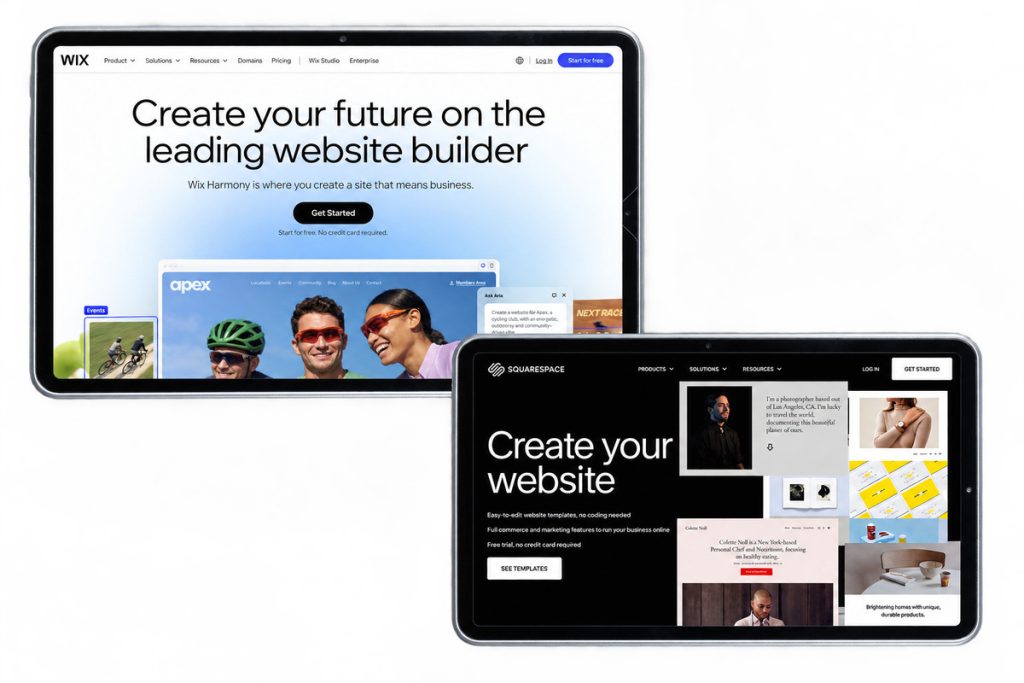
Wix, Squarespace, and similar builders offer flexible templates that can be adapted into a listing page. The tradeoff is that none of the real estate-specific pieces exist yet, so lead capture forms, virtual tour embeds, and mortgage calculators all need to be added and configured by hand.
Real Estate Theme Marketplaces
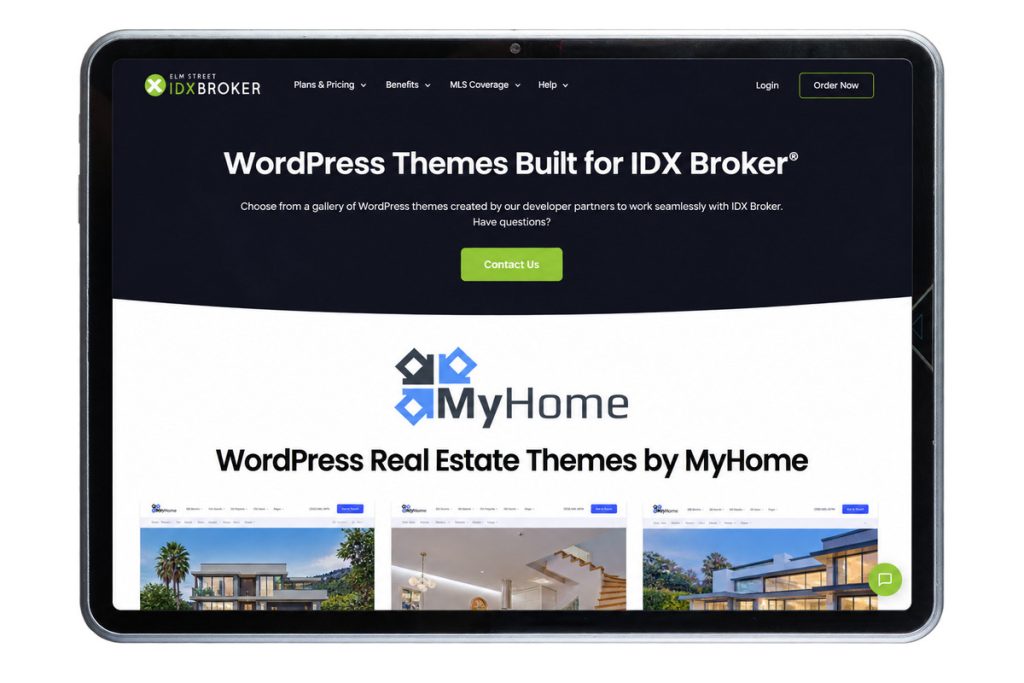
WordPress and IDX theme marketplaces sell real estate-focused templates with more design flexibility than a purpose-built platform offers. That flexibility comes with more setup work and ongoing maintenance, since these templates usually run on a self-hosted WordPress site you’re responsible for keeping up.
Wherever a template comes from, The Close recommends prioritizing ones that support 3D tours, video walkthroughs, and an easy editor.2 Those are the features that hold up once a site is in front of a seller, not just in a demo.
Your Next Listing Starts Here
Stand Out With Single Property Websites
Create stunning listing websites that showcase homes and strengthen your brand.

What to Look for in a Single Property Website Template
A good template for a single property website needs a specific set of features to actually help sell the listing, not just look nice. Before picking one, check that it includes:
- Mobile-responsive design: over half of home searches happen on a phone, so the layout needs to hold up on a small screen
- Built-in lead capture: a contact or showing-request form should be part of the template, not something bolted on later
- Support for photos, floor plans, and video: NAR found that 94% of listings skip a virtual tour, even though a majority of buyers say they want to see floor plans and video before scheduling a showing 3
- A branded or custom domain: a listing site with its own short URL is easier to put on a flyer, sign rider, or social post than a long MLS link
- A mortgage calculator: helps qualify buyer interest before anyone picks up the phone
- MLS compliance fields: space built in for required broker and listing disclosures
The format itself makes a measurable difference too. PhotoUp’s research found that single property websites increase listing traffic by up to 55%, and that 44% of buyers said a dedicated site influenced their decision to schedule a showing.
AgentUp’s Single Property Website Templates
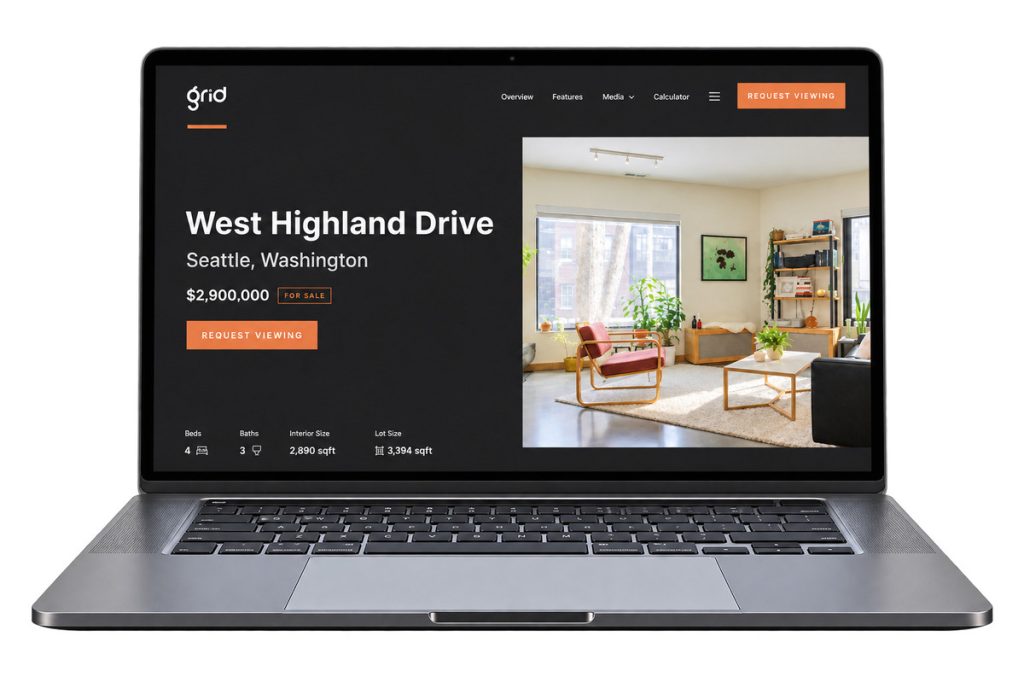
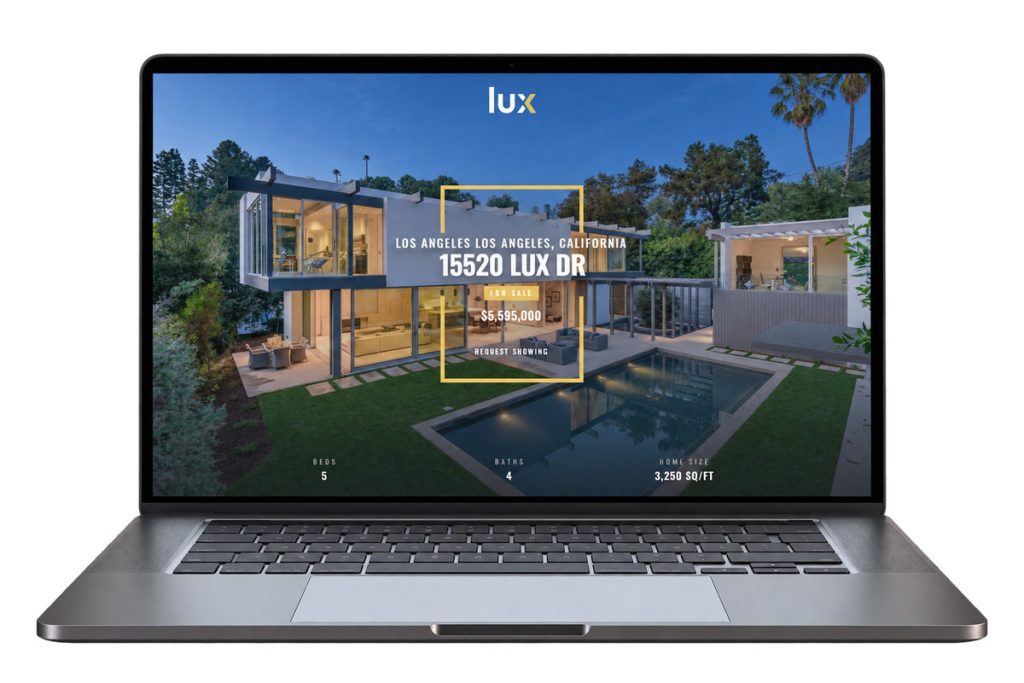
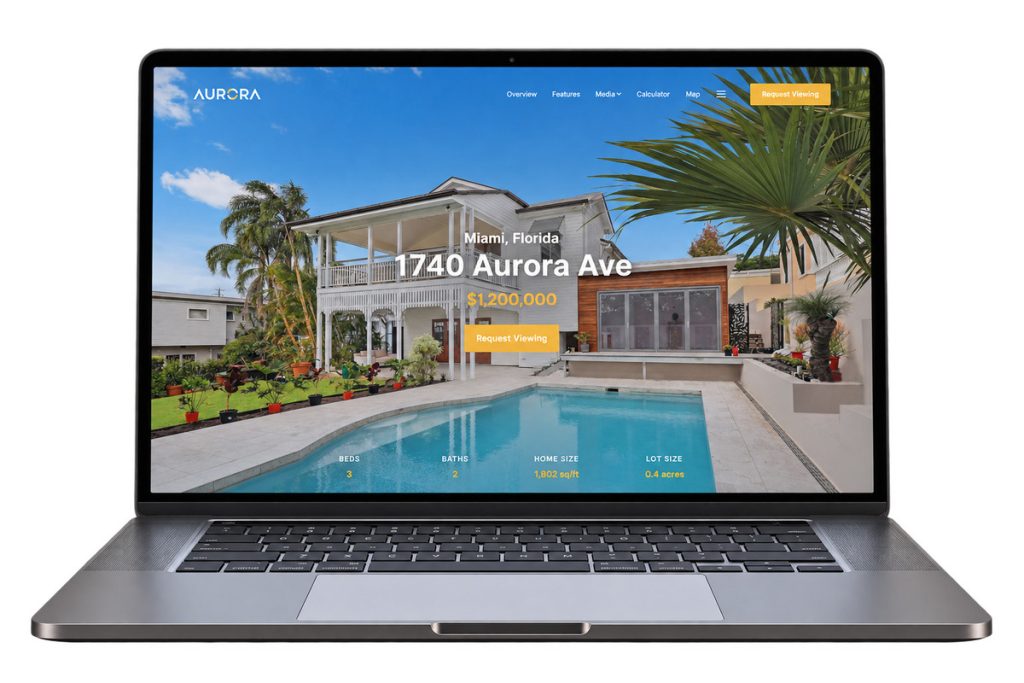
AgentUp offers six single property website themes, each built around a different property style:
- East: big photography and clean typography for a listing that should feel established
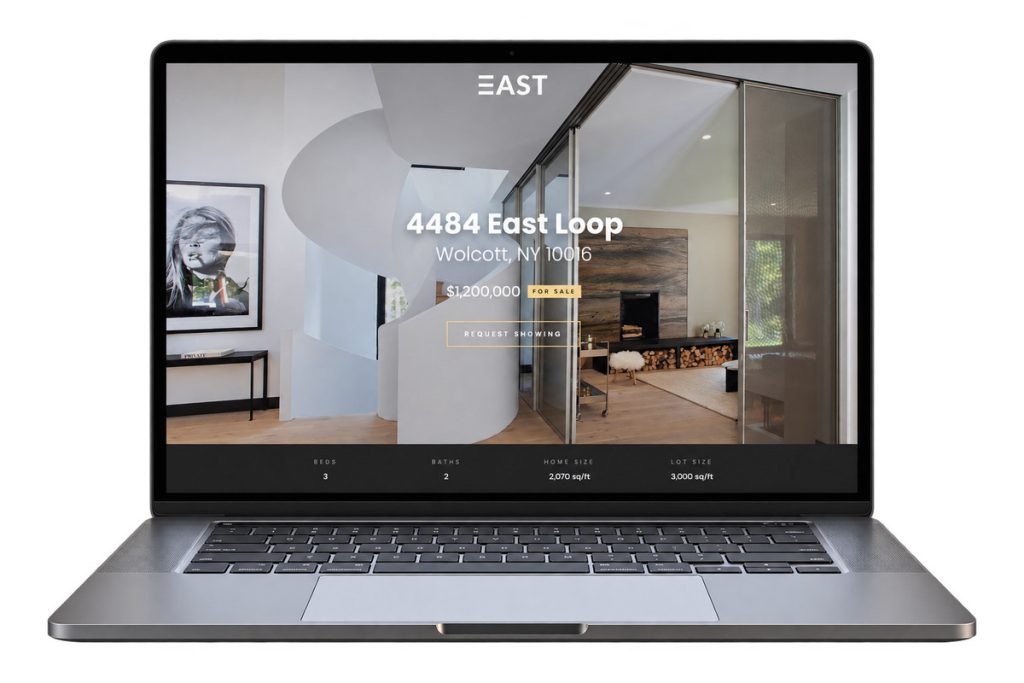
- West: a bright, modern look with a techy, Pacific Northwest feel
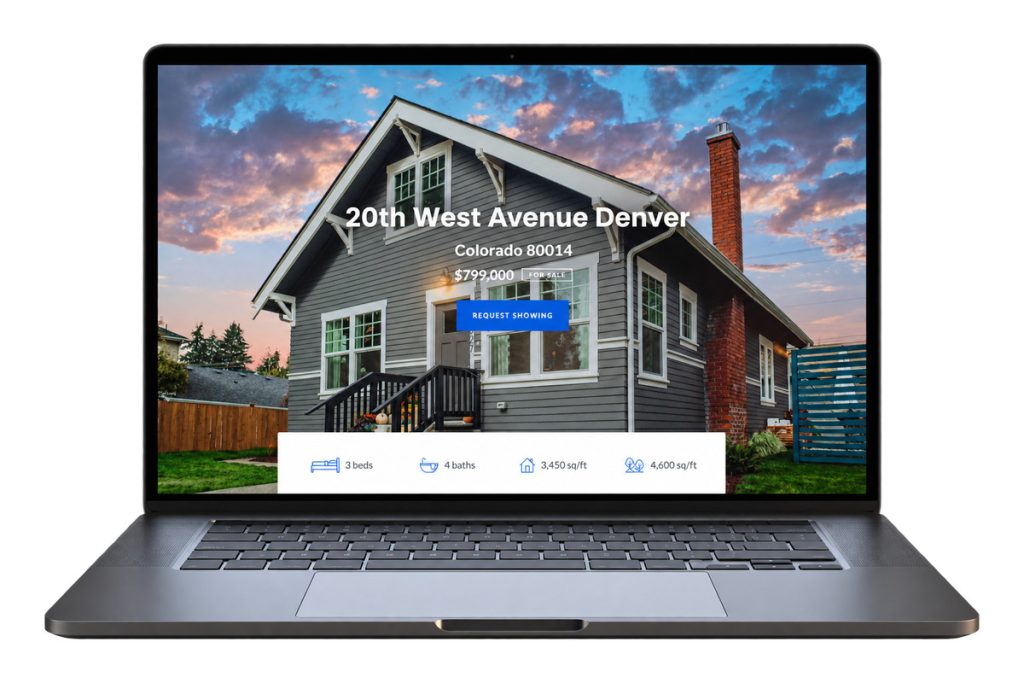
- Grid: bold geometry and vibrant accents for a more urban property
- Lux: black, gold, and white for a luxury listing
- Aurora: a playful, vibrant layout built around a large hero image
- Eco: greens, whites, and greys for an eco-friendly or sustainable property
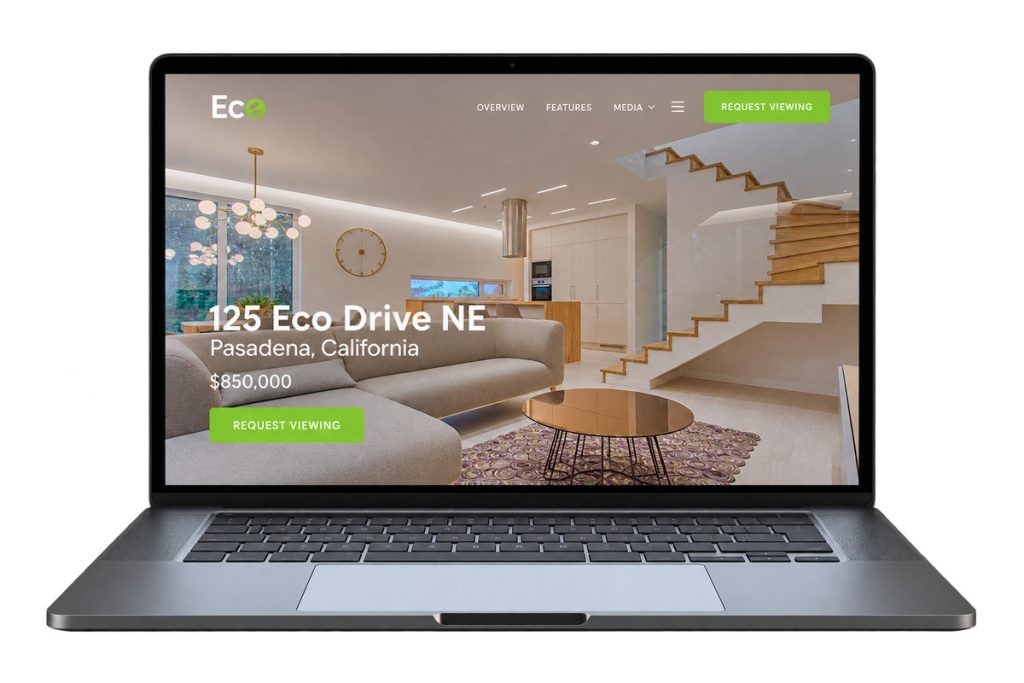
Every theme goes live in about five minutes, colors and branding can be customized per listing, and up to three agents can be added to one site for co-listed properties. Each site also generates a matching PDF flyer and QR code automatically, carrying the same design over to print marketing and sign riders.
That matters on the print side too: Bitly’s research found that two-thirds of consumers have scanned a QR code in the past year.4 For more on making that feature work harder, see how to use QR codes in real estate marketing.
Tips for Picking the Right Template for a Listing
Match the single property website template to the property. A downtown loft doesn’t call for the same theme as a lakefront estate, and a mismatched template can undercut an otherwise strong listing presentation.
Your Next Listing Starts Here
Stand Out With Single Property Websites
Create stunning listing websites that showcase homes and strengthen your brand.
Test it on a phone before sending it to a seller. A template that looks sharp on a desktop can still crop a hero image awkwardly or bury the contact form on mobile.
Add material that isn’t already on the MLS listing. Extra photos, a floor plan, or a short video walkthrough give visitors a reason to click through instead of just seeing a repeat of what’s already on Zillow.
For more on what a dedicated site does beyond the initial launch, see how single property websites help agents win more listings.
References: