


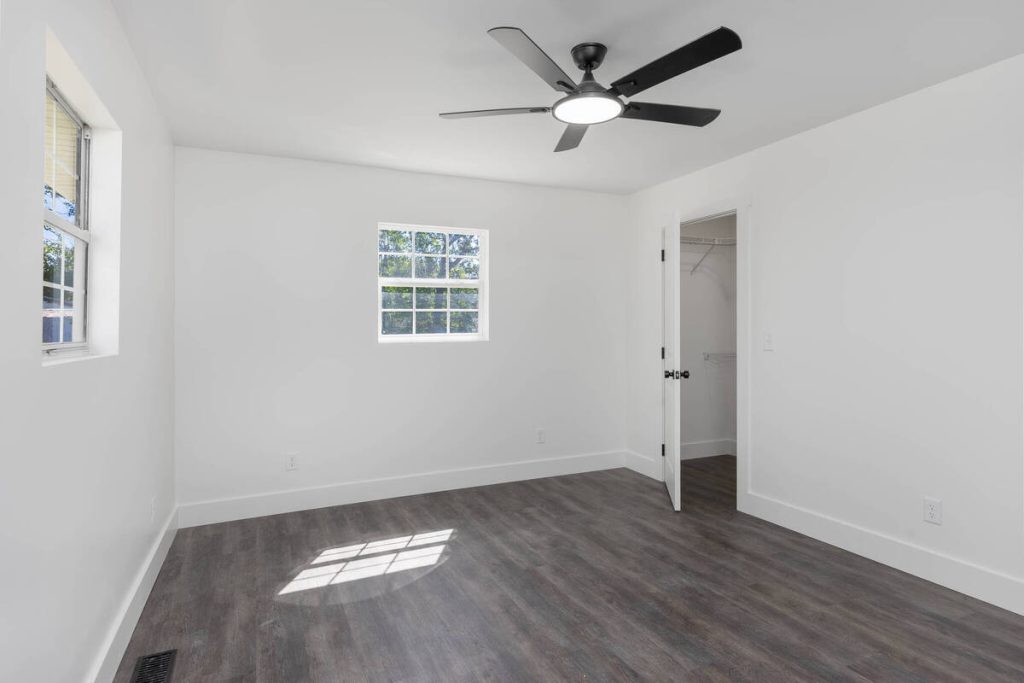
A vacant bedroom photo is one of the easiest ways to lose a buyer’s attention. Bare walls and awkward proportions don’t tell anyone how the room actually works.
That’s the gap the best AI virtual staging for real estate is built to close.
This matters more for bedrooms than almost any other room in the house. Buyers rank the primary bedroom just behind the living room when judging a home. A photo that shows nothing but carpet and a closet door isn’t giving them much to go on.
An Empty Room Doesn’t Sell Itself
Empty rooms can be difficult for buyers to visualize, especially on a phone screen. According to the National Association of REALTORS®, 83% of buyers’ agents say staging makes it easier for buyers to picture a property as their future home.1 An unstaged room is competing against every staged listing in the same search results.
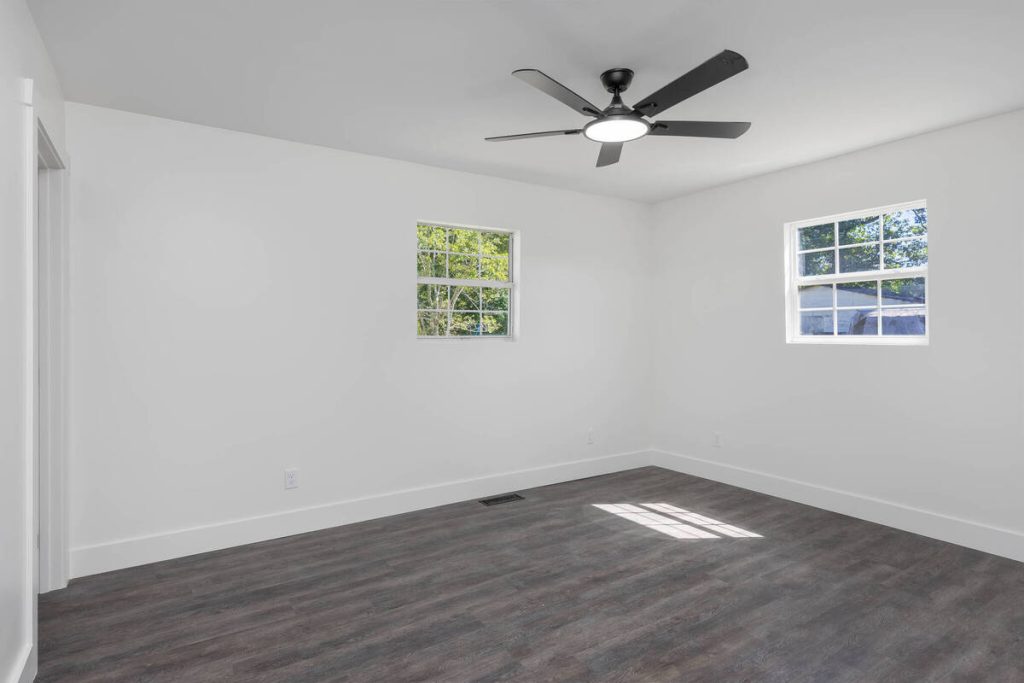
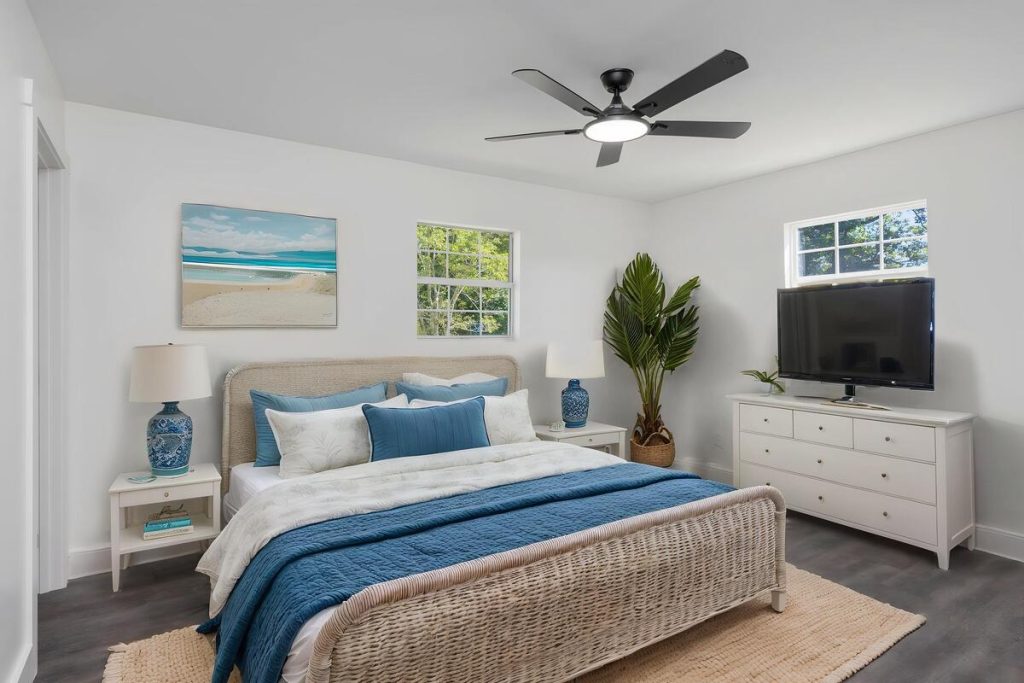
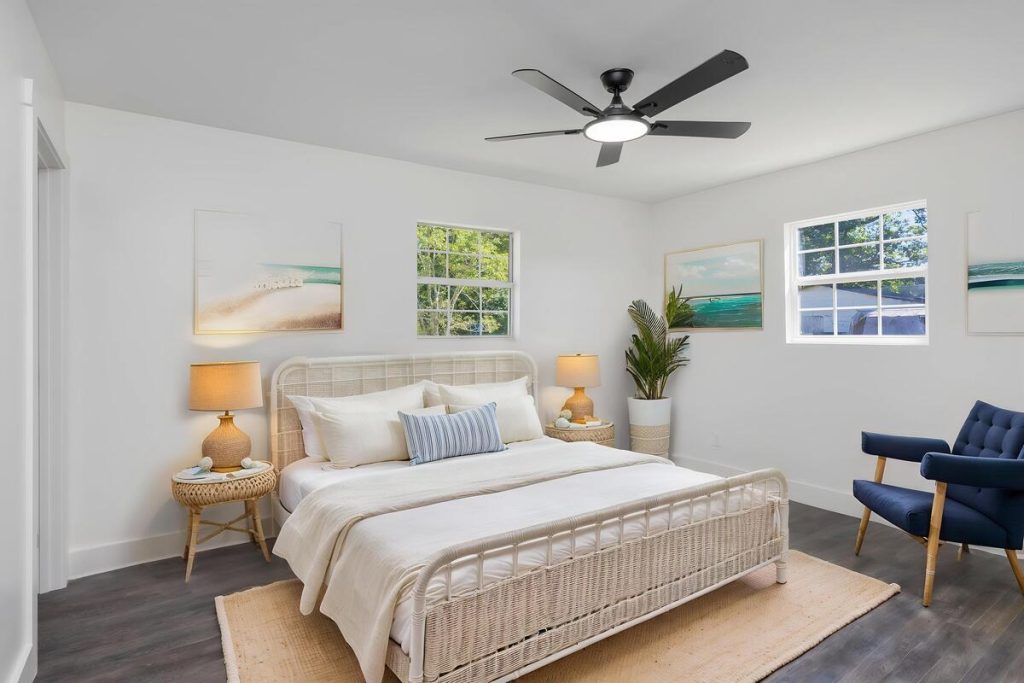
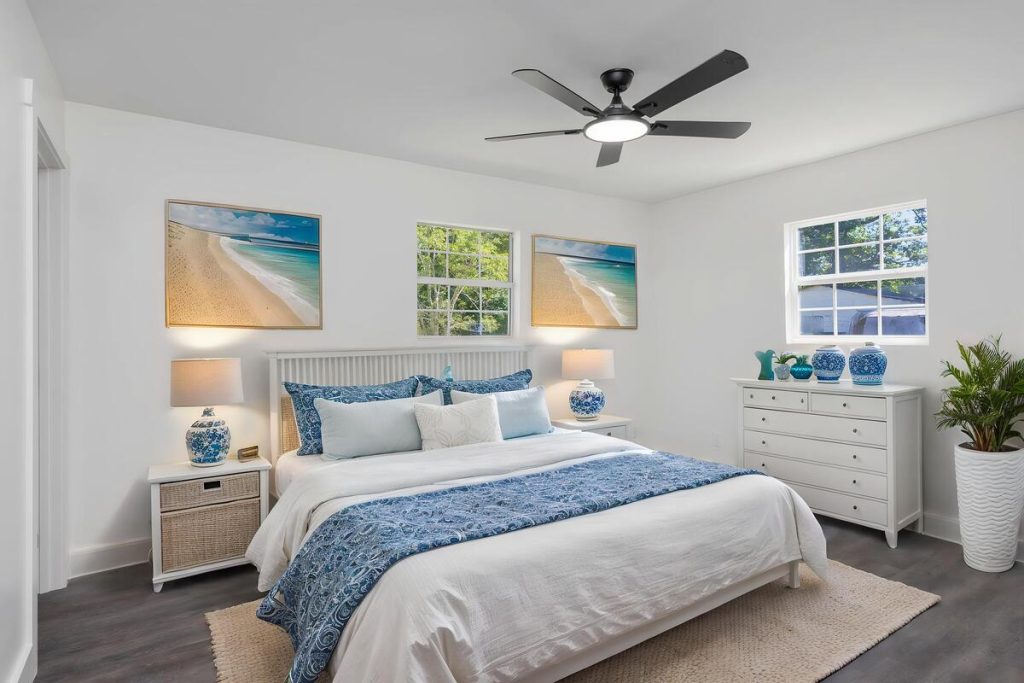
Bedrooms carry extra weight in that decision. NAR’s own research on staging priorities shows buyers rank the primary bedroom as their second-highest priority room, right after the living room. Skipping it, or leaving it empty in photos, is skipping one of the rooms buyers care about most.
What Good AI Staging Actually Does to That Photo
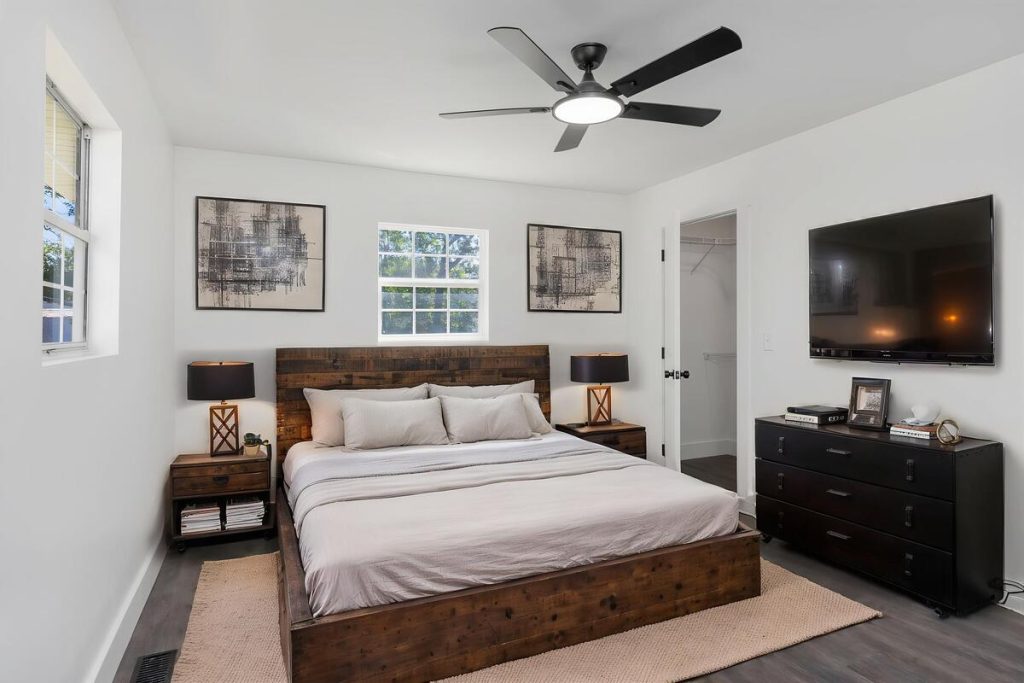
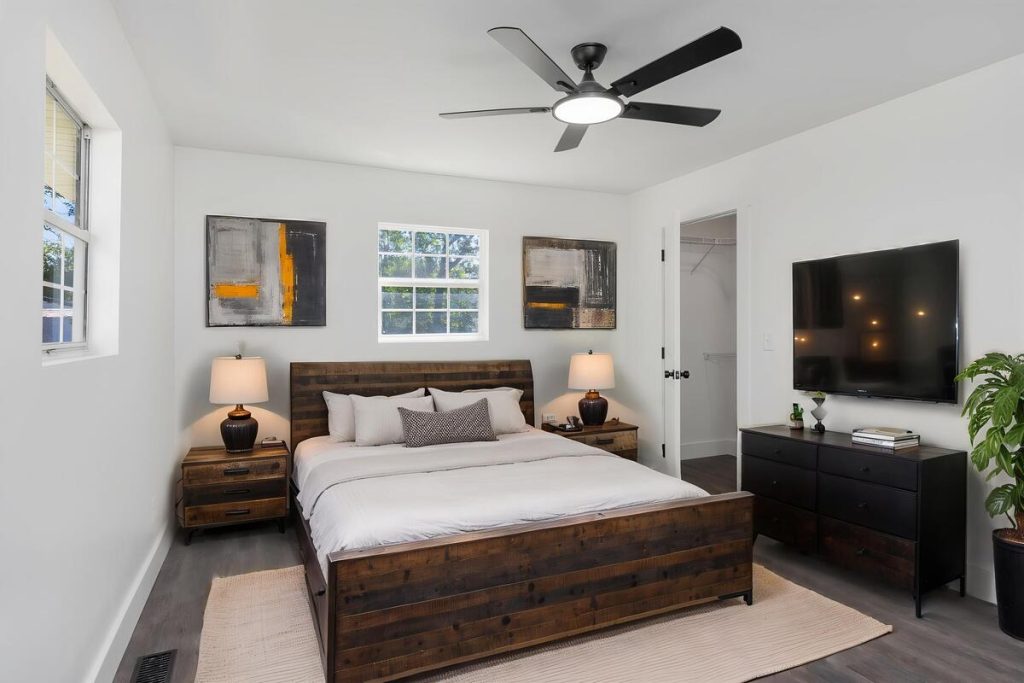
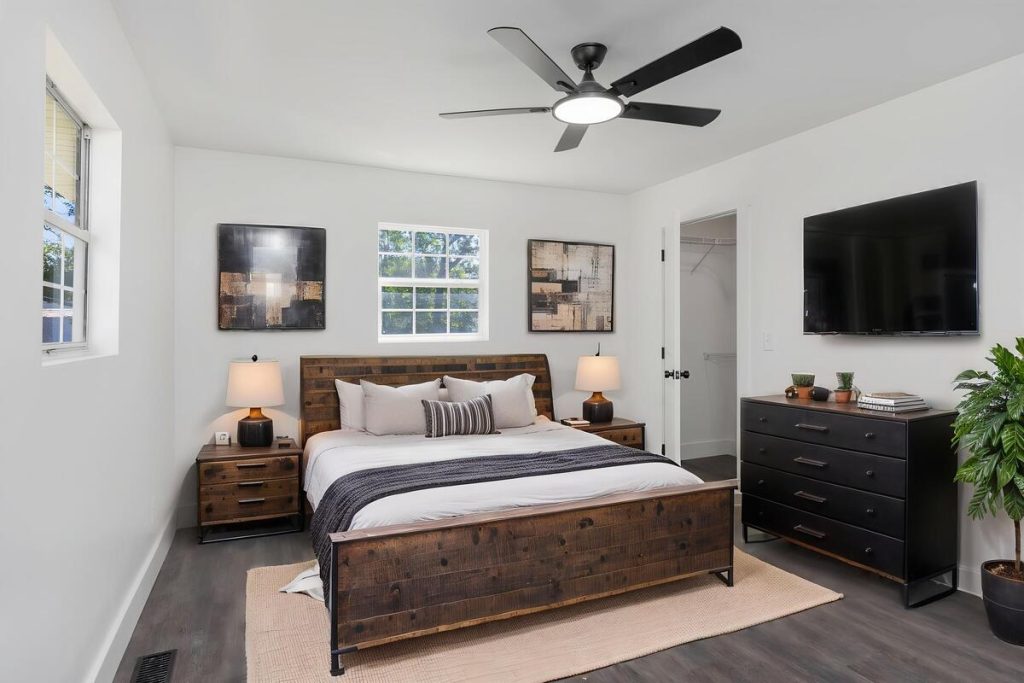
The best AI virtual staging for real estate doesn’t just drop furniture into a room and call it done. It scales pieces to the room’s dimensions, matches shadows and light direction to the window in the photo, and gives you more than one style to choose from: modern, farmhouse, coastal, traditional, depending on the buyer profile for that neighborhood.
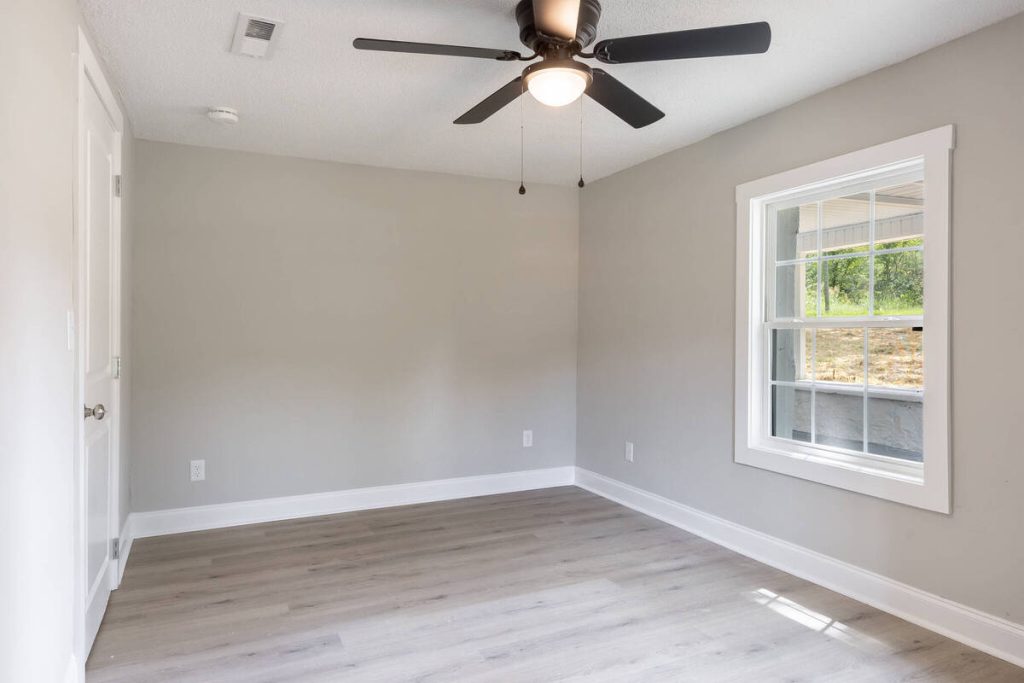
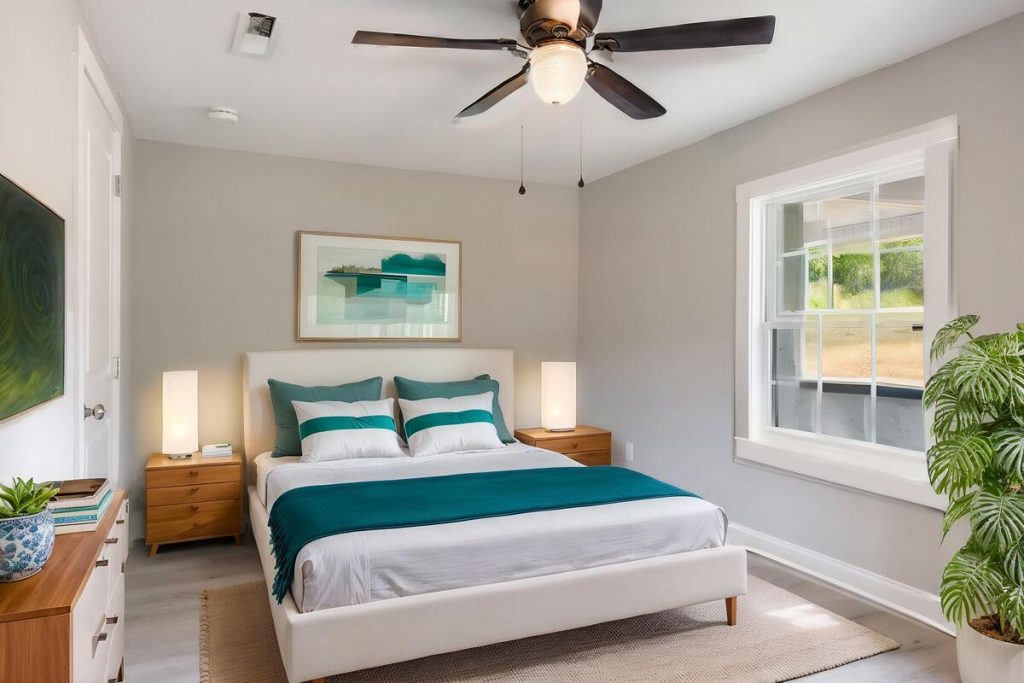
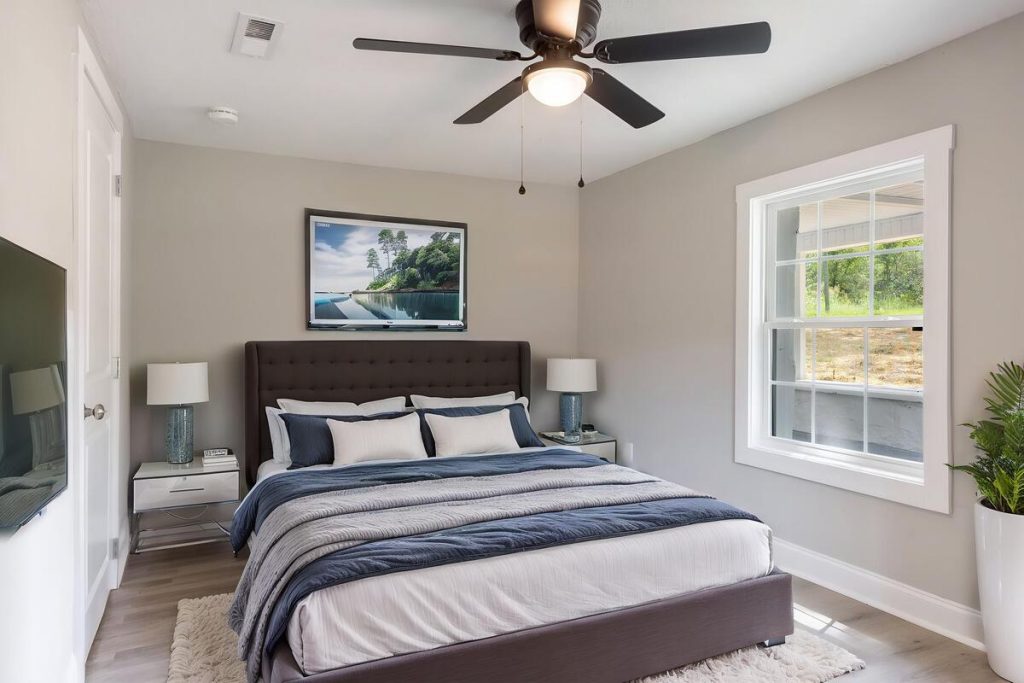
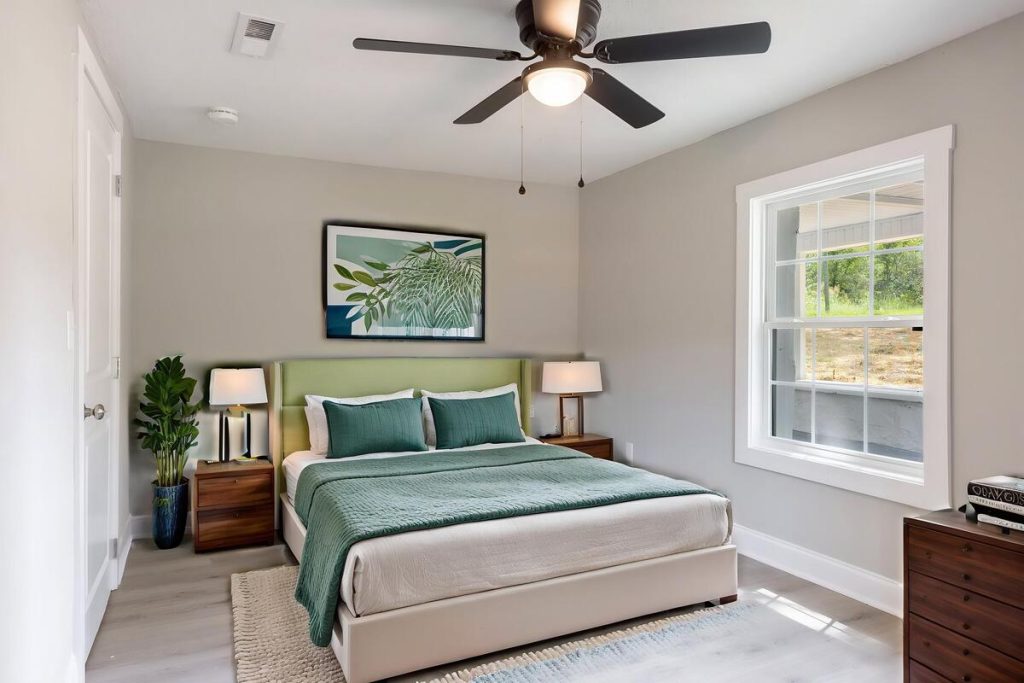
For a bedroom specifically, that means a bed sized correctly for the wall it sits against, nightstands that don’t float above the floor line, and a color palette that reads as move-in ready rather than generic. Small details like these are what separate a listing image that looks professional from one that looks obviously edited.
What Makes Staged Photos Look Fake (and How to Avoid It)
Buyers can spot bad AI staging fast, and it works against you the moment they notice. A few tells to check before you publish:
- Furniture that appears to float, with no shadow connecting it to the floor
- Wrong scale, like a bed that would never fit through the doorway
- Flat or mismatched lighting that doesn’t match the room’s actual window or fixtures
- The same furniture set reused across every listing, which starts to look templated to repeat buyers in your market
- No staging disclosure, which some MLS boards require and buyers increasingly expect
Running a quick check against this list before uploading a photo helps ensure the best AI virtual staging for real estate strengthens the listing instead of working against it.
Quick & Easy
AI Virtual Staging
Interiors. Landscapes. Commercial. Virtually transform any space.

Why This Shows Up in Your Numbers
Staging isn’t just a cosmetic choice. In NAR’s most recent staging report, 29% of agents said staging led buyers to offer 1% to 10% more, and nearly half saw a reduction in time on market.
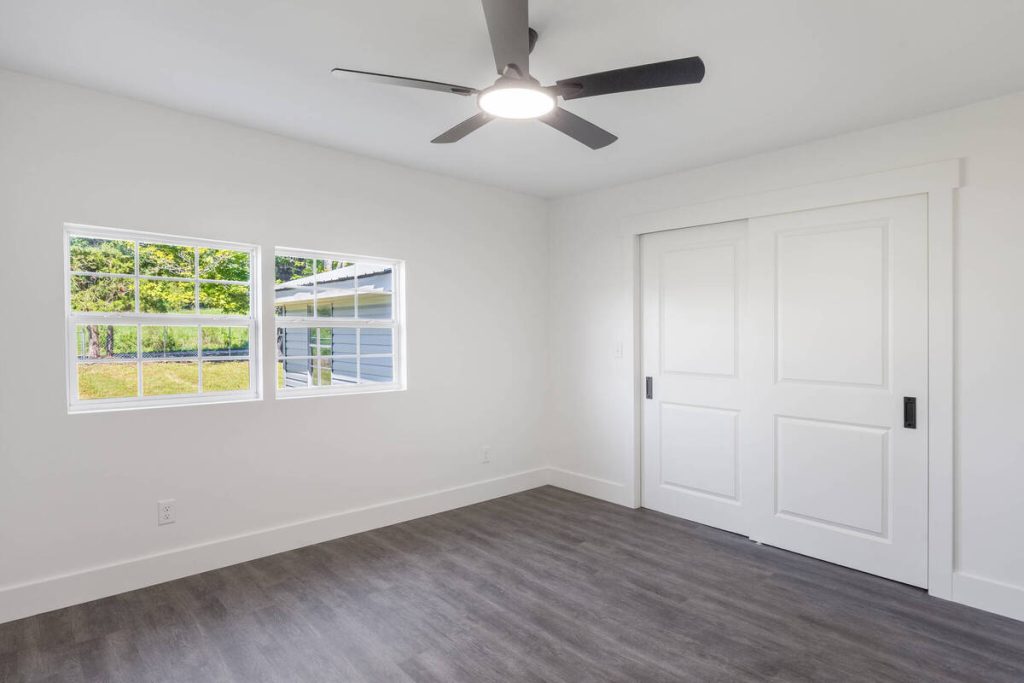
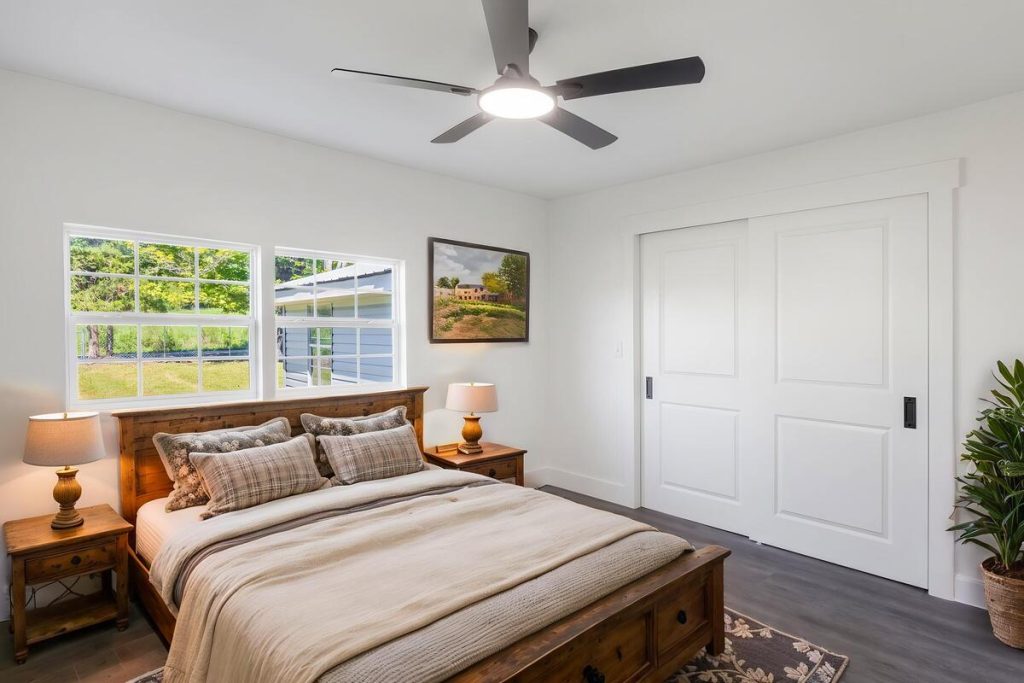
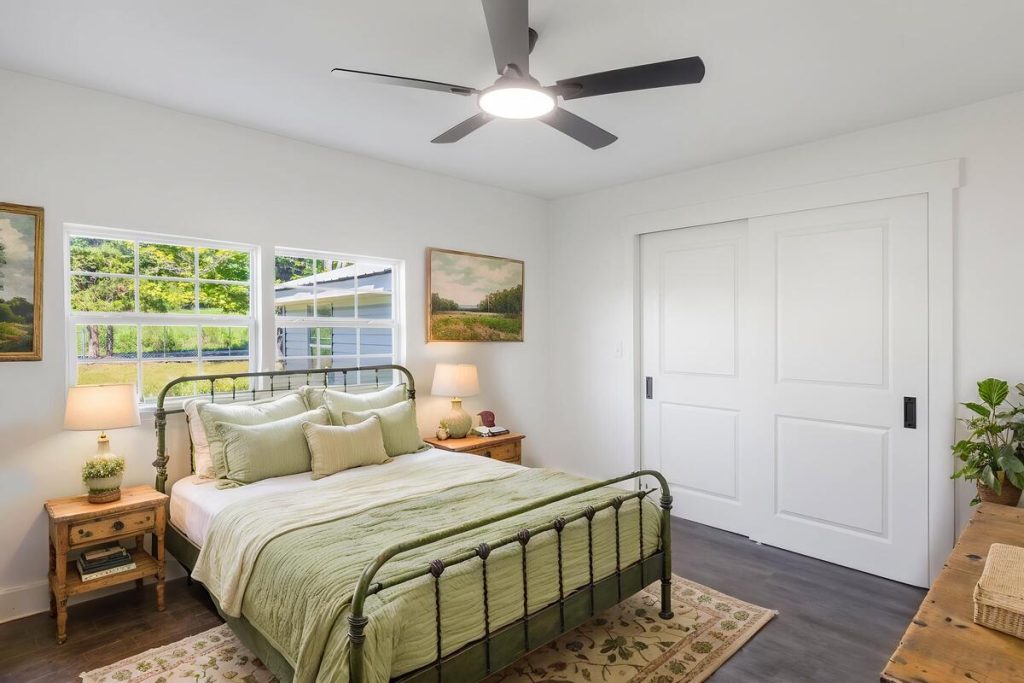
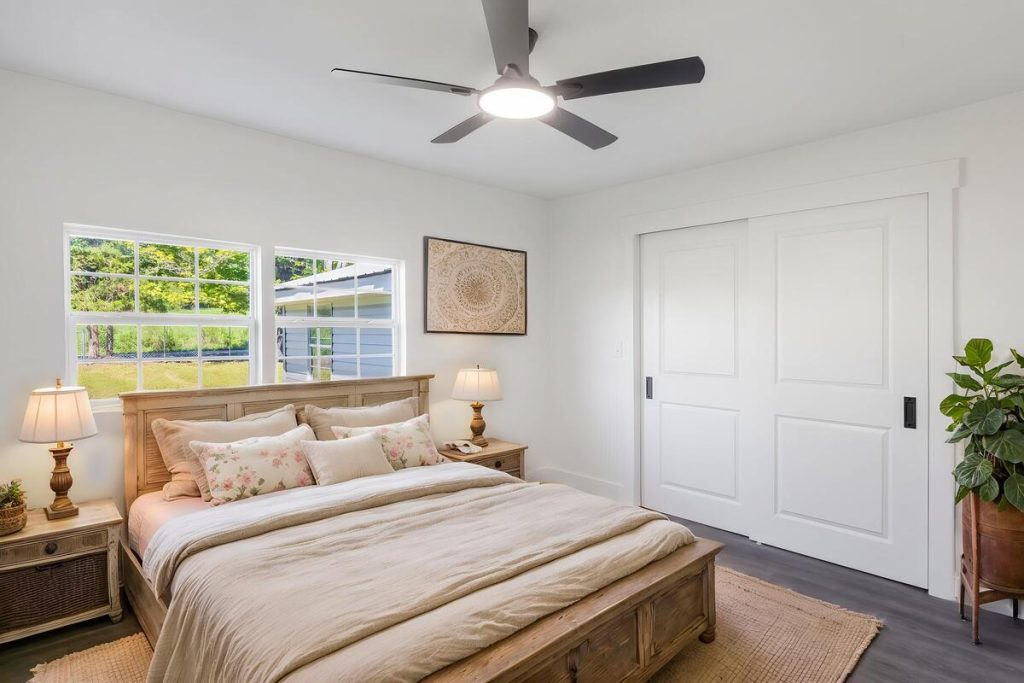
Photo quality has a similar effect on its own. ReSimpli’s research found that listings with professional photos sell about 32% faster, and virtual staging specifically can lift buyer engagement by roughly 30%.2 Better images get more clicks, and more clicks turn into more showings.
The cost math favors virtual staging too. HomeLight’s comparison puts traditional staging at $1,500 to $4,000 for the first month alone, with ongoing furniture rental after that.3 Virtual staging typically runs $20 to $50 per photo. There’s no rental and nothing to move out at closing.
How to Stage an Empty Bedroom in Minutes
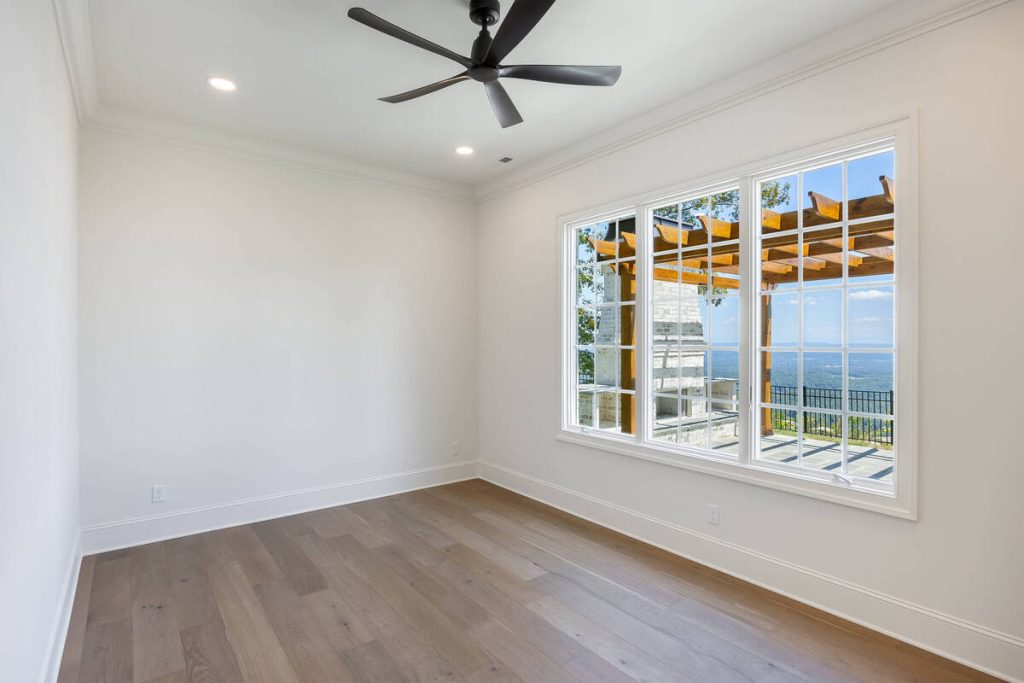
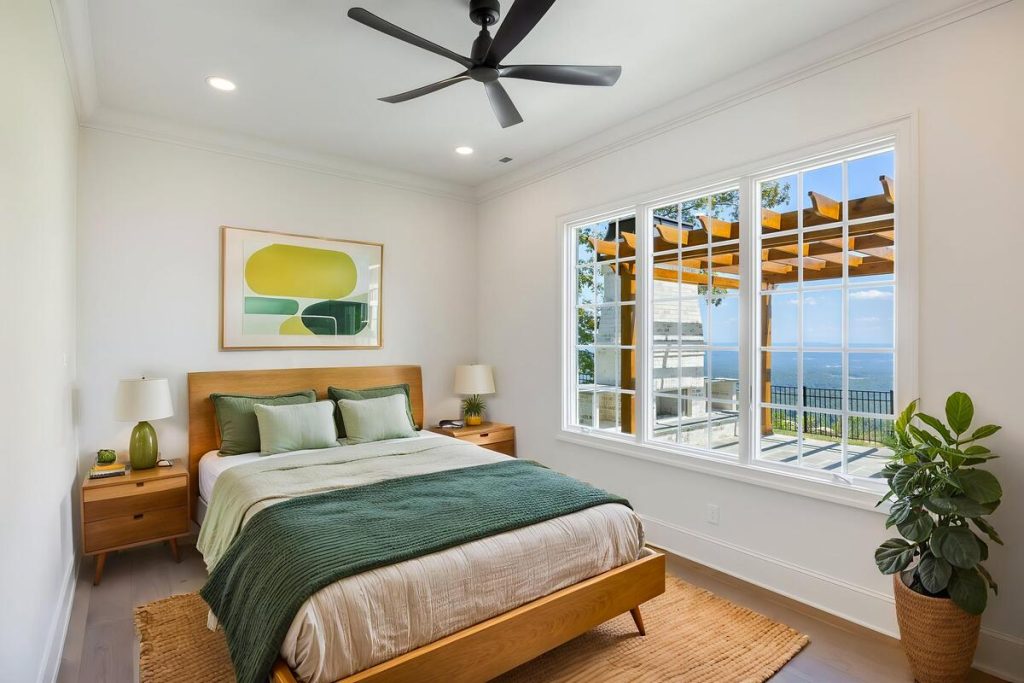
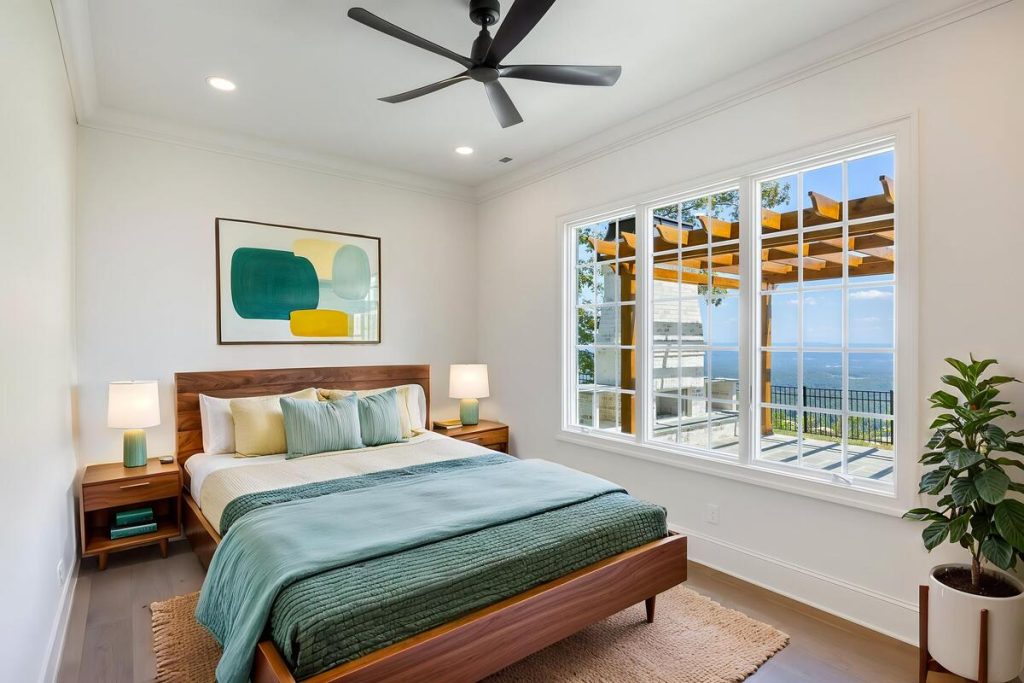
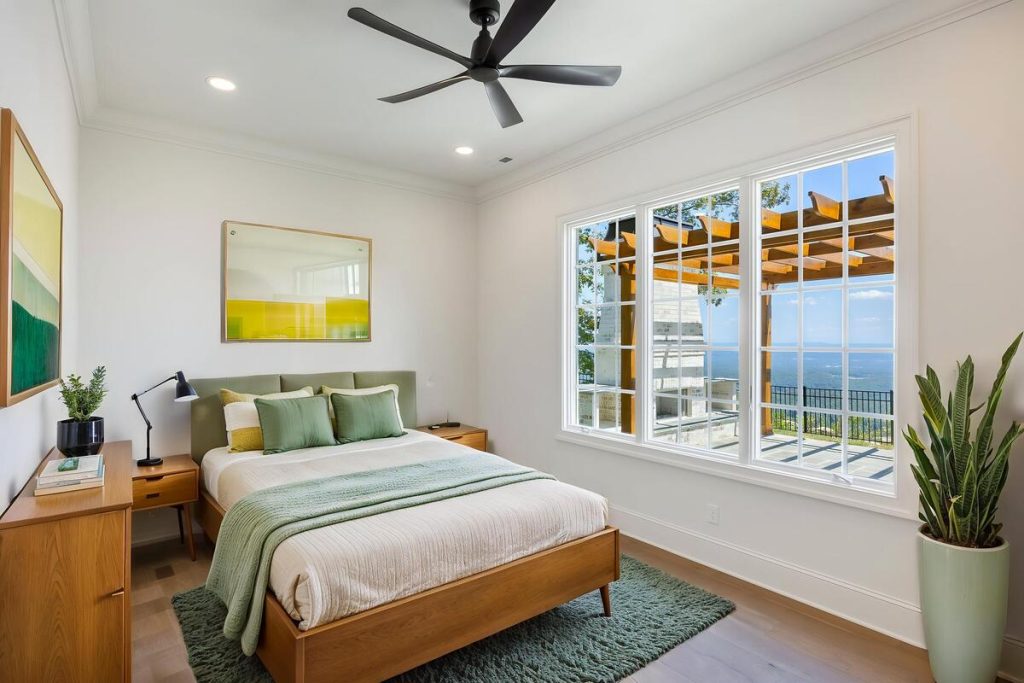
The workflow is simple once you’ve done it a couple of times:
- Shoot the room straight-on with even lighting and the door closed, keeping any clutter out of frame.
- Upload the photo to your virtual staging tool.
- Pick a style that fits the home’s price point and the buyer profile in that area.
- Review the render for scale and shadow accuracy before it goes anywhere near your listing.
- Add a staging disclosure if your MLS requires one.
- Export at full resolution for the listing and any flyers or property sites built from it.
Speed is one of the bigger differences between tools. The Close’s testing found turnaround times across platforms ranging from about 10 to 15 seconds up to 48 hours, depending on whether the render is fully automated or reviewed by a person.4 For a listing going live this week, that gap matters.
Where AgentUp Fits In
AgentUp’s AI Virtual Staging tool runs this same workflow. Upload a photo, choose from multiple room types and interior styles, and get several photorealistic renders back in seconds. No design software to learn, no furniture to schedule. Staging starts at $5 per image, and new accounts get a free image to try on a live listing photo.
Once a bedroom is staged, the same image drops straight into a single property website or a matching listing flyer without leaving the platform, which keeps your listing presentation consistent from the photo to the property site.
If you want a closer look at what separates strong AI staging from weak results across different tools, our guide on what makes the best AI virtual staging for real estate walks through the evaluation criteria in more depth.
Quick & Easy
AI Virtual Staging
Interiors. Landscapes. Commercial. Virtually transform any space.
Try It on Your Next Empty Listing
An empty bedroom photo doesn’t have to sit in your listing as-is. Stage it with AgentUp and see what a market-ready room looks like before your next showing.
References: