


Getting someone to scan a QR code isn’t the hard part anymore. Buyers scan signs, flyers, and brochures without thinking twice these days.
The real question is what happens next. Does that scan land them somewhere useful, or does it dump them on a slow PDF or a generic search page they bounce out of in three seconds?
This guide skips the case for why QR codes matter. You already know that part. Instead, it focuses on how to use QR codes in real estate listings, including what belongs on the other side of the scan so every code you print actually earns its place.
Why the Destination Matters More Than the Code
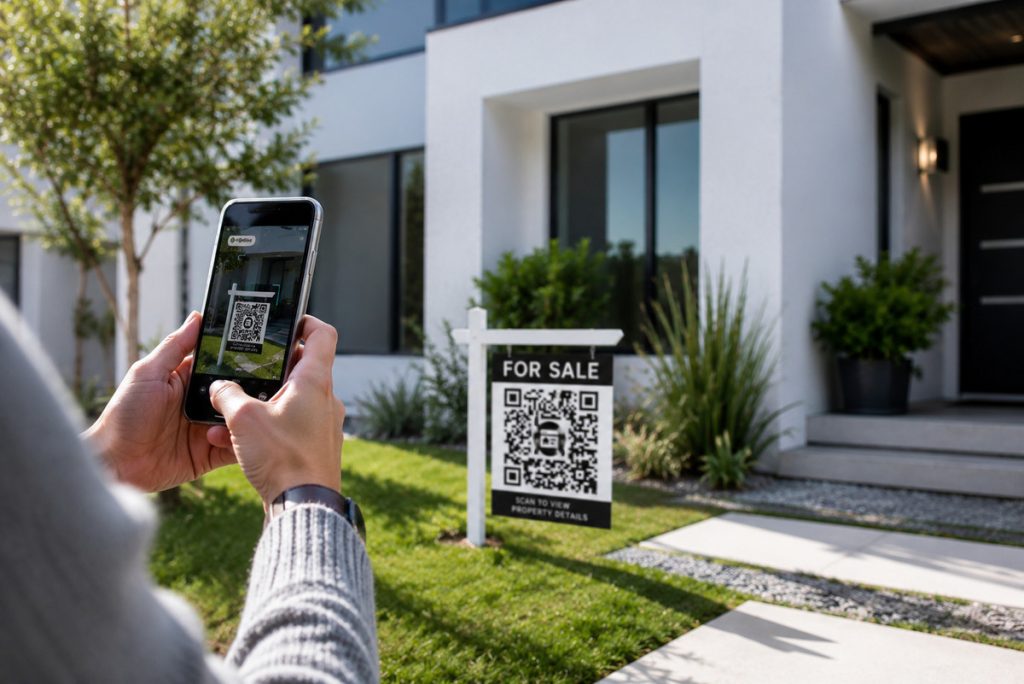
Buyers do most of their home search from a phone. According to studies, sixty-nine percent of these buyers search for homes on a mobile device or tablet.1 They’re not scanning a sign hoping for a phone number. They want the same depth of information they’d get browsing at a desktop: photos, property details, floor plans, and an easy way to reach you.
The Close’s real estate agent statistics round-up backs this up.2 Across the board, buyers rank photos, detailed property information, and floor plans among the most valuable things a listing can offer them online. A QR code is only as strong as the page it points to. If that page doesn’t deliver those basics quickly, the scan was wasted on both sides.
Link Straight to the Full Property Page
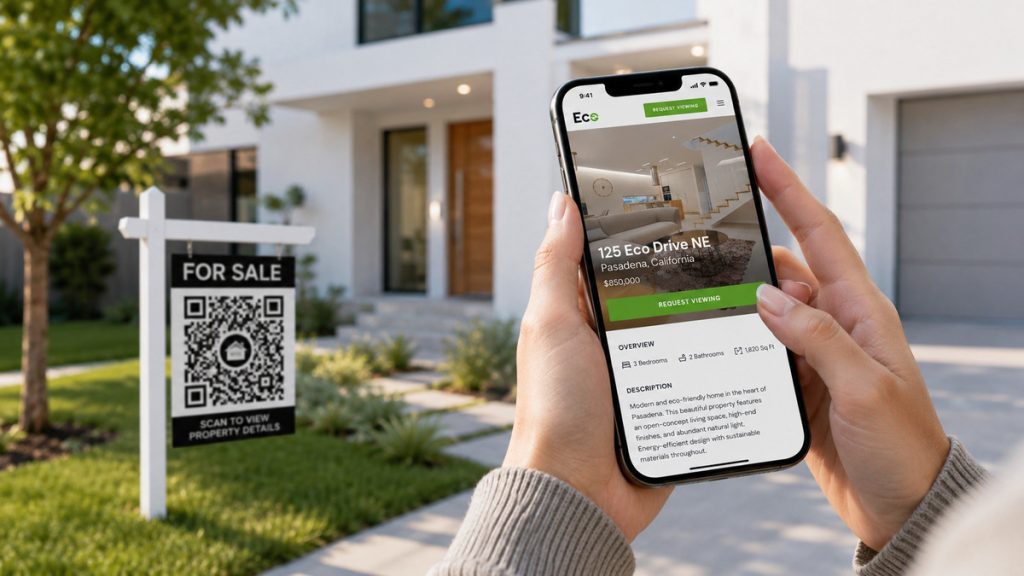
The most common mistake is pointing a QR code at a generic destination: your brokerage homepage, a busy MLS search page, or a listing portal crowded with other agents’ ads. None of that respects the buyer’s interest in the specific home they just walked past.
Instead, link directly to a dedicated single property website built around that listing. Buyers land on a page that’s entirely about the home in front of them, with nothing else competing for their attention. It also gives you a cleaner way to track which listings are generating real interest.
Give Buyers the Virtual Tour Immediately
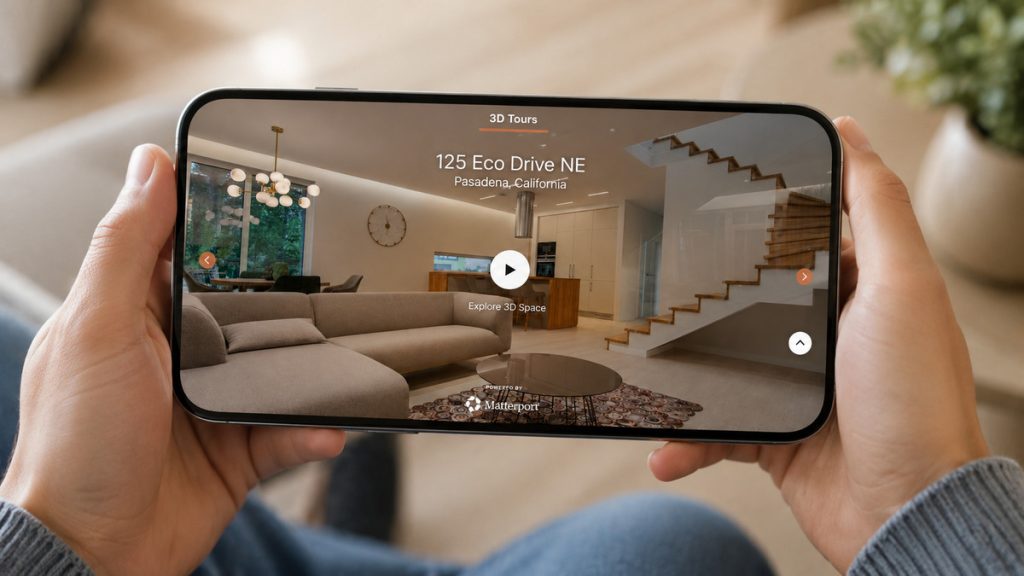
Despite how much buyers want them, most listings still don’t include a real virtual tour. NAR reports that 94% of listings skip it entirely, and many that claim to have one only offer a photo slideshow.3
That’s a low-effort way to stand out and a practical example of how to use QR codes in real estate listings. A buyer who scans a code and immediately drops into a full virtual house tour can walk the home on their own time, whether they’re commuting, on lunch, or relocating from out of state.
For anyone who can’t make it to a showing right away, that self-guided walkthrough often decides whether they book one at all.
Capture More Buyer Leads
QR Codes Built Into Every Listing
Connect buyers to listings, tours, and property websites with a simple scan.

Include High-Quality Photos and a Floor Plan
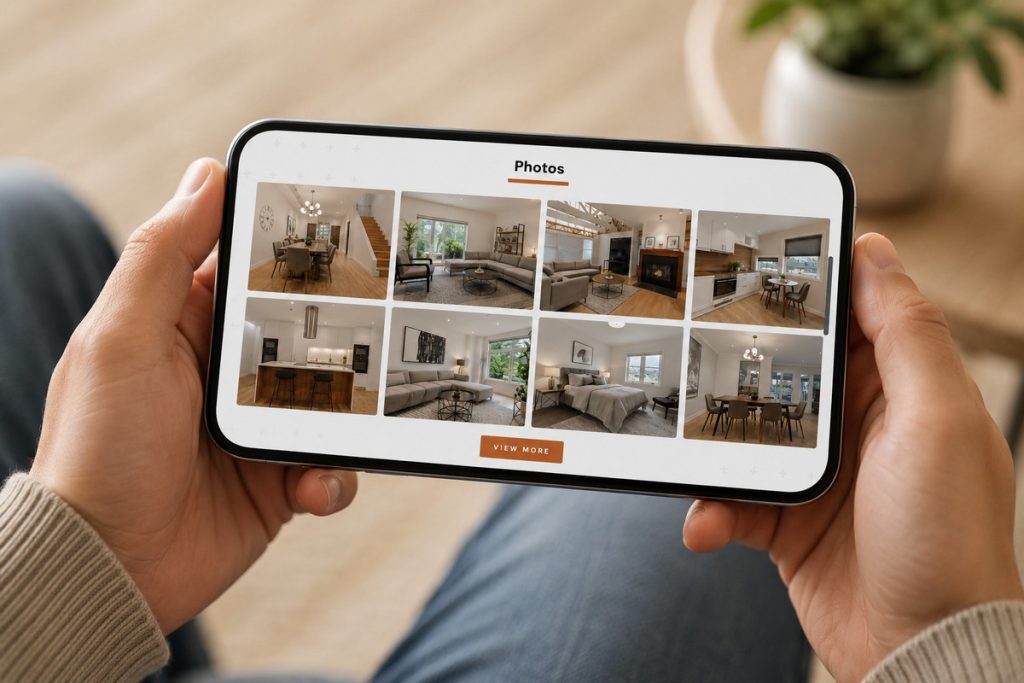
Professional property photos are the foundation of every great listing. They create a strong first impression, showcase the home’s best features, and encourage buyers to spend more time exploring the property. Once buyers are interested, a floor plan helps them understand the layout and determine whether the space fits their lifestyle.
Floor plans consistently rank among the most valuable pieces of listing content buyers look for, according to research compiled by CubiCasa, citing NAR and Zillow survey data.4 Sellers benefit too, as agents who include floor plans and virtual tours are more likely to win listings. Place your best photos first, then make the floor plan easy to access near the top of the property page so buyers can quickly see both the home’s appearance and how the space is organized.
Add a Neighborhood Guide
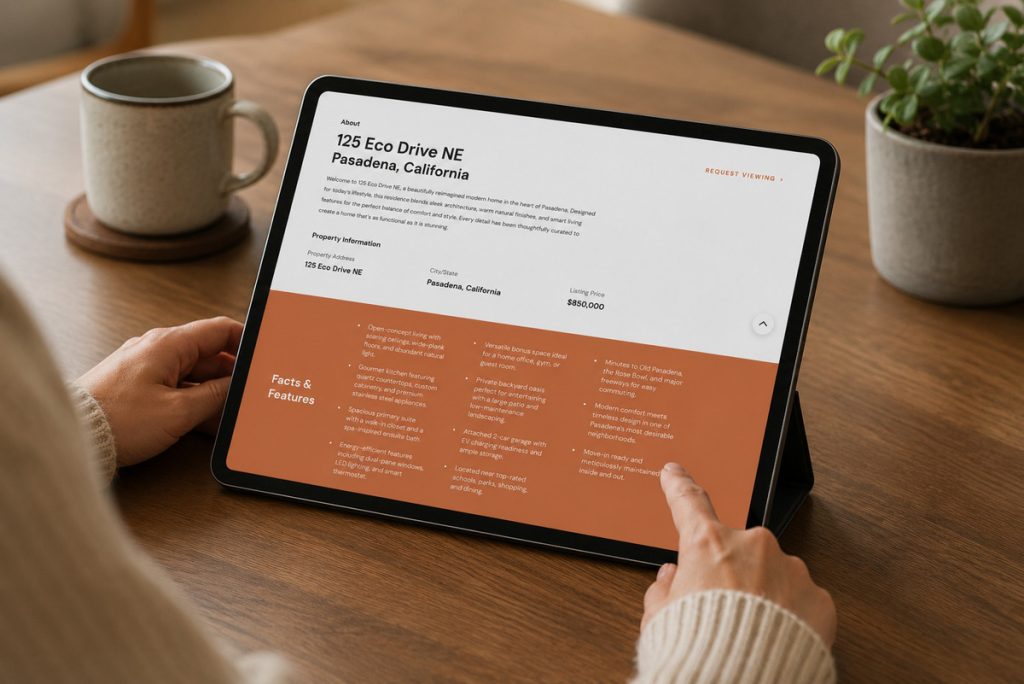
Once a buyer is interested in the home, their next stop is usually researching the neighborhood: schools, walkability, commute times, nearby amenities. If your property page doesn’t offer that, they’ll go find it on Zillow or Google instead, and you lose the moment.
Linking to a neighborhood guide from the same property page keeps that research on your site instead of sending buyers elsewhere. It’s a small addition that makes your listing presentation feel more complete and positions you as the agent who thought of everything.
Let Buyers Book a Showing on the Spot
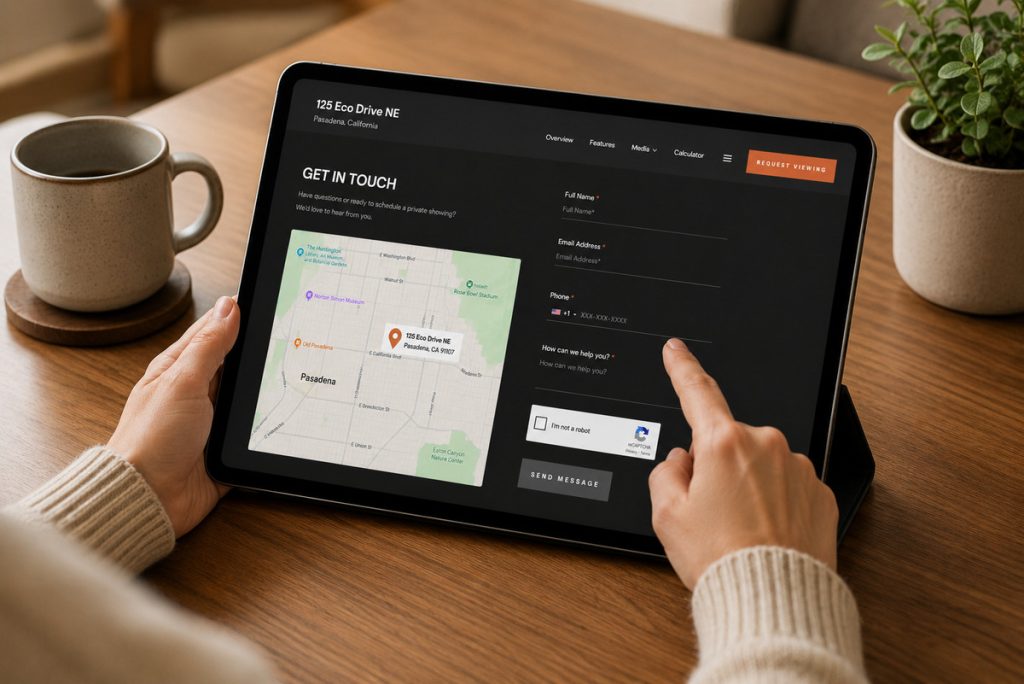
Interest peaks the moment a buyer finishes the tour and likes what they see. Give them a way to act on it immediately by linking to a scheduling tool where they can book a private showing or reserve a spot at your next open house.
Waiting for a buyer to call you back after they’ve cooled off costs you showings. A direct booking link turns that peak interest into a confirmed appointment before they move on to the next listing.
Design for the Mobile Experience
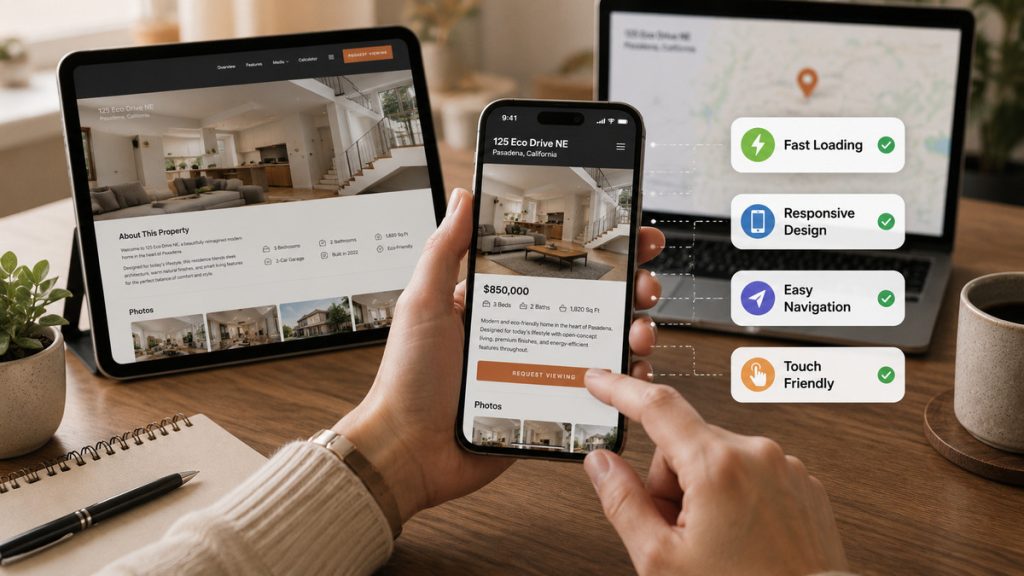
Every destination behind your QR codes has to work well on a phone, full stop. That means fast load times, no pinch-to-zoom, and layouts that don’t require a buyer to fight with the page just to read it.
Before you print a single sign or flyer, test the full scan-to-page journey on a few different phones. A great code linking to a clunky, slow, or hard-to-read page still loses the buyer, even if the destination has everything they need.
How AgentUp Helps You Use QR Codes in Real Estate Listings
Setting up all of this manually for every listing adds up fast. AgentUp’s marketing tools generate a QR code automatically for every single property website and home flyer, already linked to a mobile-optimized page with the virtual tour, floor plan, and property details built in from the start.
Capture More Buyer Leads
QR Codes Built Into Every Listing
Connect buyers to listings, tours, and property websites with a simple scan.
There’s no separate QR generator to manage or extra steps to remember. AgentUp’s QR codes are tied to the listing the moment you create it, so the destination is ready before you ever print the sign.
Common Mistakes to Avoid
- Static codes: if the destination URL changes, a static code becomes useless. Dynamic codes now hold roughly two-thirds of the market, according to Bitly’s 2026 QR code report,5 precisely because they let you update the link without reprinting anything.
- Generic destinations: homepages and portal listings dilute the buyer’s interest in the specific home they scanned for.
- Non-mobile-friendly pages: if the page doesn’t render well on a phone, buyers leave immediately.
Make Every Scan Count
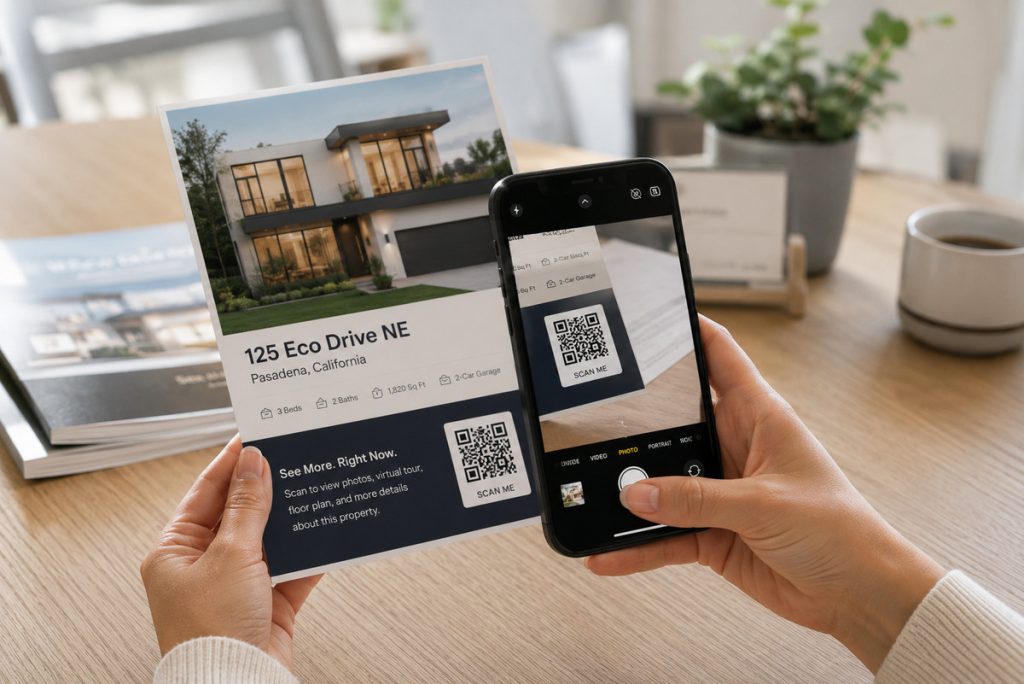
A QR code on a sign or flyer is a small thing. Knowing how to use QR codes in real estate listings is what turns that small detail into a powerful marketing tool.
Give buyers the full property page, the virtual tour, the floor plan, and the documents they need after they scan, and every physical piece of marketing you print starts working as hard as your listing presentation does.
Ready to put this into practice? Get started with AgentUp and every listing you create comes with QR codes built in from day one.
References: