


Listing photos are one of the first things buyers see — and one of the first things sellers evaluate when they’re choosing an agent.
Most agents don’t edit their own photos. But knowing what each tool can do helps you work better with your photographer, speed up turnaround times, and create listings that stand out.
This guide covers the top 8 AI real estate photo editing software options: what each does well, what it doesn’t, and how to figure out which fits your workflow.
What Makes AI Real Estate Photo Editing Software Worth Using?
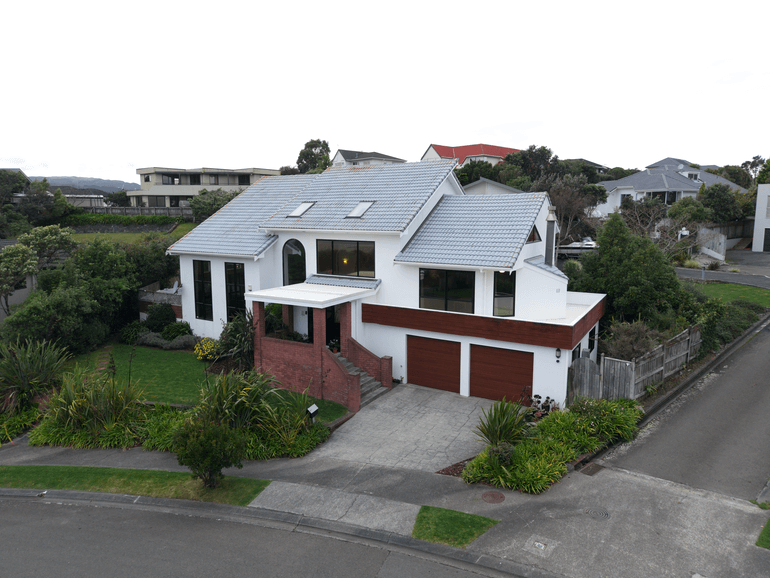
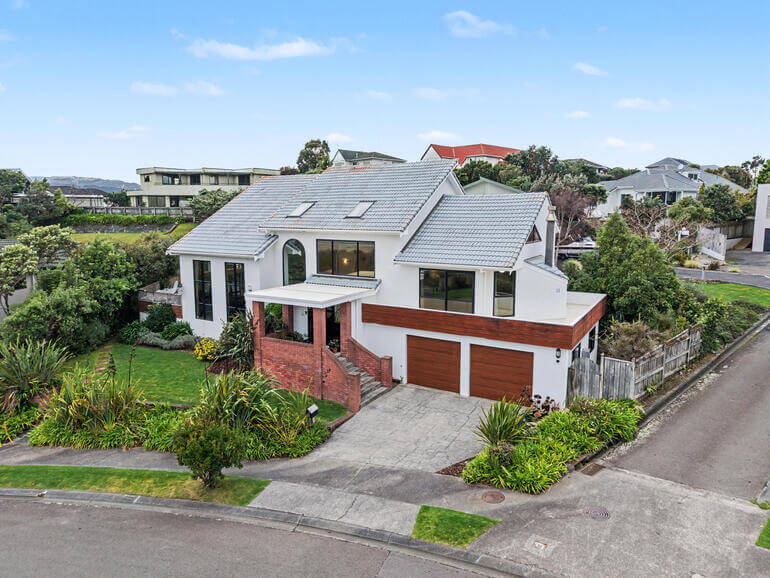
For agents, the value of AI photo editing isn’t about managing post-production volume — it’s about the end result: listing-ready images that show the property at its best, delivered fast enough to support your marketing timeline.
The tools worth paying attention to handle the foundational corrections consistently — exposure balancing, white balance, HDR processing, sky replacement, and color accuracy across a full shoot. The best platforms also include a human review layer so that the judgment calls a good editor makes (mixed-light interiors, luxury detail work, client-specific standards) don’t get lost in automation.
Here’s how the top options compare.
1. AgentUp — Best AI + Human Editing Platform for Listing Marketing

AgentUp is built around the full listing marketing workflow — not just photo editing in isolation. The platform combines AI-assisted editing with professional human review, which means agents get consistent, market-ready images without depending on their photographer’s editing timeline or managing a separate post-production vendor.
What it handles well:
- AI-powered photo editing: single exposure, HDR, and manual blend
- AI virtual staging from $5/image — photorealistic furnished rooms without a staging crew
- Day-to-dusk conversions, window masking, and sky replacement
- Single property websites with agent branding and lead capture
- 360° virtual tours and floor plan add-ons
- 12–24 hour turnaround on standard photo editing orders
What separates AgentUp from standalone software is the human-in-the-loop model. AI handles the consistent volume corrections; a trained editor catches the shots that need local adjustments, complex lighting fixes, or a higher quality bar for luxury listings. For agents delivering to sellers who expect polished, professional presentation — that review gate matters.
The credit-based pricing starts at $1.50/image on demand, with bulk packs reducing the per-image rate. No monthly subscription required to get started.
Best for: Agents who want listing-ready photos, virtual staging, and property websites handled through one platform — without managing multiple vendors or tools.
Built for Agents
Get Everything You Need in One Platform
Edit, stage, and market listings faster with AI-powered tools.

2. PhotoUp — Best Full-Service Editing Platform for Real Estate Photographers

PhotoUp is the photographer-facing counterpart to AgentUp, built for real estate photographers managing high-volume shoot schedules. If you work with a photographer who already uses PhotoUp, your listing images are being processed through an AI + human editing workflow — which means consistent quality and fast turnaround without you having to manage it directly.
What it handles well:
- Professional photo editing for single exposure, HDR, and manual blend shoots
- AI virtual staging, day-to-dusk conversions, and sky replacement
- Single property websites, virtual tours, and floor plan add-ons
- 12–24 hour standard turnaround with human editor review on every image
For agents who want to recommend a service to their photographer — or who are looking to streamline the handoff between shoot and marketing — PhotoUp is worth mentioning. The same quality standards apply as AgentUp, with pricing and workflows designed for photographers rather than agents.
Best for: Agents who work closely with their photographer and want to recommend a professional editing service that delivers consistent, fast results.
3. Imagen AI

Imagen AI1 is built around one workflow: Lightroom Classic. If your photographer shoots, culls, and delivers through Lightroom, Imagen connects directly to their catalog and applies AI edits based on a trained profile derived from their own editing history — not generic presets.
What it handles well:
- Automatic HDR merging for bracketed exposure sets
- Perspective correction and vertical alignment
- Window view recovery (balancing interior and exterior light)
- Batch color consistency across a full shoot
Pricing runs roughly $0.03–$0.07 per image depending on volume — one of the lower per-image costs for standalone software. For a 250-image shoot, that’s $7.50–$17.50 in editing cost.
Where it needs support: Imagen is an automation layer inside Lightroom, not a managed service. It doesn’t stage, doesn’t include human review, and isn’t built for agents who want a fully handled deliverable. Complex mixed-light interiors and luxury listings with exacting client standards will still need a human pass.
Best for: Photographers already working inside Lightroom who want AI to handle repetitive corrections while keeping editorial control in-house.
4. Adobe Lightroom
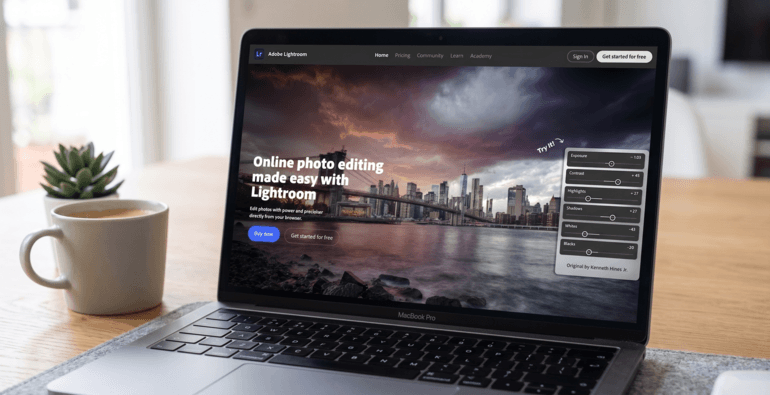
Lightroom isn’t a dedicated AI editing tool, but its built-in AI capabilities have matured significantly. The Select Subject, Select Sky, and Select Background masking tools create accurate local adjustment masks in seconds — work that previously took 10+ minutes to do by hand.
What it handles well:
- AI Denoise for high-ISO interiors — competitive noise reduction without standalone software
- Intelligent sky selection for targeted exposure adjustment or replacement
- Interior-to-exterior balance via subject and background masking
- Batch preset application synced across an entire shoot
- Lens correction, chromatic aberration removal, and perspective auto-correction
The limitation is that Lightroom automates tasks, not entire workflows. It doesn’t learn your photographer’s style the way Imagen does, and HDR-heavy shoots still require manual bracket merging before the AI layer applies.
Pricing: Included in the Adobe Photography Plan at $9.99/month (Lightroom + Photoshop).2
Best for: Photographers who want to extend an existing Lightroom workflow with AI-assisted masking and correction tools, without replacing it.
5. Luminar Neo

Luminar Neo by Skylum is a standalone editor built around real estate-relevant AI tools — particularly sky replacement, room relighting, and structural detail enhancement. It’s a go-to for photographers who want AI-powered exterior and interior editing on a one-time license rather than a subscription.
What it handles well:
- Sky Replacement AI — swaps overcast or blown-out skies in a single click
- Relight AI — adjusts room lighting dynamically for dim or uneven interiors
- Structure AI — sharpens architectural detail: windows, trim, and wall texture
- Clutter Removal — removes minor distractions, power lines, and small objects
- Batch processing across a full shoot
The 2026 pricing model is a one-time perpetual license: $99 for desktop, $139 for desktop + mobile, $159 for the full Max bundle.3 That’s a strong value position against subscription tools for photographers who want a fixed annual cost.
Where it needs support: Luminar Neo is strongest on hero shots and exterior edits. For consistent batch corrections across a full shoot, its AI results can vary more than a managed platform with human review — particularly on mixed-light or multi-room interiors.
Best for: Photographers who want best-in-class sky replacement and architectural AI tools as part of a standalone, no-subscription editing package.
6. Autoenhance.ai

Autoenhance.ai is a real estate photo enhancement platform that uses AI to automatically improve listing photos. It focuses on technical corrections such as perspective adjustments, sky replacements, and image optimization, helping photographers speed up their editing process.
What it handles well:
- Automatic perspective correction
- Sky replacement and image enhancement
- Brightness and color adjustments
- Privacy blurring for license plates and faces
- Batch processing for multiple images
Turnaround is nearly instant, making it useful for photographers who need quick edits before delivering images.
Where it needs support: Autoenhance.ai automates common corrections but lacks the detailed human touch needed for complex retouching, object removal, and premium real estate image editing.
Best for: Real estate photographers looking to automate repetitive editing tasks and reduce post-production time.
7. Topaz Photo AI

Topaz Photo AI is a desktop application focused specifically on noise reduction, upscaling, and sharpening. For agents receiving photos from challenging low-light shoots — dim interiors, twilight exteriors, or high-ISO backup exposures — it’s one of the most capable tools for improving image quality before the final deliverable.
What it handles well:
- AI Denoise — industry-leading noise reduction that preserves fine detail
- AI Upscale — doubles or quadruples resolution while maintaining sharpness
- AI Sharpen — motion blur and focus correction for slightly soft shots
- Batch processing as a standalone app or Lightroom/Photoshop plugin
Pricing: One-time purchase of approximately $199, which includes 12 months of updates. The software continues to work after that; new features require an upgrade.
Where it needs support: Topaz Photo AI is a specialized enhancement layer — it doesn’t do color correction, virtual staging, HDR blending, or sky replacement. It adds the most value inside a broader editing workflow, not as a standalone solution.
Best for: Photographers who regularly shoot in challenging lighting conditions and want best-in-class noise reduction as part of their post-production stack.
8. ON1 Photo RAW

ON1 Photo RAW is a full desktop editing application that covers culling, editing, and export in one environment — without a subscription. For agents who occasionally handle their own photography or want a capable desktop editor without committing to Adobe’s monthly plan, it’s one of the more complete standalone options.
What it handles well:
- AI Sky Replacement and sky enhancement for exterior shots
- AI Masking with subject, sky, and background selection
- AI Portrait tools for agent headshots
- Batch processing and preset-based workflow
- HDR merge and panorama stitching
- Built-in asset management — no separate tool required
Where it needs support: ON1 doesn’t learn your editing style the way Imagen does, and it doesn’t include managed editing, virtual staging, or human review. For agents working with a professional photographer, it fills a different role than a full-service platform.
Pricing: ON1 Photo RAW 2026 is available as a one-time purchase (approximately $99–$129) or via subscription.
Best for: Agents who occasionally edit their own photos and want a capable, Adobe-alternative desktop tool with solid AI features and no ongoing subscription cost.
How to Match the Right Tool to Your Situation
Choosing the right real estate photo editing software as an agent comes down to one question: how involved do you want to be in the editing process?

If you want listing-ready photos, virtual staging, and a property website handled through one platform — with professional quality and fast turnaround — AgentUp covers the full workflow. AI handles the throughput; human editors handle the judgment calls. You get consistent output without managing a separate post-production pipeline.
If you work with a photographer who already has an editing workflow, the question becomes whether their current process is fast enough and consistent enough for your listing timeline. If not, recommending a service like PhotoUp — which is built for photographer workflows — can tighten that handoff considerably.
For virtual staging specifically, AgentUp’s $5/image rate with professional output is hard to beat at volume. Styldod is worth evaluating if 360° Matterport staging is a regular part of your listing package.
Luminar Neo and ON1 Photo RAW are solid choices for agents who occasionally shoot and edit their own photos and want desktop tools with perpetual licensing — knowing that for demanding clients, a managed service with human review will deliver more consistent results.
Built for Agents
Get Everything You Need in One Platform
Edit, stage, and market listings faster with AI-powered tools.
Get Listing-Ready Photos Faster With AgentUp
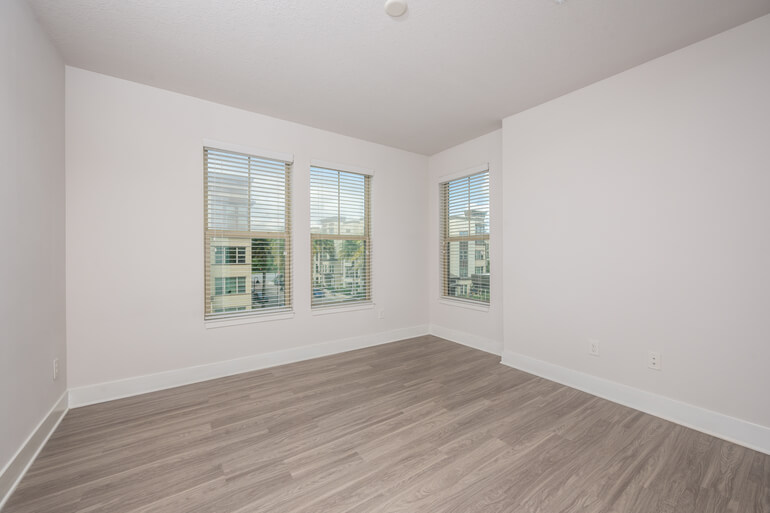
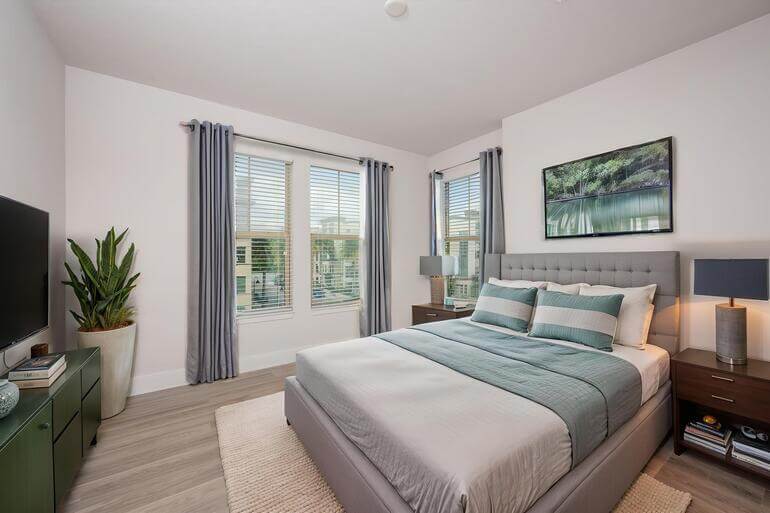
When your listing photos, virtual staging, and property website are handled in one place, the marketing workflow gets a lot simpler.
Here’s what AgentUp includes:
- AI-powered real estate photo editing — single exposure, HDR, and manual blend, starting at $1.50/image
- AI virtual staging — photorealistic furnished rooms from $5/image
- Day-to-dusk conversions, sky replacement, and window masking
- Single property websites with agent branding and lead capture
- 360° virtual tours and floor plan add-ons
Why agents choose AgentUp:
- 12–24 hour turnaround on standard photo editing orders
- Human editors review AI-processed images before delivery
- Consistent output — no surprises between listings
- No monthly minimums to start — credit-based, scales with your volume
Create a free AgentUp account and try your first listing →
References: