


A buyer who slows down in front of your listing sign is already interested. The question is what the sign gives them to do next. If the answer is a phone number and your headshot, that interest usually ends at the curb.
QR codes on real estate signs give buyers an immediate next step. One quick scan opens the door to more property details.
This guide covers how QR codes work, what to link them to, and best practices for setting them up on your signs.
Why Yard Signs Still Pull Buyers (and Where They Fall Short)
Yard signs still earn their place in the marketing budget. According to NAR’s 2025 Profile of Home Buyers and Sellers, 32% of buyers used yard signs as an information source during their home search, a figure that has held steady for three years running.1 People notice signs. They stop, take a photo, and text the address to a spouse.
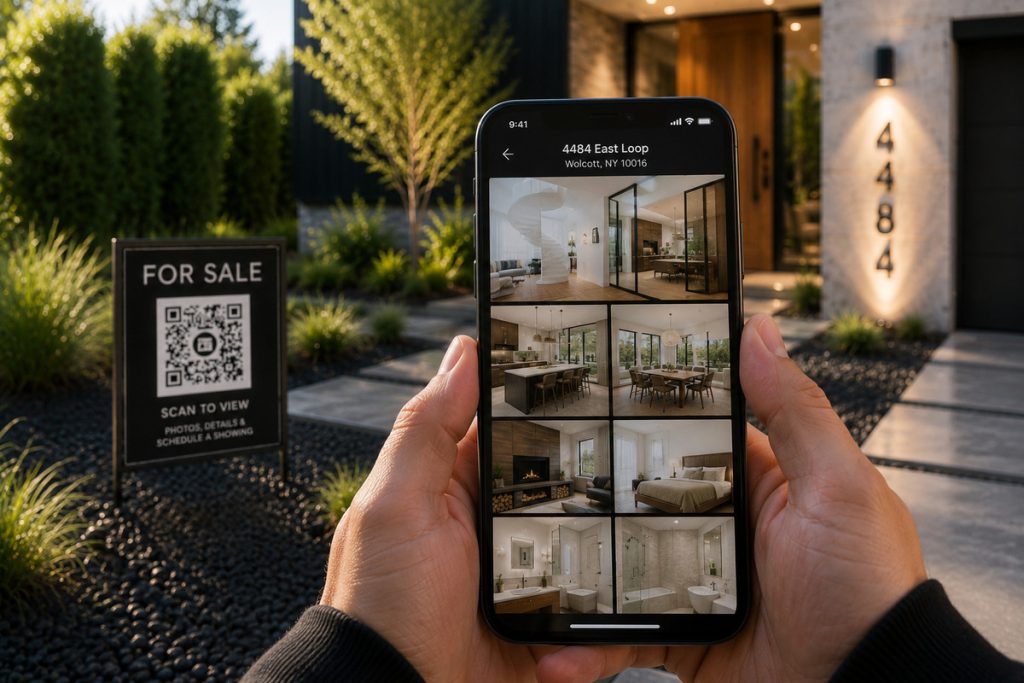
The same report shows where the sign alone falls short: 70% of buyers used a mobile or tablet device to search for homes. A buyer standing at the curb wants to see the kitchen, the price, and the square footage on their phone, right then. Very few will call the number on a sign to get it.
That mismatch is the problem. A traditional sign creates interest, then asks the buyer to do the work of acting on it. Some do. Many drive off and never look up the listing.
How Do QR Codes on Real Estate Signs Work?
A QR code on a real estate sign is a scannable square, usually printed on a sign rider, that opens a specific web page on the buyer’s phone: a virtual tour, a single property website, or a listing page. The buyer points their camera at the code, taps the link, and lands on the property in a second or two.

Two things determine how well this works.
First, the type of code. Static QR codes are fixed; once printed, the destination can’t change. Dynamic QR codes route through a short redirect link, so you can update the destination anytime and see scan data along the way. For signs, dynamic codes are the practical choice. Reprint nothing, track everything.
Second, the destination. The code is only a doorway. Where it leads decides whether the buyer stays.
Capture More Buyer Leads
QR Codes Built Into Every Listing
Connect buyers to listings, tours, and property websites with a simple scan.

What Should the Sign’s QR Code Link To?
Link the code to a page built around that one property. A virtual tour or a single property website works best because the buyer gets photos, details, and a direct way to contact you without competing distractions.
Avoid linking to your homepage, your full listings search, or a portal page. A buyer who scans a sign wants that house, not a menu.
Virtual tours make especially strong sign destinations. Listings with virtual tours get 87% more views than listings without them, according to ReSimpli’s real estate marketing research.2
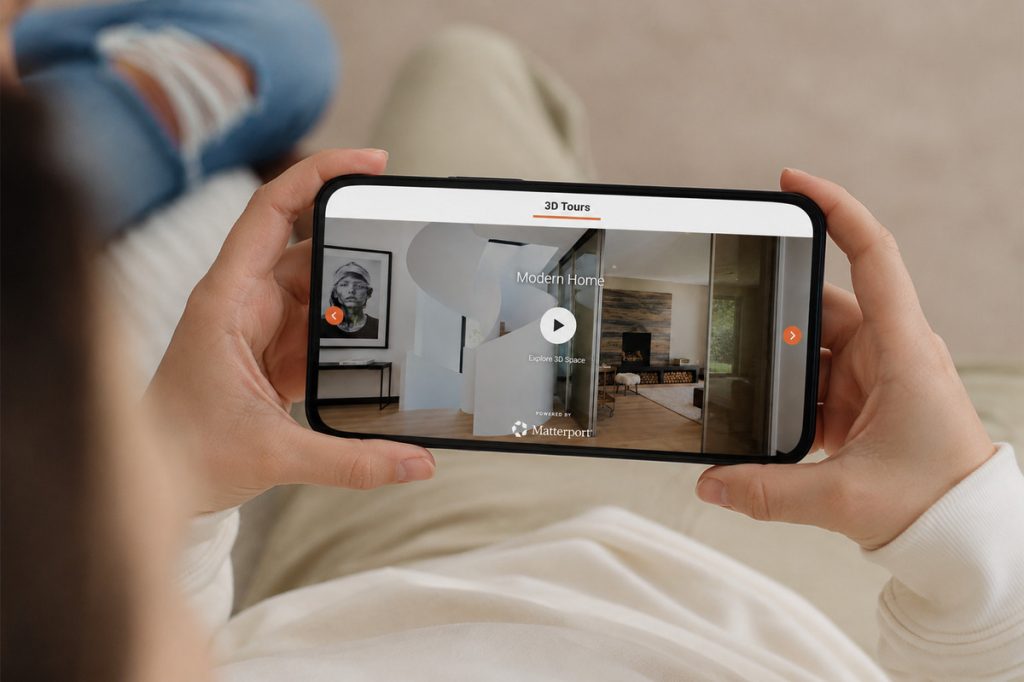
Younger buyers respond even more sharply: buyers aged 18 to 34 are 130% more likely to book a showing when a listing includes a virtual tour, per NextHome.3 A buyer who just walked the outside of the house can scan the sign, tour the inside from the sidewalk, and decide on the spot whether to request a showing.
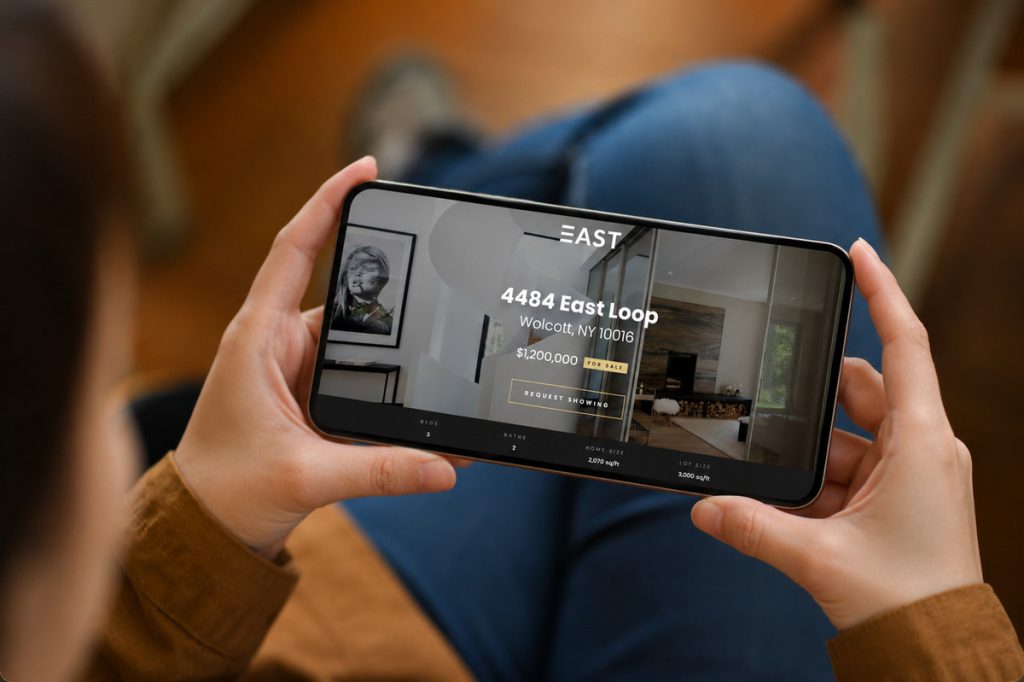
If you want everything in one destination, a single property website can hold the tour, the photo gallery, the listing details, and a lead capture form together. For more on choosing destinations, see our guide to using QR codes in real estate listings.
What Agents Gain From Sign QR Codes
The clearest gain is response rate. QR codes average a 37% click-through rate, compared to 2 to 5% for typical display advertising, according to Bitly’s QR code research.4 A sign reaches buyers at the moment they’re standing in front of the property. Giving them a one-tap path forward converts far more of that attention than any ad you could buy.
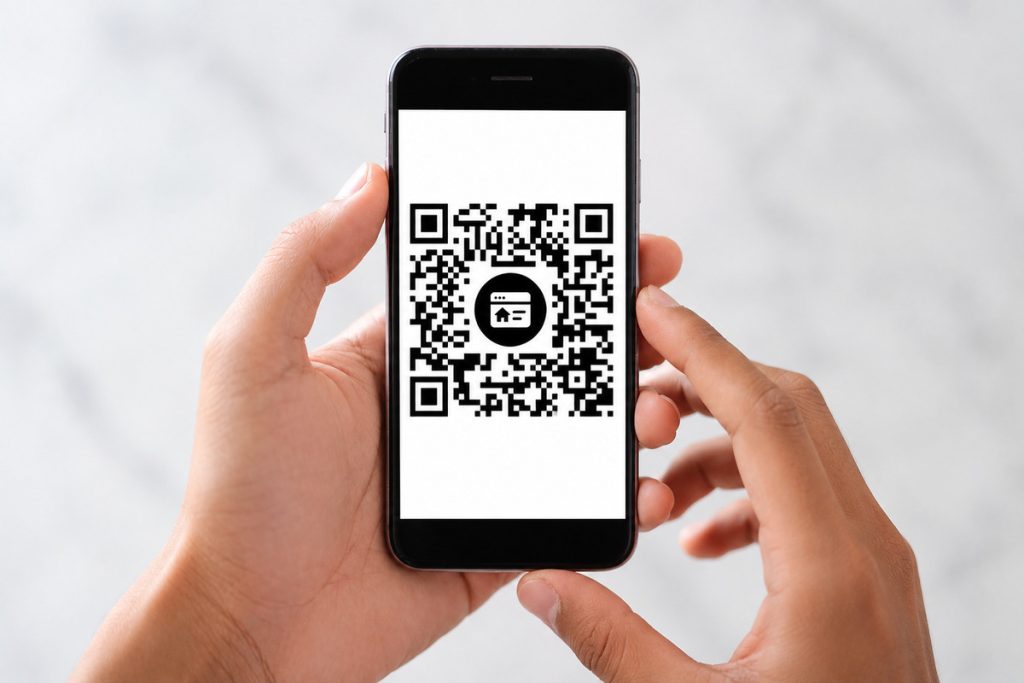
Buyers also like scanning. QR Tiger reports that 73% of buyers found QR codes on property signage helpful in their home search.5 For buyers under 45, instant mobile access to listing details is closer to an expectation than a bonus.
With QR codes on real estate signs, you gain valuable data alongside buyer engagement. Dynamic codes show you when scans happen and how many turn into leads, helping you identify which listings attract the most curbside attention. Heavy weekend scan activity might justify adding an open house, while high scans with few inquiries often point to a weak destination page rather than a lack of interest.
The same codes work across your flyers, postcards, and open house materials, and the tracking carries over there too.
How to Set Up a Sign QR Code That Gets Scanned
Adding a QR code to your signage takes one afternoon. Here’s the order that works:
- Build the destination first. Create the virtual tour or property website before generating the code, so the link goes somewhere finished.
- Generate a dynamic code. You keep the option to change the destination later, and you get scan tracking from day one.
- Size it for the street. A code on a sign rider should scan comfortably from six to eight feet away. Go bigger than you think you need, with a dark code on a light background.
- Test before printing. Scan it with an iPhone and an Android, at a realistic distance, in bright daylight.
- Watch the data. Compare scan counts across listings and check how many scans become leads.
Three mistakes undo all of this: linking to a generic page, printing a static code you can’t correct, and sending buyers to a page that isn’t built for mobile. A buyer who scans and lands on a slow, pinch-to-zoom page is gone within seconds.
Capture More Buyer Leads
QR Codes Built Into Every Listing
Connect buyers to listings, tours, and property websites with a simple scan.
One Scan From Sign to Showing
QR codes on real estate signs turn a drive-by into something you can measure and follow up on. Buyers get the tour they want without waiting, while you gain a measurable interaction instead of a missed opportunity.
You don’t need a separate tool to manage any of this. AgentUp generates a QR code automatically with every single property website and virtual tour, linked to that listing’s page and ready to print on sign riders and flyers.
Create your first property site and get your QR code today.
References: